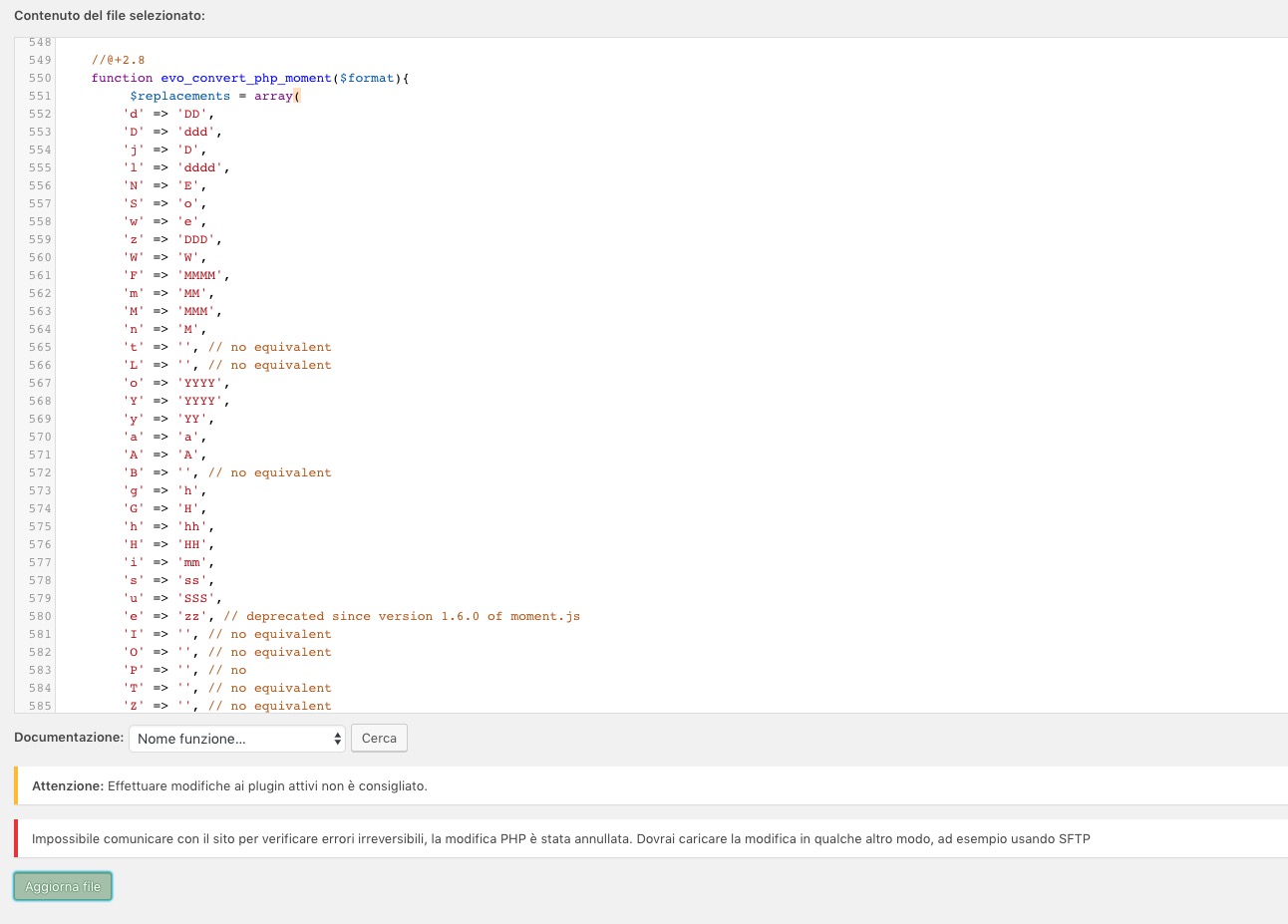
Hello,
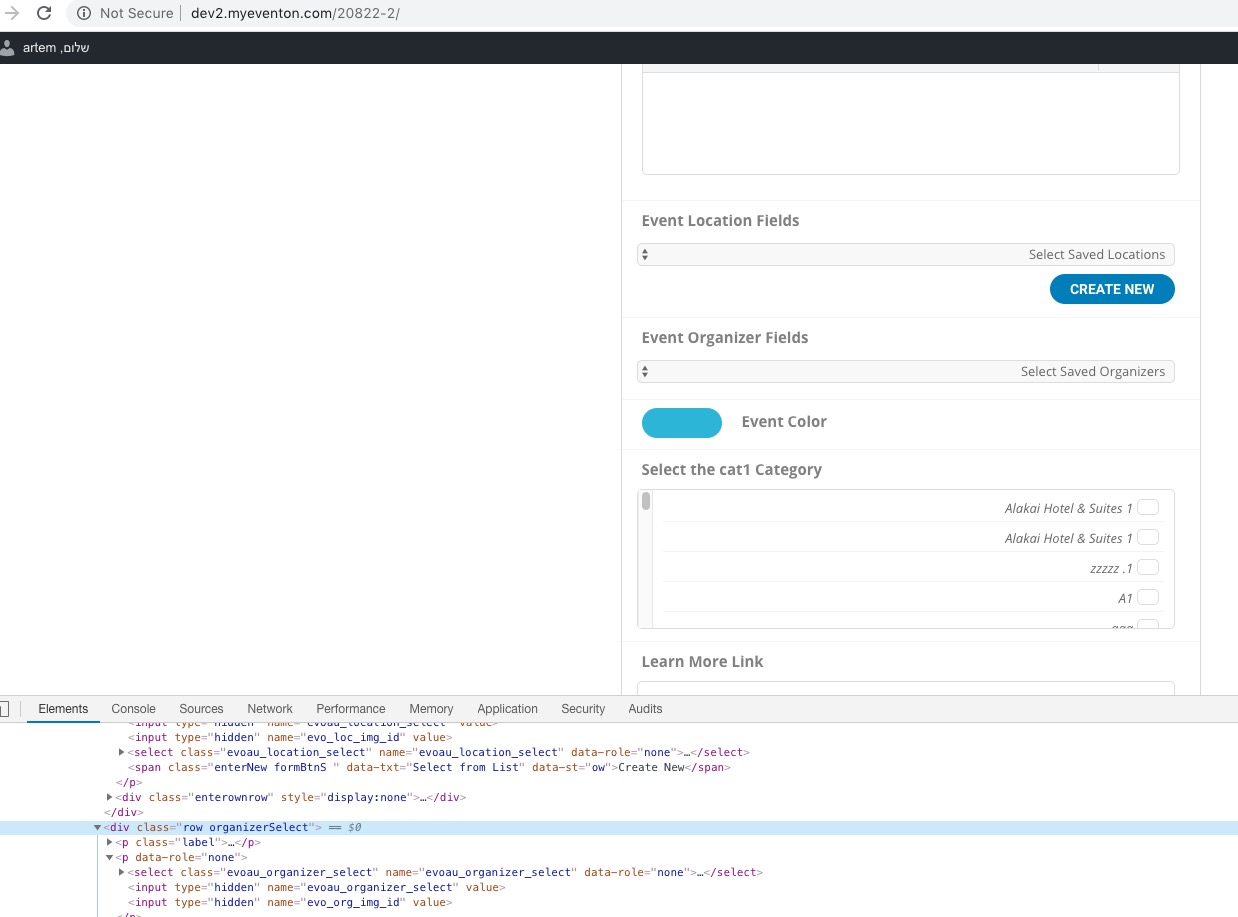
Please go to https://forceimi.com/wp-admin/admin.php?page=eventon#evcal_001a > check Event Location.
You can find our products on this page: https://www.myeventon.com/addons/. As you can see EventON Search Events is not among them. Please contact the plugin developer about this issue.
Hello,
Could you try adding this to shortcodes:
cal_init_nonajax=”yes”
This loads Initial Calendar without AJAX.
You can also downgrade EventON to 2.7.3: https://www.dropbox.com/s/4kr060y45fa9cmm/eventON_2.7.3.zip?dl=0
Could you please also try the instructions mentioned in this documentation to make sure your issue is indeed coming from eventon.
In this case your license will be activated locally. This should work anyway.
Now, for some reason, I cannot change the code from Plugin > Editor anymore:
Could you send us FTP?
Hello,
Thank you for your messages, I am going to assign this ticket to Ashan and he will be able to take it from here and find you a solution. Please allow some time for him to get back to you, we greatly appreciate your patience and thank you for being a eventon customer!
You are referring to this part, correct?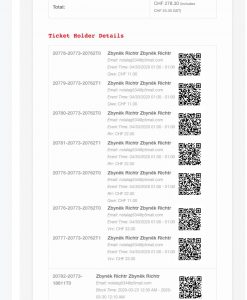
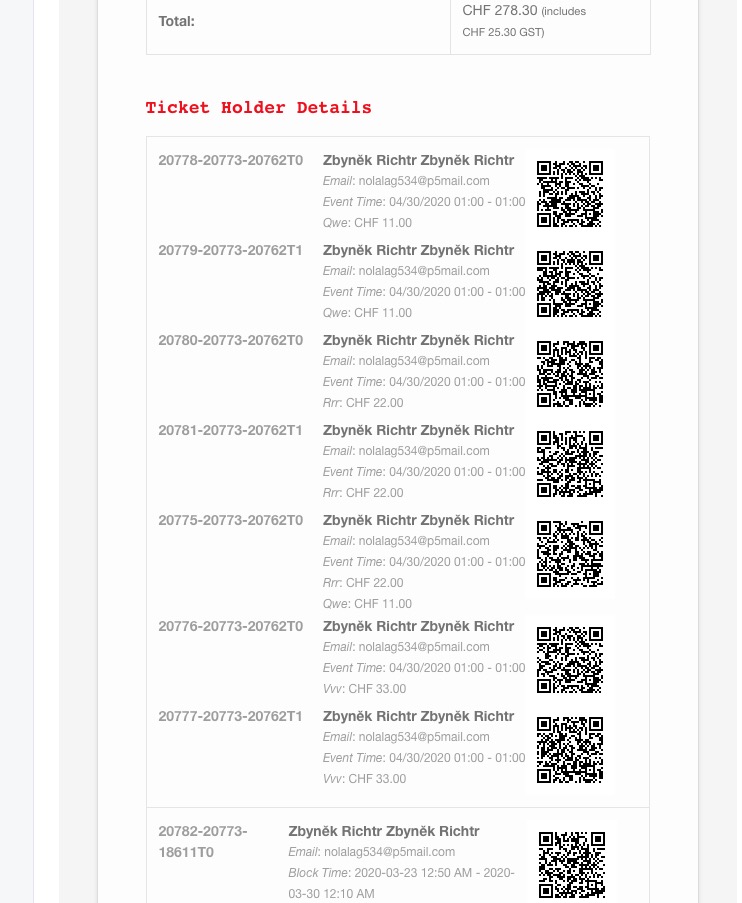
If a customer completes its order, he should receive an email confirmation.
What options are you referring to?
Ashan,
It seems there is an issue with Event Lists shortcode:
http://dev2.myeventon.com/20825-2/
I put number_of_months=”48″ but it only shows March.
Yes, it seems there is an issue with Event Lists shortcode. Thank you for your messages, I am going to assign this ticket to Ashan and he will be able to take it from here and find you a solution. Please allow some time for him to get back to you, we greatly appreciate your patience and thank you for being a eventon customer! Also please disable any IP blocking on your site if there are any.
Why don’t you use Event Lists: Ext: https://easydita.staging.wpengine.com/23730-2/ instead?
On our test server it looks different: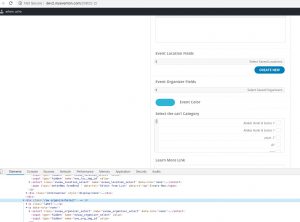
Could you please try the instructions mentioned in this documentation to make sure your issue is indeed coming from eventon.
4.
If we are using the RSVP add on, can we assign 2 different times and slots as I had mentioned previously?
Unfortunately, no. In this case you can go to Edit Event > Tickets > Booking Block Manager > put 0.00 to Block Price.
4. Please check this https://docs.myeventon.com/documentations/customize-ticket-email-template/. This way you can add a t-shirt size to emails.
You can send us a customization job request by creating a new ticket in here and selecting Customization Request as the category.