To change Event Over please go to EventON > Language > ADDON: RSVP EVENTS > Event Over. This way it doesn’t remove your customizations after the add-on update. Please check and let me know.
Archives: Replies
Replies for tickets on suppota
Reply to: tickets(163928)
Follow the css customization guide to further edit style changes.
Reply to: tickets(163928)
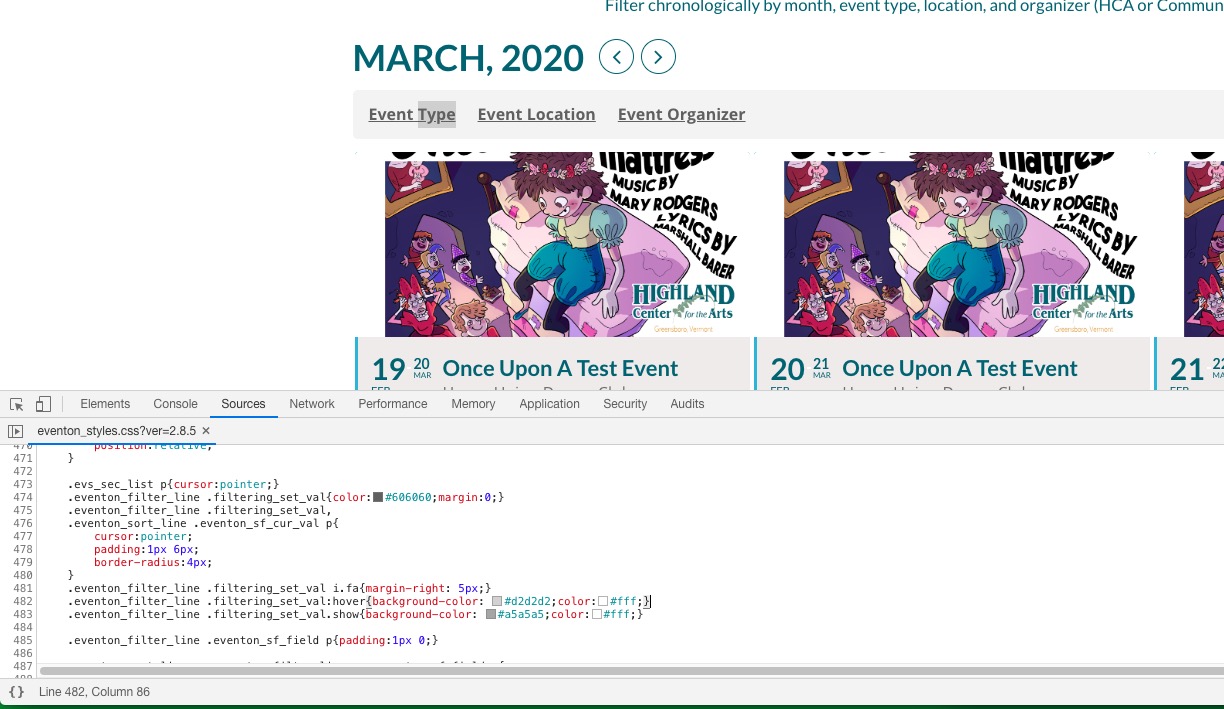
Please go to /plugins/eventON/assets/css/eventon_styles.css, line 482-483:
Reply to: tickets(164248)
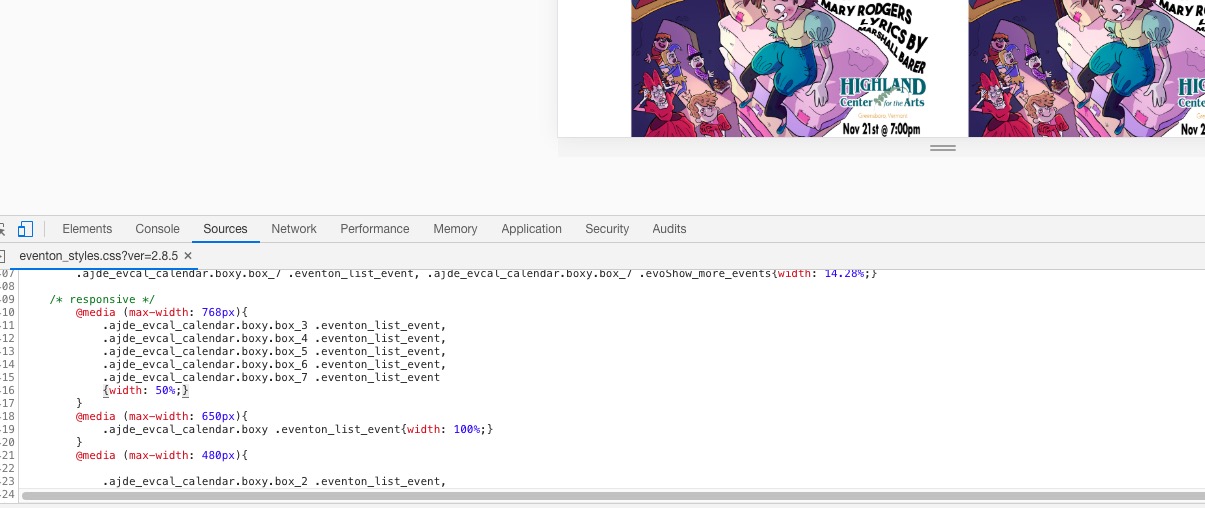
Please go to /plugins/eventON/assets/css/eventon_styles.css, line 2416:
Reply to: tickets(166096)
Hello,
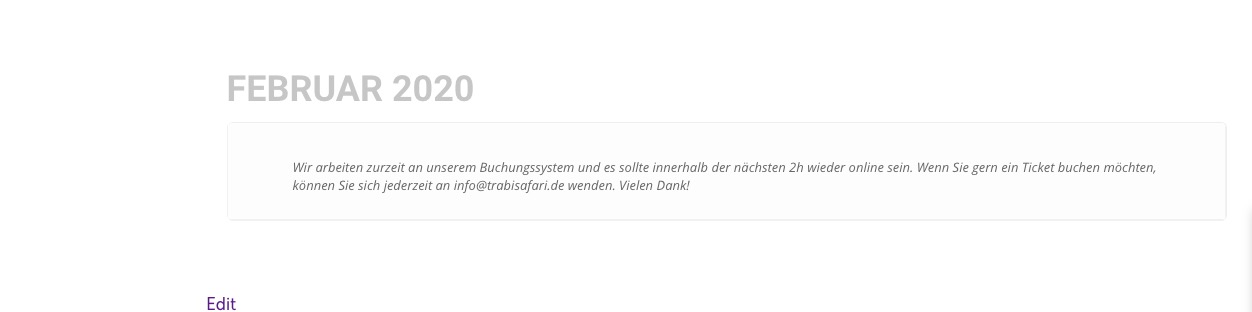
Please remove any numbers from Edit Event > Tickets > Stop selling tickets X minutes before event start.
Also I am not sure how to disable this for a test (if my suggestion doesn’t help):
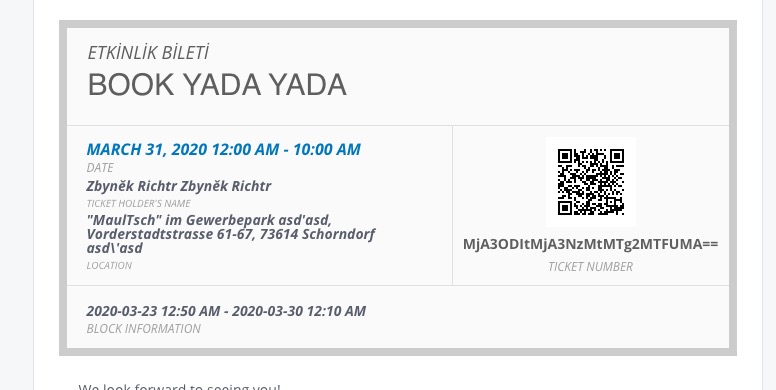
also, how can I rename Block time and change the Block time date format on the ticket?
Are you referring to Block Information:
Reply to: tickets(160888)
Hi Robyn,
Yes I am done and uploading the changes. Sorry for the delay.
Reply to: tickets(166079)
Hello,
Please update Tickets add-on to 1.7.11, if needed. After go to Loco Translate (or similar plugin) > EventON – Event Tickets and search for:
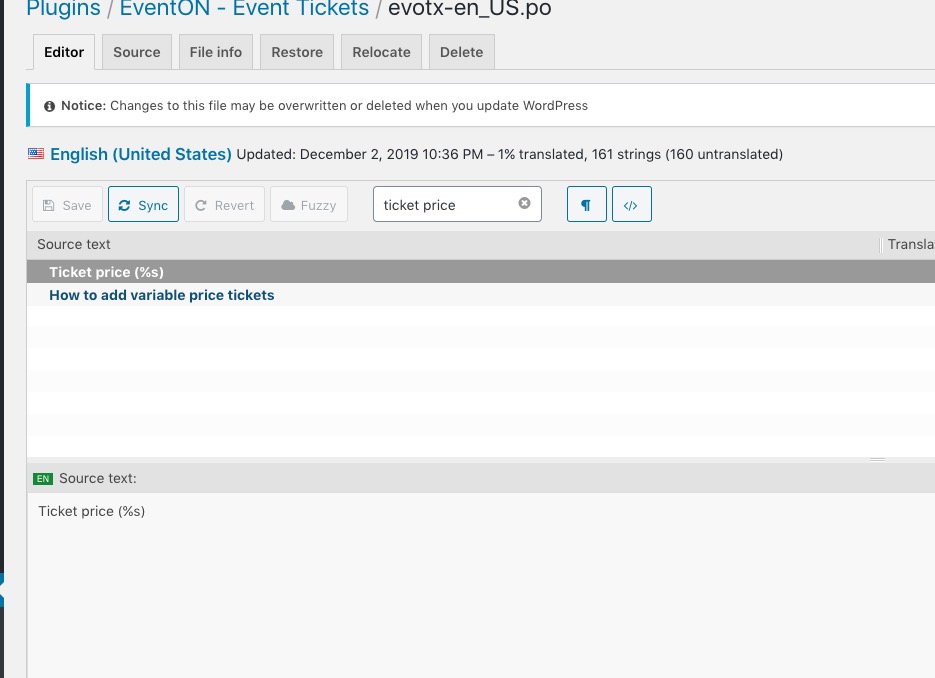
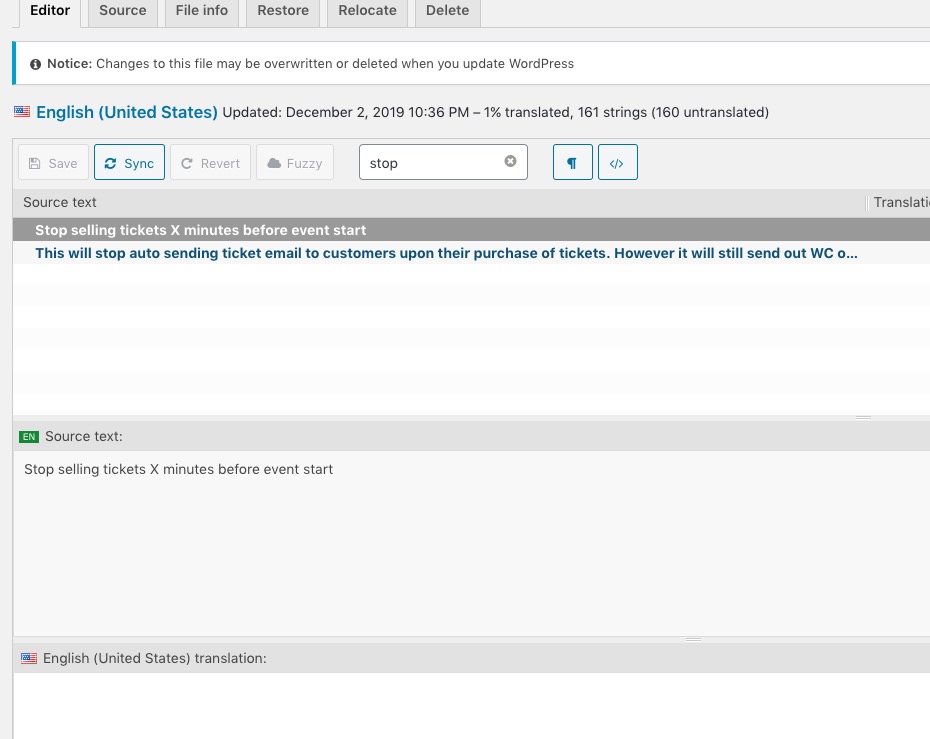
More info https://docs.myeventon.com/documentations/translating-eventon-backend/
If you cannot find this please send us a login info.
Reply to: tickets(165622)
This design https://helpdesk.ashanjay.com/wp-content/uploads/2020/02/Capture-d%E2%80%99%C3%A9cran-le-2020-02-29-%C3%A0-21.09.55.png is for events only. If you want to show the events list in the same design in [add_eventon_li] then please use this shortcode:
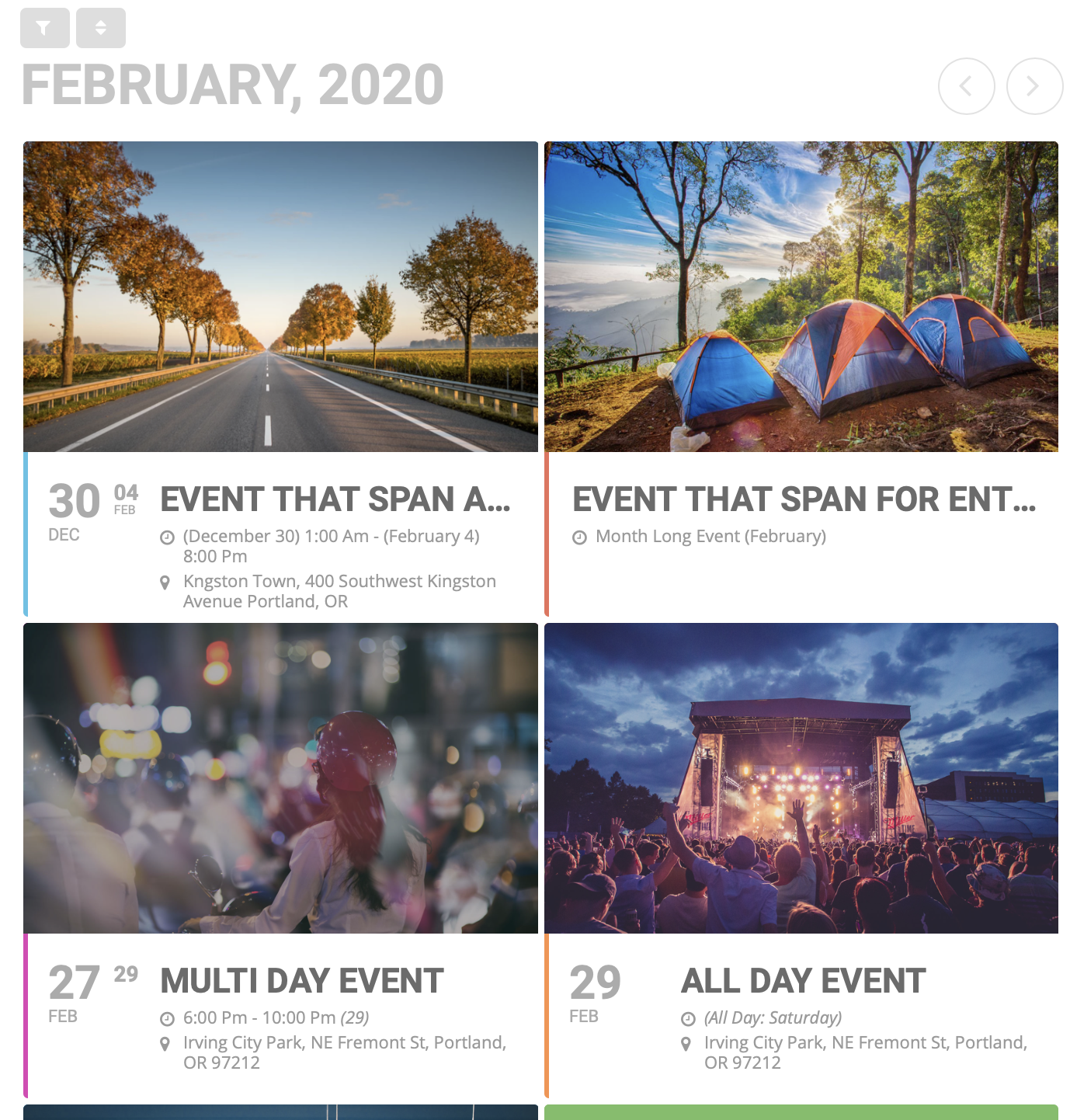
[add_eventon_li tiles=”yes” tile_bg=”1″ tile_style=”1″]
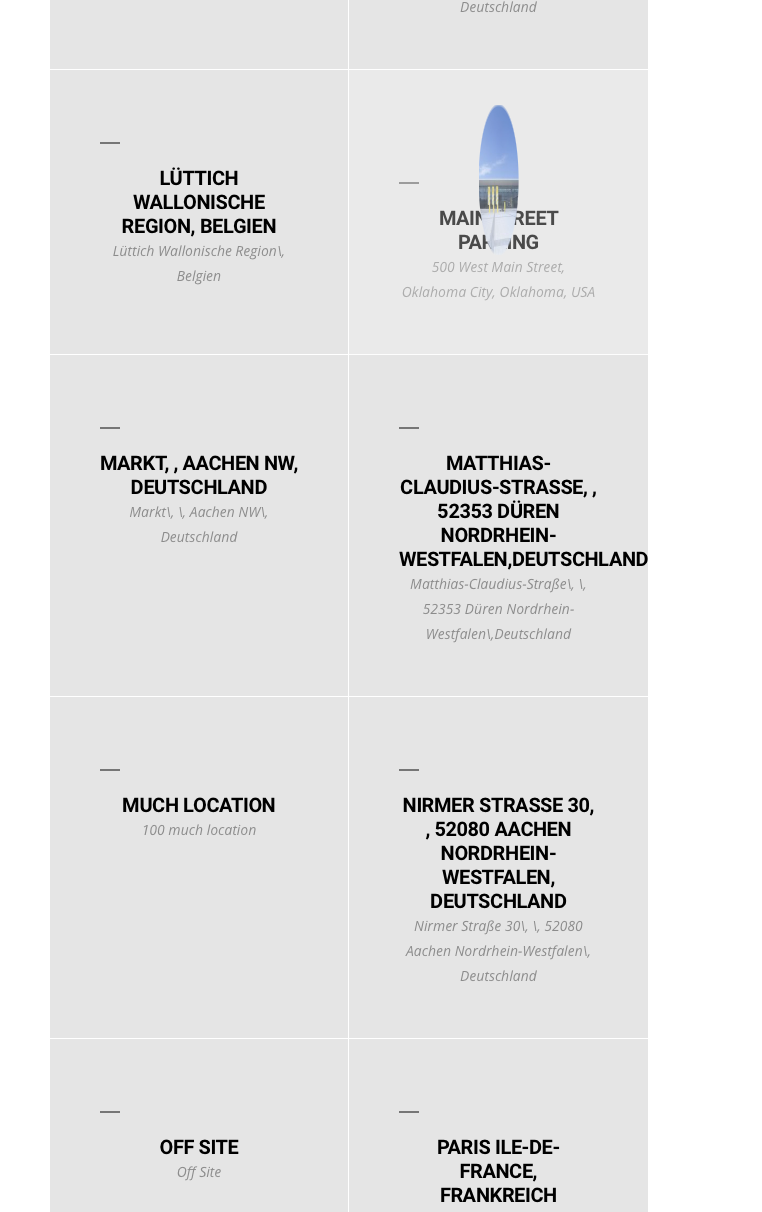
This design https://helpdesk.ashanjay.com/wp-content/uploads/2020/02/Capture-d%E2%80%99%C3%A9cran-le-2020-02-29-%C3%A0-21.15.15.png is for Event Lists & Items’ categories list only. Unfortunately, you the only design you can have is this deign https://helpdesk.ashanjay.com/wp-content/uploads/2020/02/Capture-d%E2%80%99%C3%A9cran-le-2020-02-29-%C3%A0-21.09.55.png
Reply to: tickets(165896)
You can also add the code to Appearance > Customize > Additional CSS.
Reply to: tickets(165896)
Please use this code if you want to change the font style to normal in every Event Card section:
.evcal_evdata_row .evcal_evdata_cell p { font-style:normal !important }
Or this if only for Custom Meta Data:
.evcal_evdata_row .evcal_evdata_cell .evo_custom_content p { font-style:normal !important }
Please add this CSS code to EventON > Styles (If you can’t see any change, EventON > turn off Write styles to header > save settings > turn on Write styles to header).