I have updated the plugin, I have given you the admin credentials, can you please check at your end what is the issue?
Archives: Replies
Replies for tickets on suppota
Reply to: tickets(409487)
I just put the shortcode on a regular page without WPBakery elements.
In the meantime,…
Please try EventON > Scripts & Styling > turn off Write dynamic styles to header > save settings > turn on Write dynamic styles to header.
Reply to: tickets(410404)
Did you verify them first by going to and clicking ”Verify Codecanyon Purchase”:
https://www.myeventon.com/full/
Reply to: tickets(410488)
Ashan,
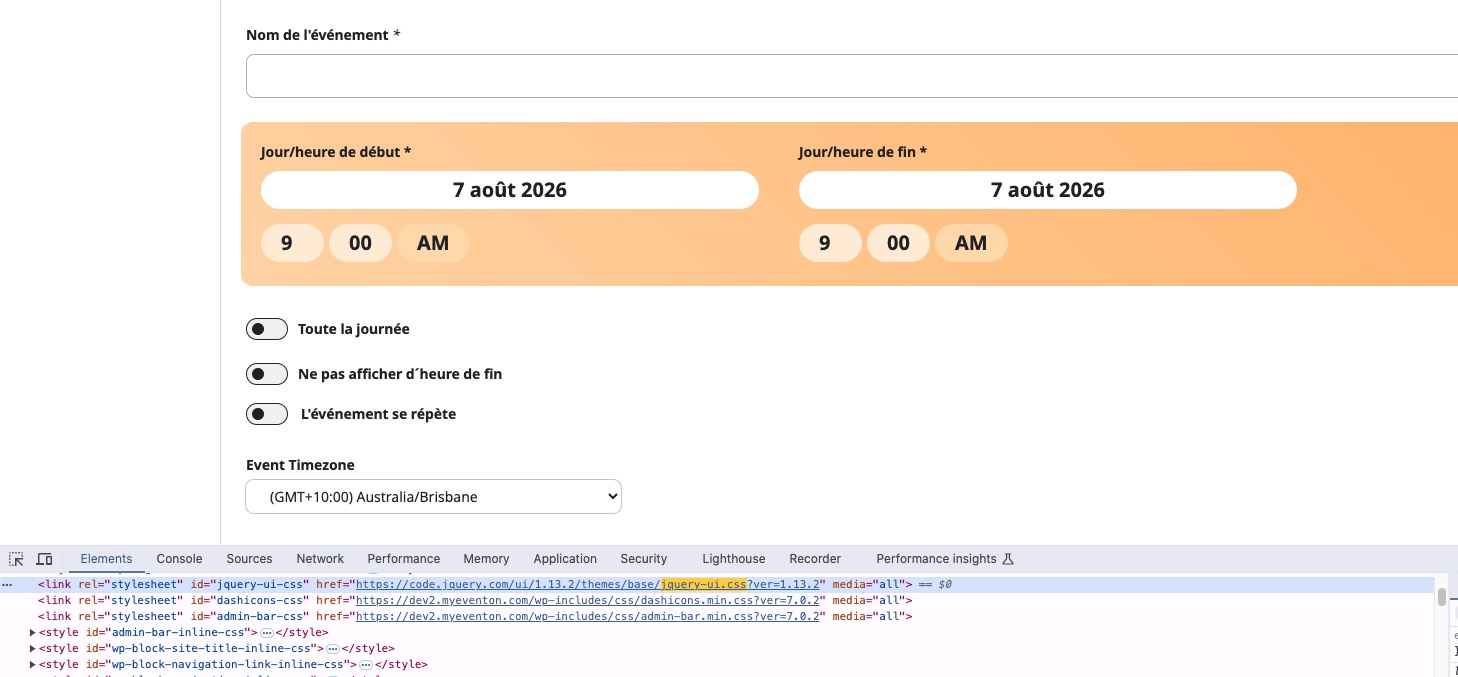
On dev2:
https://dev2.myeventon.com/test-273/
Reply to: tickets(410488)
Hello,
Thank you for your messages!
I am going to escalate this ticket to development to help in here. Please allow us some time to address this, and we truly appreciate your patience. Thank you for being a valued EventON customer!
Reply to: tickets(410473)
Could you update EventON to 5.0.13 and then go to EventON > Time Settings > make sure that Default Event Timezone is the same as wp-admin > Settings > Timezone?
To update eventon to latest version: (If auto update works, please try that from with your website plugins page)
1. If you purchased eventON from codecanyon > Go to EventON Full page and verify your purchase to get a free copy of eventON latest version and move your purchase over to myeventon.com.
2. If you already purchased eventON from myeventon.com go to My Account > Downloads and get the latest version copy.
Once you have the latest version zip file. Then you can go to your website > make sure ”Delete eventon settings & data when EventON is uninstalled” is De-slected from eventon settings, delete old eventon, install new one and activate. This link will further explain the process it. Follow us on X to get real-time announcements on updates!
Reply to: tickets(410223)
Please unblock USA and Spain.
You can upload your file to https://wetransfer.com/ or similar website and then send us a link.
Reply to: tickets(386288)
Hello,
1. Please update to EventON 5.0.13 that addresses such issues.
To update eventon to latest version: (If auto update works, please try that from with your website plugins page)
1. If you purchased eventON from codecanyon > Go to EventON Full page and verify your purchase to get a free copy of eventON latest version and move your purchase over to myeventon.com.
2. If you already purchased eventON from myeventon.com go to My Account > Downloads and get the latest version copy.
Once you have the latest version zip file. Then you can go to your website > make sure ”Delete eventon settings & data when EventON is uninstalled” is De-slected from eventon settings, delete old eventon, install new one and activate. This link will further explain the process it. Follow us on X to get real-time announcements on updates!
2. Please try updating EventON first and see if it will help.
Reply to: tickets(410479)
Hello,
Not possible to hide it with CSS, I am afraid. Also not possible to not to show the dayname with a setting.
However please create a new ticket and select Feature Request as category so others can vote on your idea and get it moved into development faster.
Reply to: tickets(410471)
I need to have access to EventON Settings, Events and Settings > Permalinks.
Could you check again and let us know?