Please send us wp-admin access to your site as a private message for us to further assist your situation.
Archives: Replies
Replies for tickets on suppota
Reply to: tickets(156796)
Could you tell us what hosting are you using?
Reply to: tickets(165471)
Please add this CSS code to EventON > Styles (If you can’t see any change, EventON > turn off Write styles to header > save settings > turn on Write styles to header):
span.evcal_event_subtitle {
text-transform: none !important;
}
Please go to EventON Settings > Appearance > Calendar Date color:
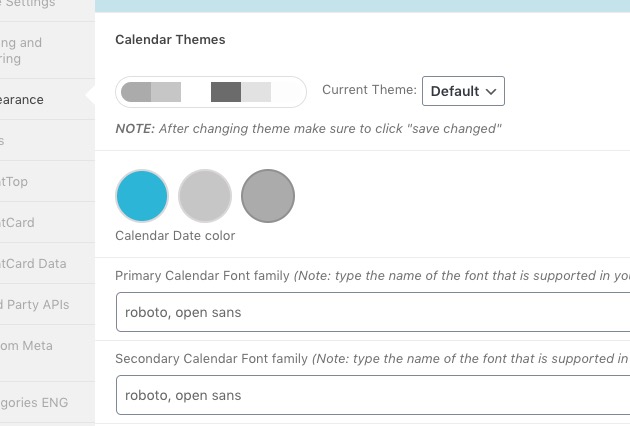
Please go to EventON Settings > Appearance > EventTop Styles > Category title color (eg. Event Type).
If you can’t see any change, EventON > turn off Write styles to header > save settings > turn on Write styles to header.
Reply to: tickets(165371)
Reply to: tickets(164958)
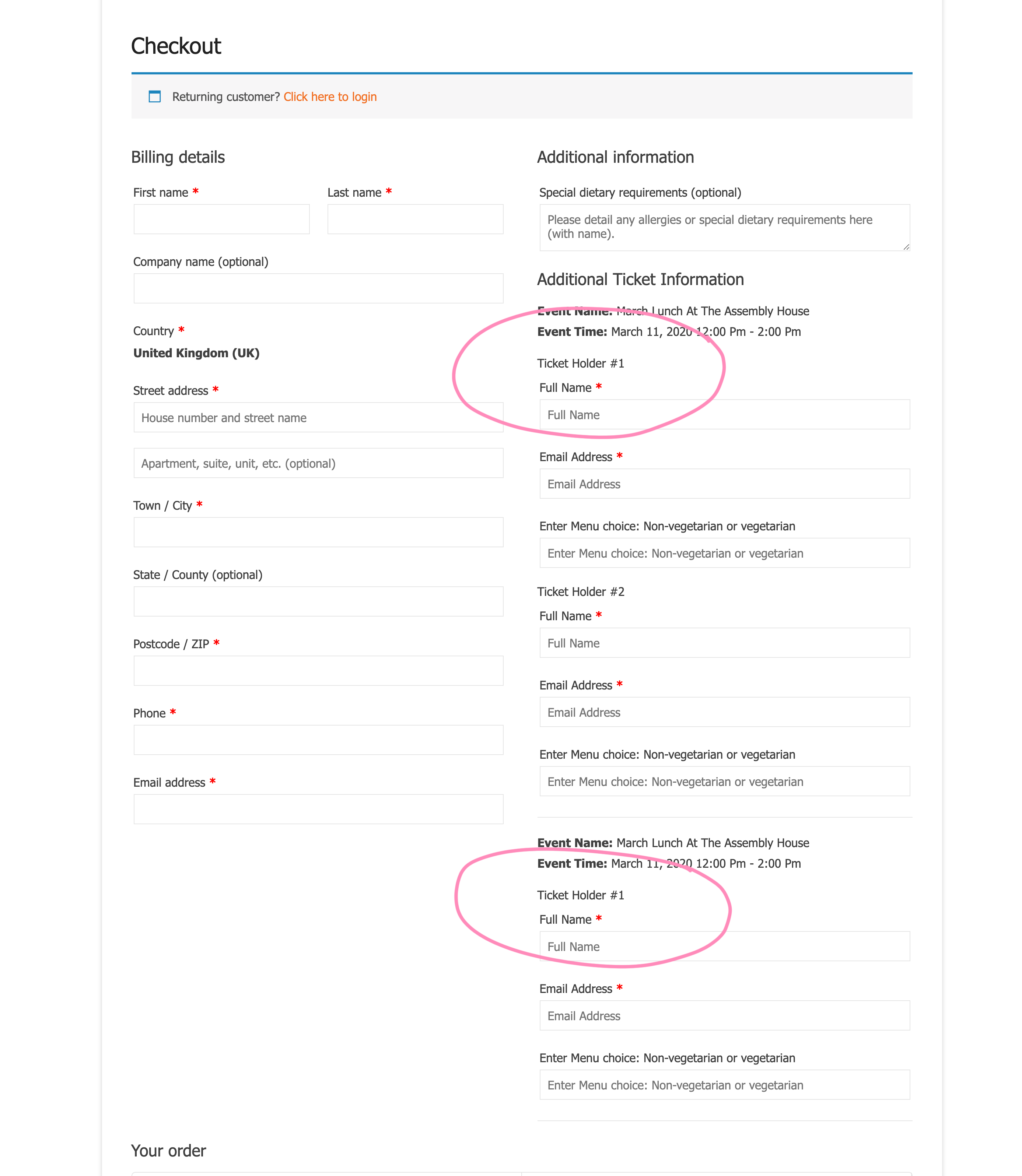
Sure – see screenshot – see both tickets are called Ticket #1, which can be confusing.
Reply to: tickets(165371)
Attached to this comment is the mock-up we would like to achieve
Please note this only a mock-up, we are currently using almost all of your addons – so we expect the same display for all new addon sections such as google maps, speakers, etc etc.
Reply to: tickets(164262)
Hi,
Thank you, can i confirm it is this code with the right apostrophes
ux_val=’4′
I have also just noticed that single events load without the correct page layout, the grey bar with breadcrumbs is not visible
https://www.waterworksmuseum.org.uk/events/hereford-district-preservation-society-in-steam/
Reply to: tickets(165371)
Thank you for the prompt reply and for accepting the job.
Our designer is now preparing a mock-up which should be ready later today but what I can say is that we are looking a redesign in form of an airbnb experience listing.
Reply to: tickets(165114)
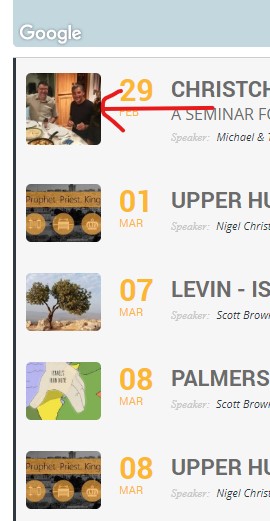
So, I guess you were telling me that I needed to redo my shortcode, which I did. I guess I have limited options when using the map.
A couple of other issues I noticed:
- Why are some thumbnails in the list a different ratio when all of the uploaded images are the same ratio?
- If I click on an event on the map on one of the location markers and then click the “close” button (round “X”), the event list disappears I can click All Map to get the map back, but I have to refresh the page to get the list back.
Reply to: tickets(165500)
Even if it’s outdated there is names on the tickets and i don’t want anyone see that