Please go to eventon->styles and add following code in the panel and save the settings:
.remaining_count em {
color: #000 !important;
}
If you do not see any changes, go to myeventon->settings and turn on “Write dynamic styles to header” button.
If you still do not see any change, turn off “Write dynamic styles to header” button, save the settings, turn it back and save the settings again.
Thank You
Hello,
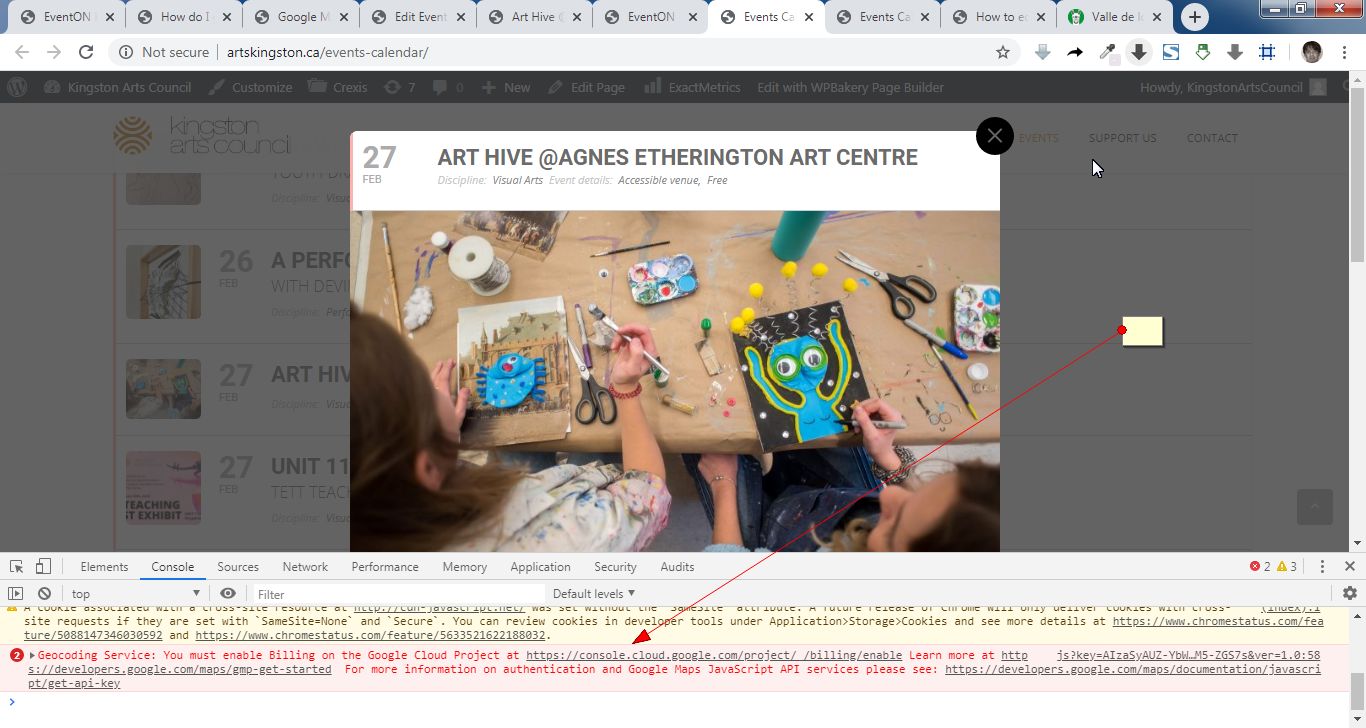
There is an error message saying that billing is not enabled in your google account. Please add it and check once.
Thank you, Artem. IP blocking us disabled. Looking forward to the solution.
Great, please provide a link. Thank you.
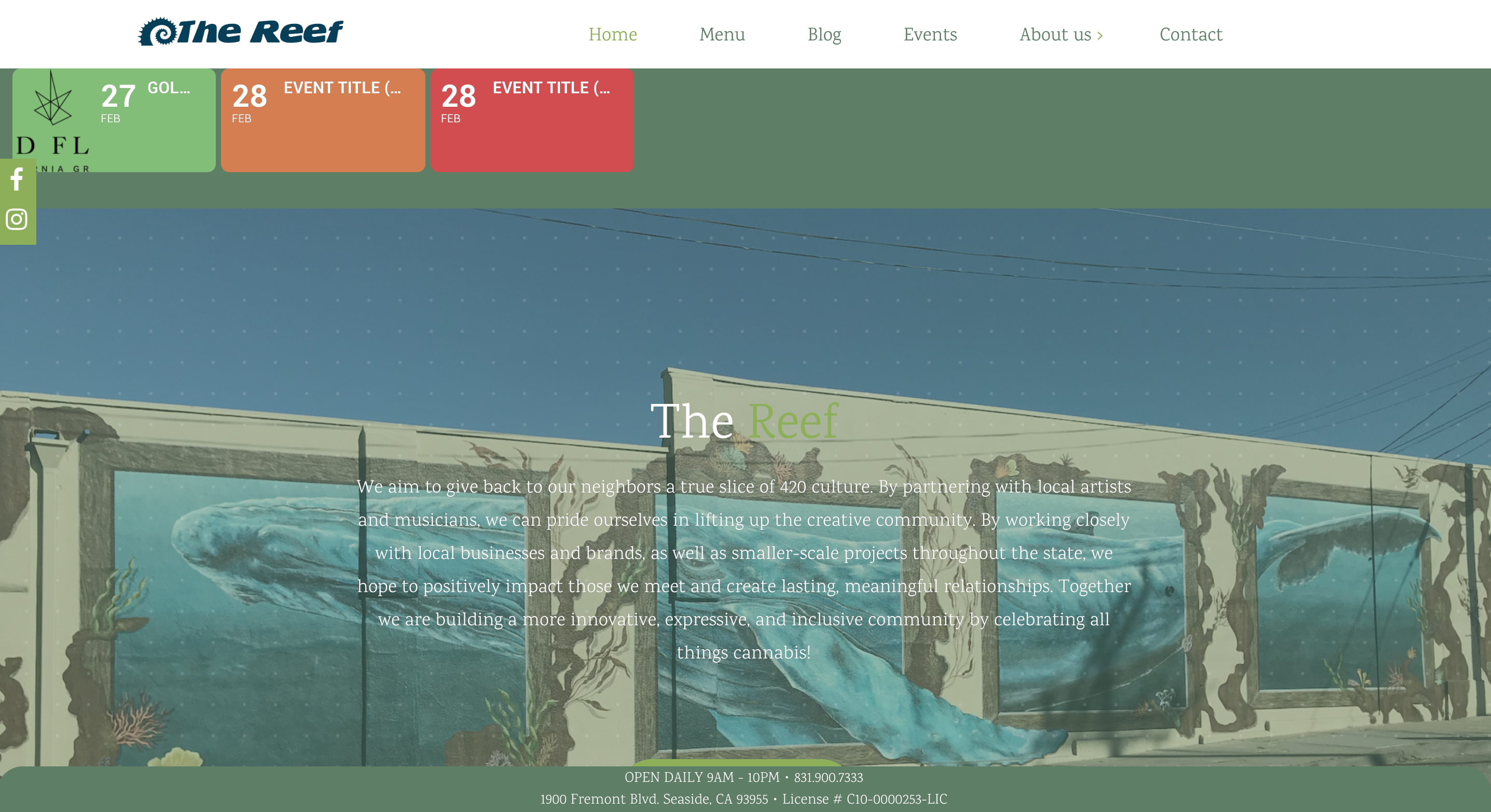
I am currently using this shortcode [add_eventon_slider slider_type=”mini” control_style=”def” slide_auto=”yes” slide_style=”imgleft” slide_hide_control=”yes” number_of_months=”12″ event_count=”3″ ] but it is not centered and does not show the time or location what I do I need to shortcode to make this occur?
The user form will be located in the page where you will add the form shortcode.
You can check it live here: dev.myeventon.com/wp-admin
Hello,
As we are not familiar with the plugin you are using, it will require custom coding to make the two plugins work like you are requesting.
You can send us a customization job request by creating a new ticket in here and selecting Customization Request as the category.
It is doable but you will need to provide a mockup / illustration of how you want the new design to be. This way we can provide you with accurate quote.
Glad to assist in the ongoing development of headaches. ROFL 😉
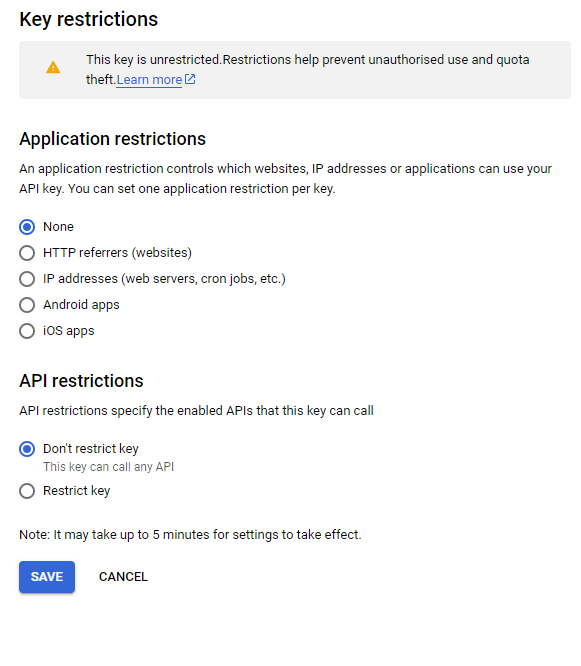
Check that the API key restrictions you may have restricted it and then not listed the site in the restrictions.