Thank you Rod greatly appreciate your understanding 🙂
Good news I got the issue resolved. Just have few things to test out and then will release the new eventON version with the fix. 🙂 Just be sure to keep old version saved when you update so if something breaks you can always revert back to old version.
Hi All,
Thanks for your replies, I understand that these things can take time as there can be so many different variables.
Hoping to hear from you soon.
Thanks
Rod Miller
thank you for reporting this. I will need more time to debug this issue and will release a new version of eventON which will have resolution for this issue.
Access appears to be functioning correctly. I was able to log in with your user and only reach the EventOn component.
- Go to https://oureventstream.wpcomstaging.com/
- Select LoginPopup in the upper right
- Enter the credentials as described above
Please be advised that I am working with the login system at the moment, but I will try to keep this avenue open for you.
Thanks for trying. If necessary, then I will do as described above: I deactivate EventON, I make the changes and then I reactivate your plugin.
Thanks again,
rob
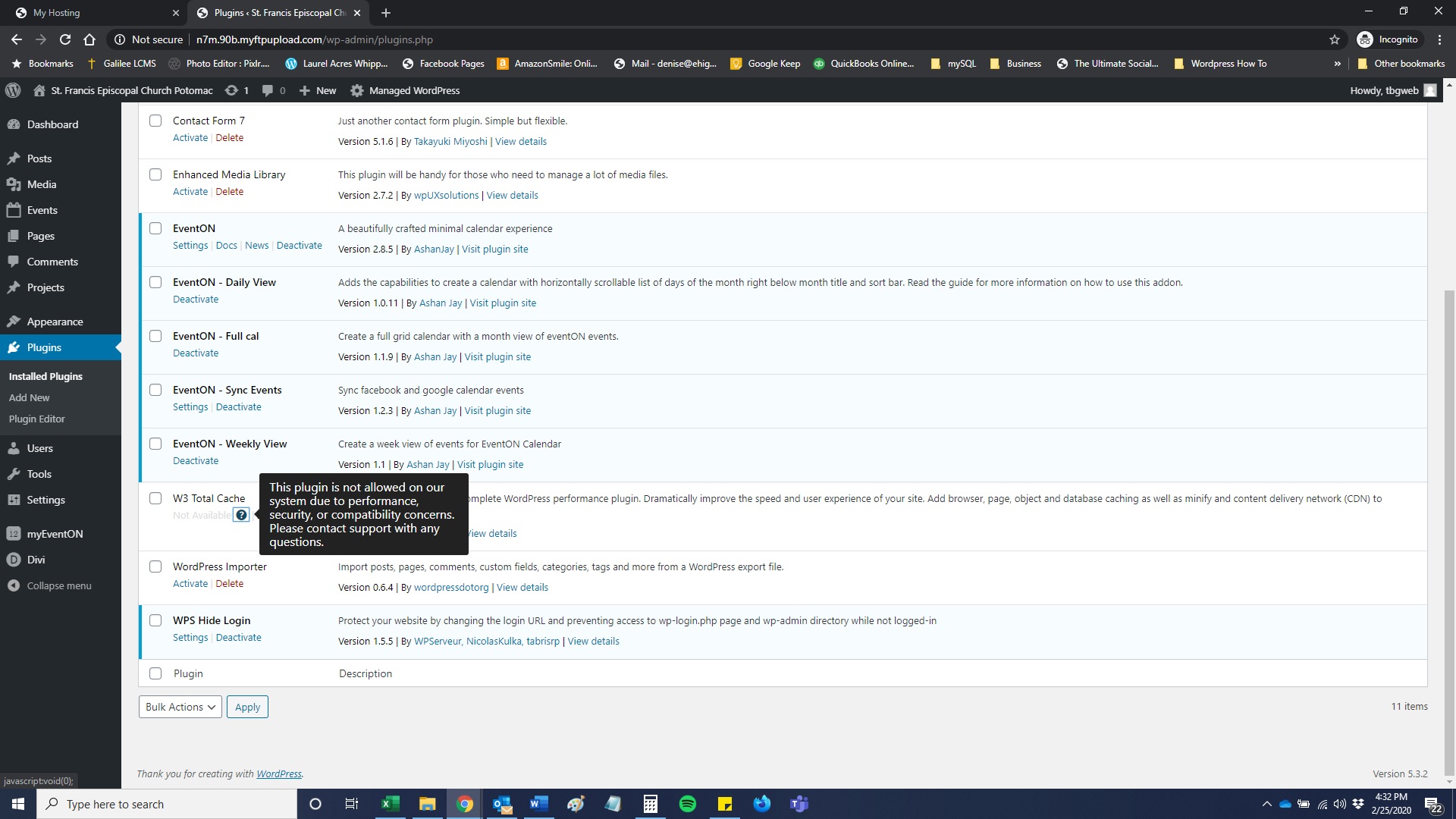
Worked through your suggestions and this is how it went:
- Install cache plugin – we host through GoDaddy and it will not allow me to install the W3 cache plugin, received an error message attached below.
- Optimize database – the site is working faster but the same issue is there, front page calendar and calendar page are still not working, Evensong and Youth pages calendars are working
- Delete inactive plugins – Done
- Upgrade web hosting – not an option, we are using shared hosting through GoDaddy and we did not have a problem until the latest updates
- There is no change when I add the shortcode ux_val=’4′
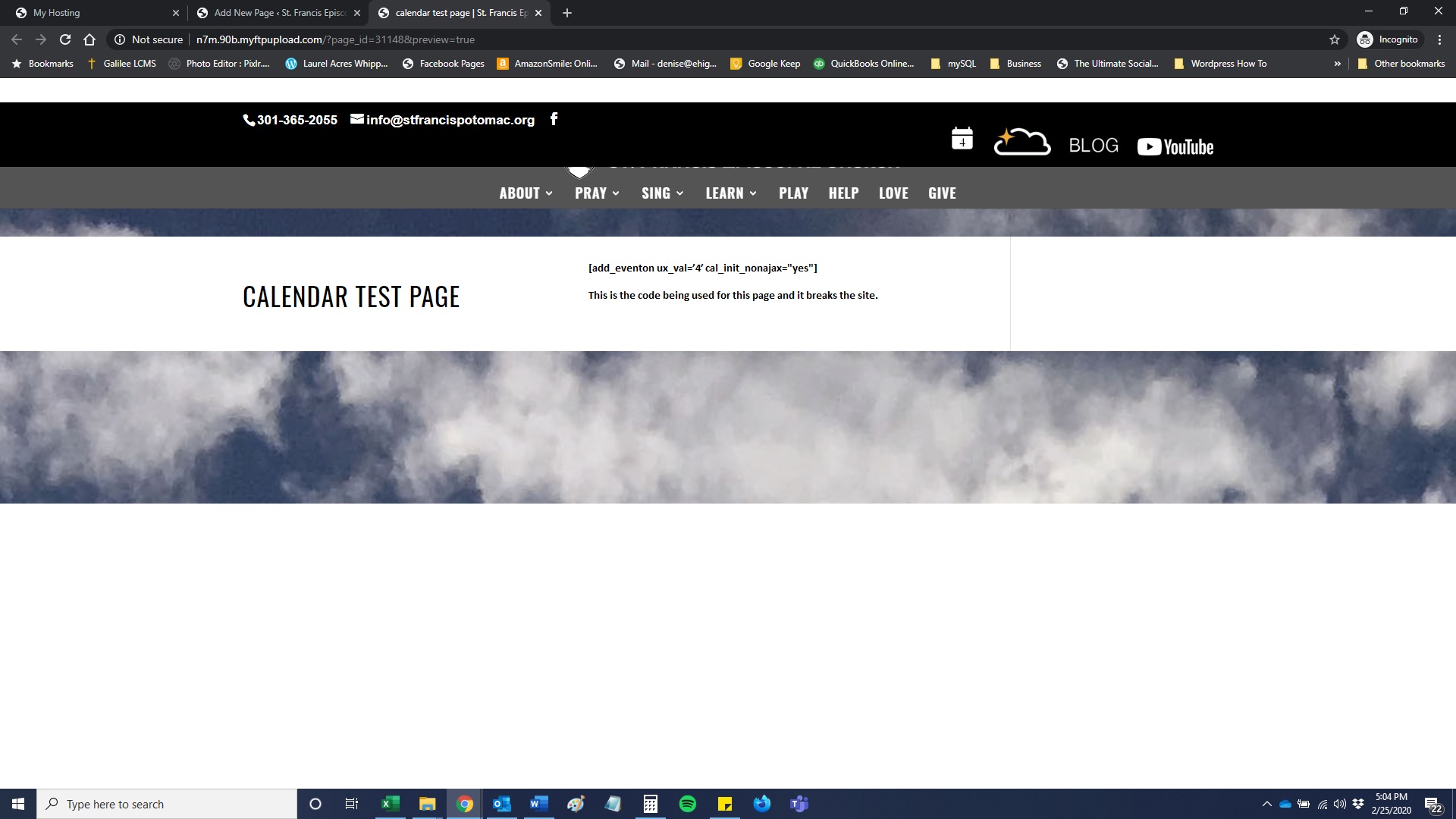
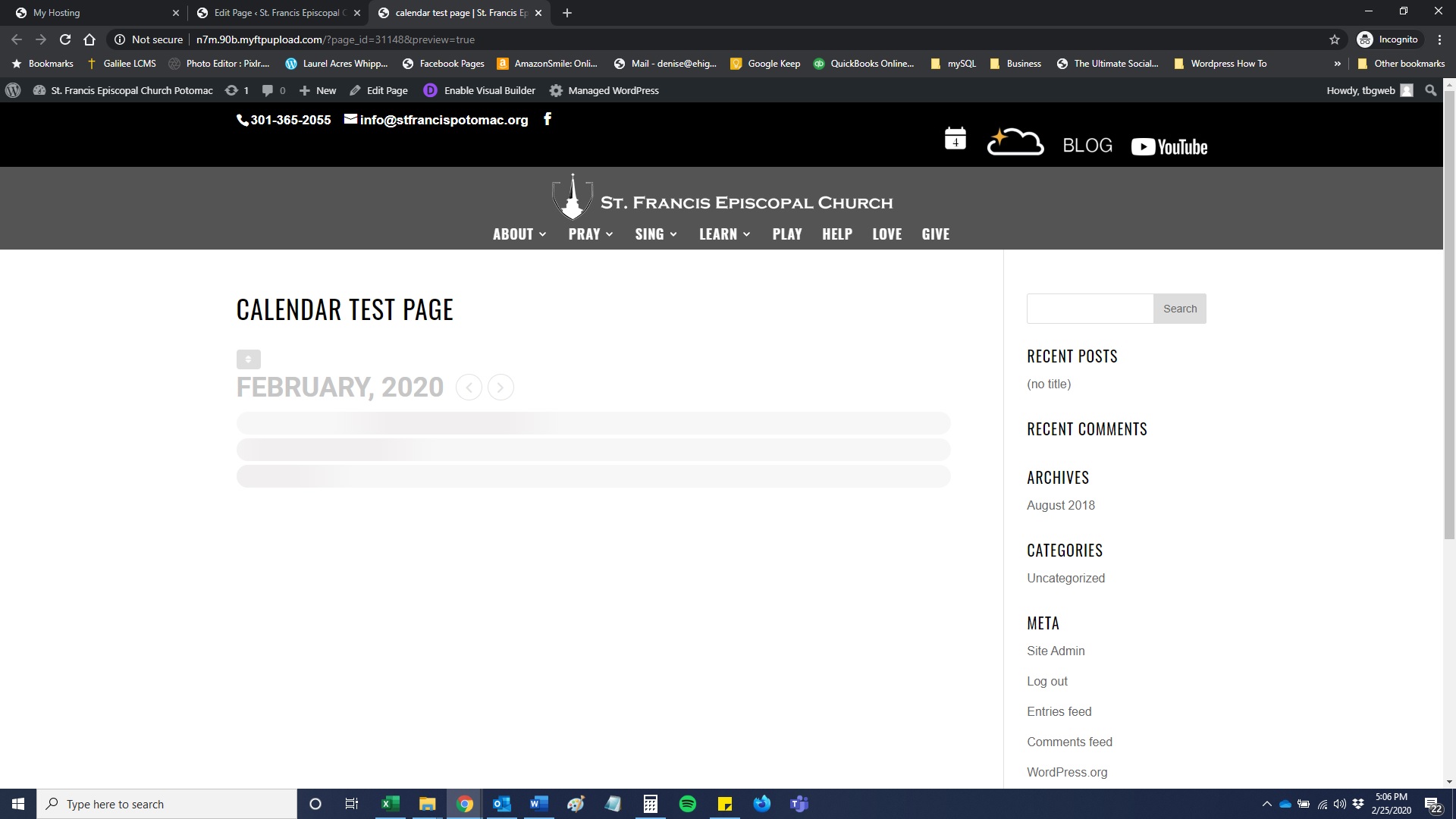
Additionally I tried adding the other shortcode and it breaks the site. Attaching two more screen shots for a test page with no added shortcode and with added shortcode.
This is very frustrating and I think we are going to have to find another solution for our client.
Hi,
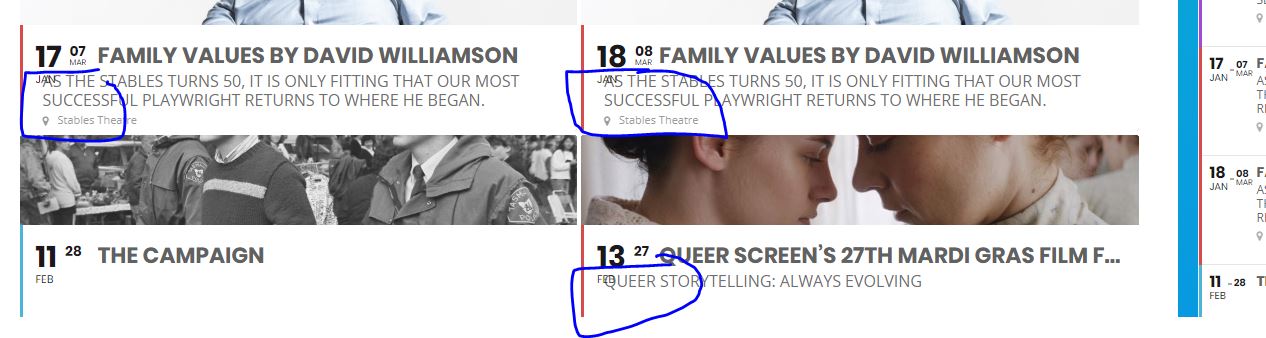
Can you please provide something for the next line as well: https://www.lotl.com/calendar-events/
Seriously, this is getting very frustrating. PLEASE look at the image I provided earlier. I DO NOT HAVE the ability to edit the language, that screen is not showing up as per the image. This is why this ticket was being sent to higher support and it is taking days to fix. Please help me asap.