Please follow https://docs.myeventon.com/documentations/how-to-add-new-social-share-icons/ and add “Invite a guest” after or instead of <i class=”fa fa-share”></i> on this line:
‘url’ => ‘<a class=”li evo_ss” href=”http://www.linkedin.com/shareArticle?mini=true&url=PERMALINK&title=TITLE&summary=SUMMARY” target=”_blank” title=”Share”><i class=”fa fa-share”></i></a>’,
Hello,
Please go to EventON > Language > ADDON: ACTION USER > My Eventon Events Manager.
Hello,
Please update EventON to 2.8.5 and Event Slider to 2.0. If it doesn’t help please send us wp-admin access to your site as a private message for us to further assist your situation.
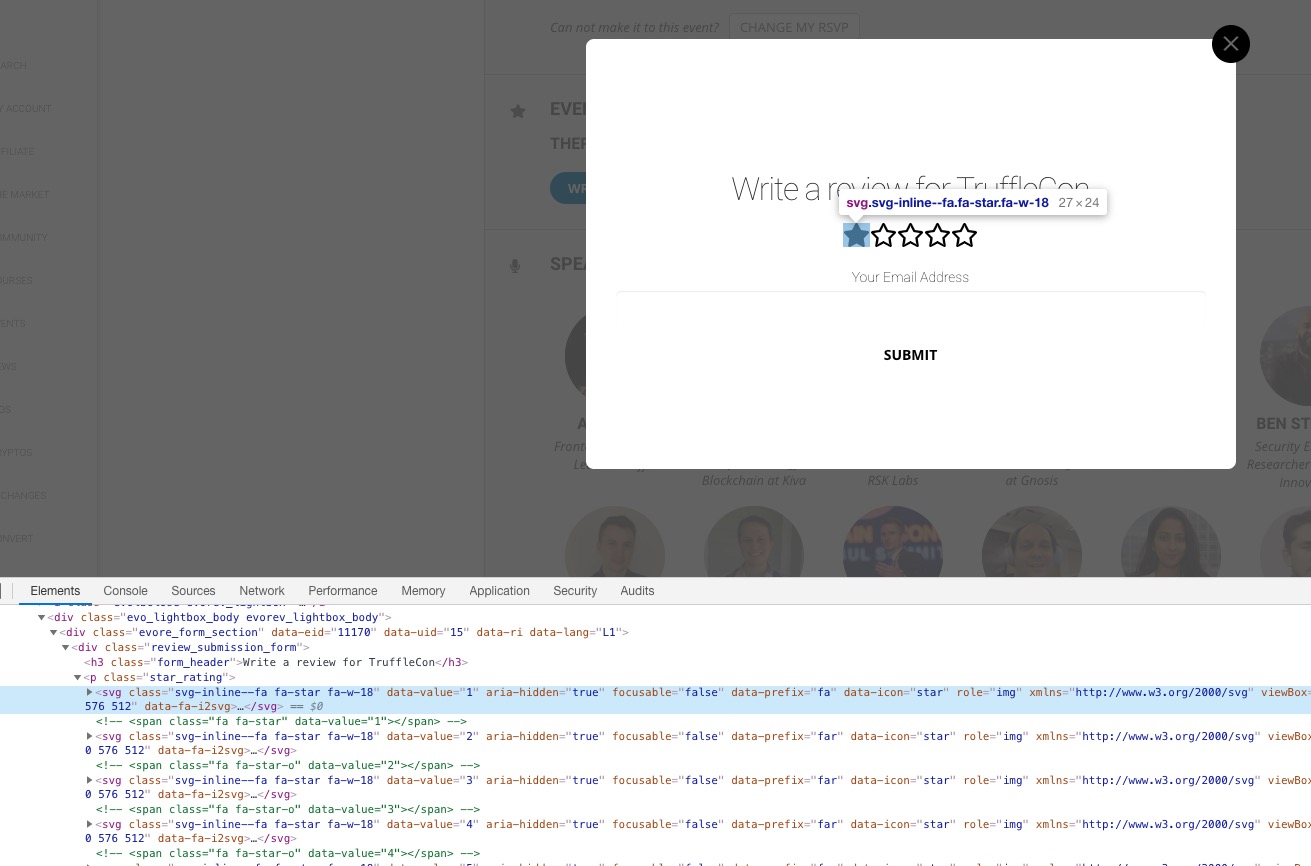
Start issue. It seems that one of your plugins or the theme replaces icons with svg elements:
Could you please try the instructions mentioned in this documentation?
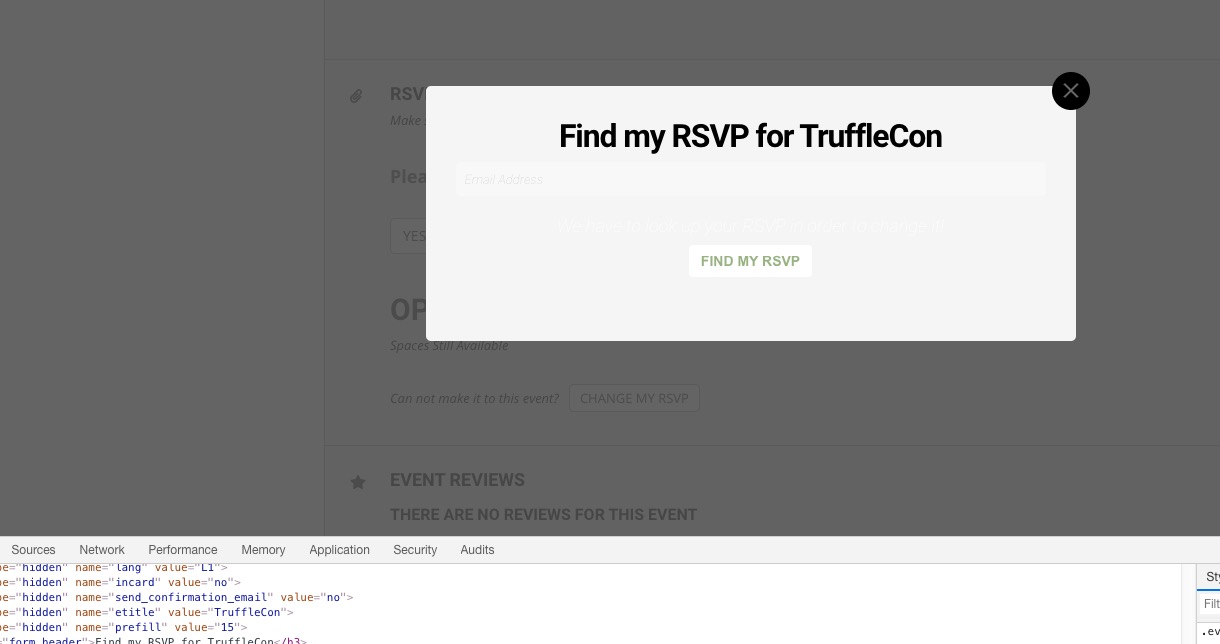
About RSVP form. It seems that you’ve managed to fix this issue:
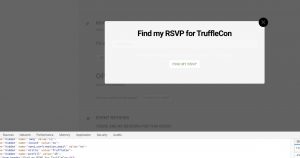
The only problem is text. Could you try turning off your css minifying functionality OR try using this CSS code:
.evors_lightbox .evo_lightbox_body { color: black !important }
Please also try changing the placeholder color from EventON > Appearance > RSVP > RSVP Form Fields.
Also sidebar widget is not showing listing for Febuary
Please send us wp-admin access to your site as a private message for us to further assist your situation.
Thank you for your messages, I am going to assign this ticket to Ashan and he will be able to take it from here.
Please allow some time for him to get back to you, we greatly appreciate your patience and thank you for being a eventon customer!
It is not going to the next month. You sent me an email looking for FTP details.
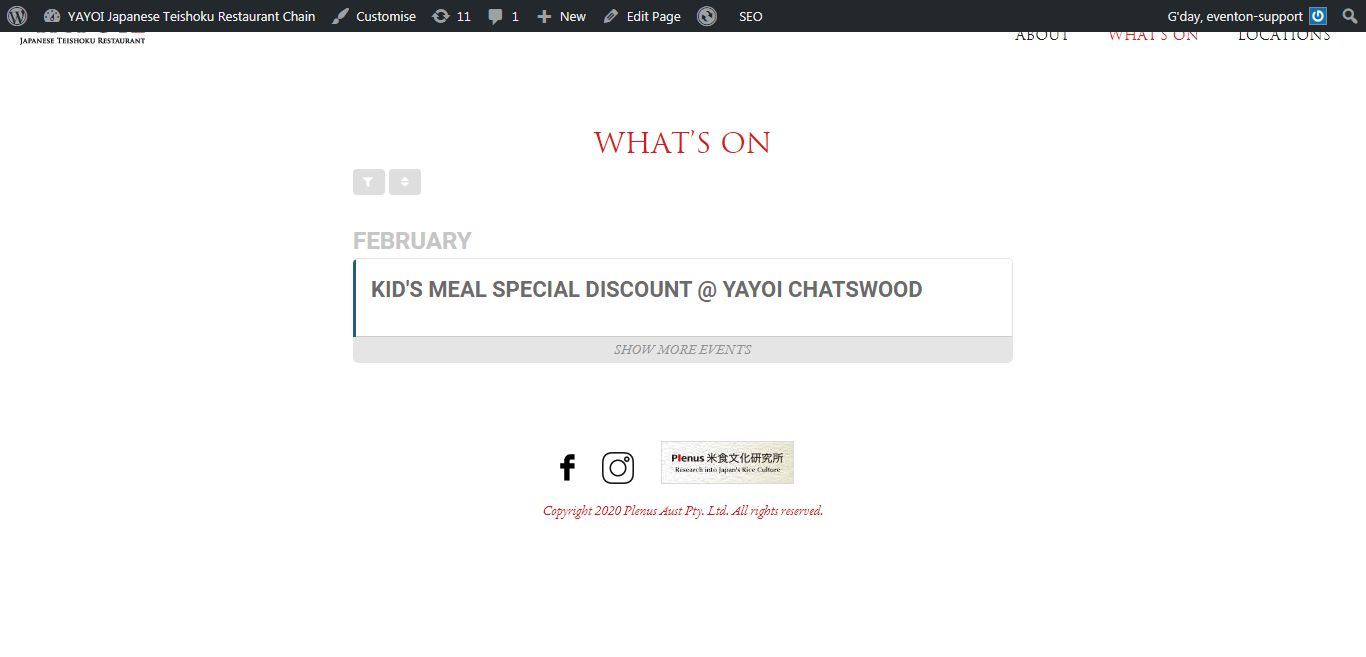
It appears to be the page template you are using.
Calendars shows up when using default template.
Hello,
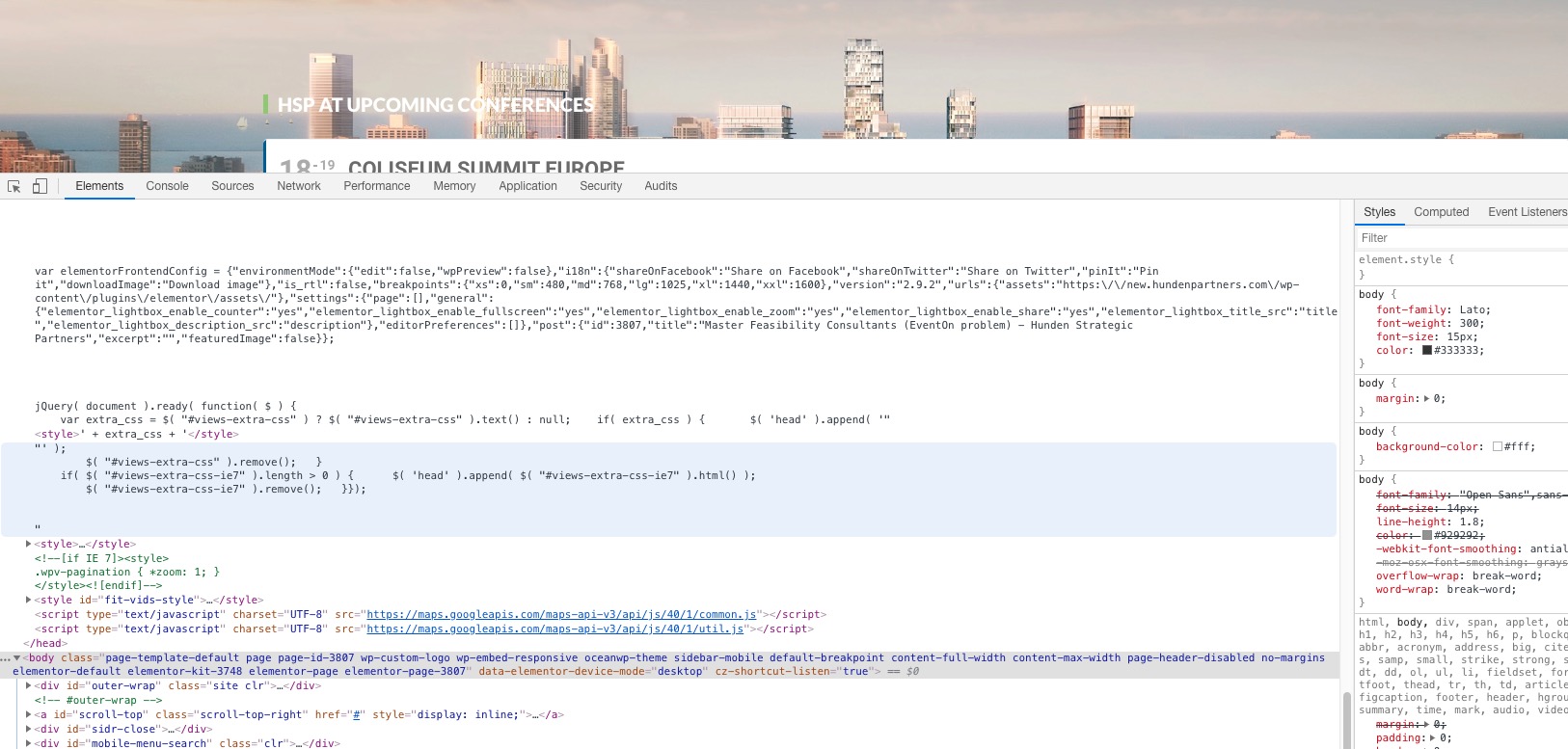
The problem is in this code:
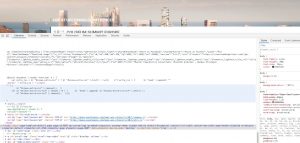
As you can see it doesn’t have <script> tags around it so it completely breaks the page.