hello?? Payment has not been made yet
Archives: Replies
Replies for tickets on suppota
Reply to: tickets(168857)
Ashish has accepted the job for 1
Reply to: tickets(168496)
Okay, thanks!
Reply to: tickets(167730)
Thank you for addressing this. Not only does the script not interfere with Elementor, but the calendar finally works like I had asked it to.
I understand that customization jobs only have 5 days of support, but if you look at my tickets, this was never done correctly and I have been requesting support for some time.
Reply to: tickets(168411)
What do you need to know? I cannot give login access at this point to our live site. I can work on replicating on our staging site but please let me know first why you need access at this point?
Reply to: tickets(168799)
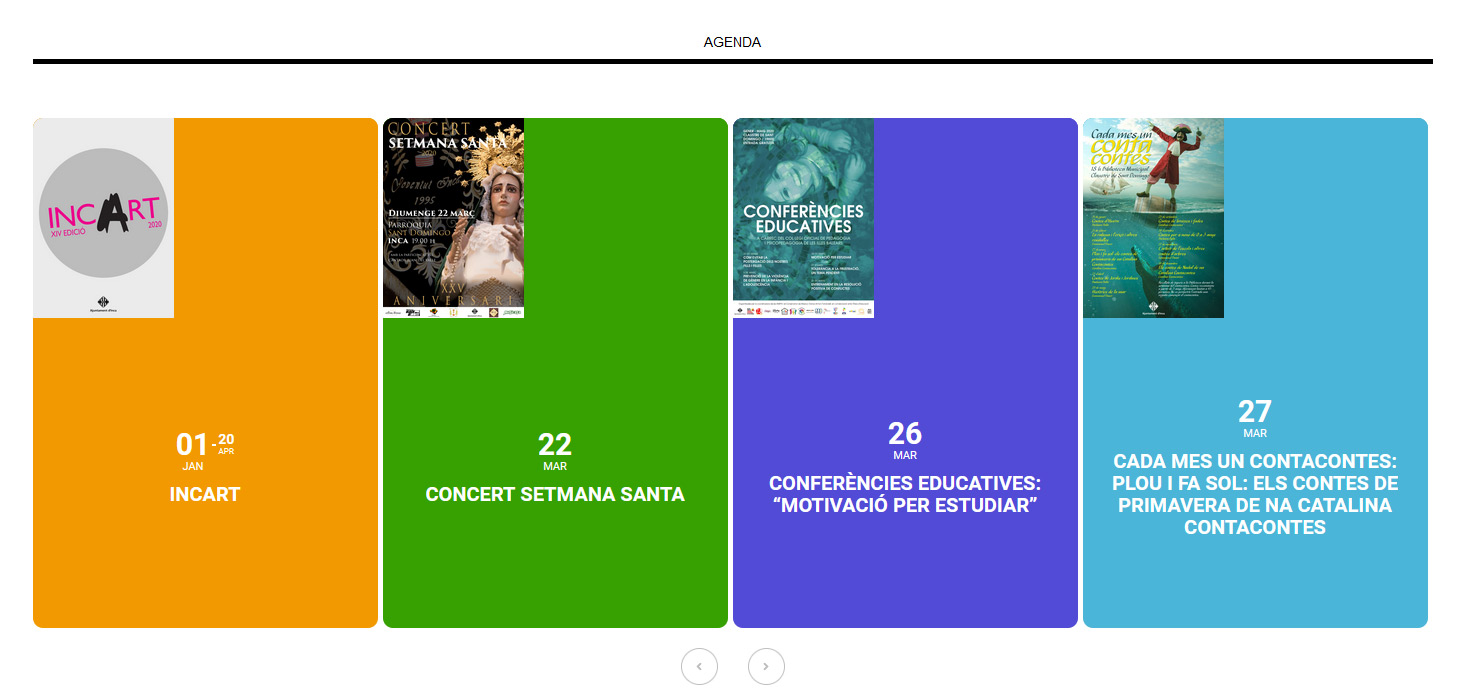
Hello,
Thanks for your answer.
1.- Now I see Eventon styles as well. But I placed css code * { font-family: Arial,Helvetica,sans-serif; color: #000000; } and .date {…} css code in styles.css of the theme wp-content/theme/css/styles.css and I can´t see the right styles for date of the theme. Any suggestion?
2.- It doesn´t work. I follow your instructions and I attach what I see.
I have another additional question. I would like that the slider has 5 or 6 columns. How can I do it?
Thx in advance for your help!
Javier
Reply to: tickets(168712)
can you check too google map API
it don t work
i don t understand why
Reply to: tickets(168735)
The page I showed you uses a custom template. Your template did not do what I needed.
You can see an actual event by clicking on one of the event titles. This would take you to the details page, like this: https://ripontriathlon.co.uk/events/skipton-triathlon/
What I am asking is, how can I include the time, date and location of the event on my custom template page at https://ripontriathlon.co.uk/events/
Thank you.
Reply to: tickets(168578)
Please use this code:
.tax-event_location .page-header { display: none !important }
.tax-event_organizer .page-header { display: none !important }
Reply to: tickets(168808)
Hello,
Could you add hide_mult_occur=”yes” to the shortcode? This options hides multiple occurrence of events.