To be clear though, the basic calendar is just a list correct? That would be a poor user experience for customers having to load dozens of events to get to a particular day.
Could there not be a way to “lazy load” the event info when you click on the date instead of loading all at once? You could run an initial count of events for the day for that display option but save the other info to load after clicking on the date. I can’t see that harming the user experience but enhancing it and making the full cal more scalable.
Can you still commit to having something figured out and deployed this week?
Hi Ashish, would it be possible to duplicate the file you created for this to our staging site? Our agency has advised that it would be best to test this on staging first. The staging environment is located below:
http://gmgclients.com.au/ardexaustralia
http://gmgclients.com.au/ardexaustralia/wp-admin
User: ardexuk
Password: Cj!kW3rLUvH#$3bzBhOYt2et
If it isn’t possible, please let me know.
Hi Artem.
Already did all your tips before i sent the message, but because is the Year view, maybe you have or more tip to improve performance, maybe here in the code.
[add_eventon_yv show_et_ft_img=”yes” etc_override=”yes” hover_style=”2″ cal_id=”10″ fixed_year=”2020″ heat_circles=”yes” loading_animation=”no” ux_val=”4′”]
thanks
nuno
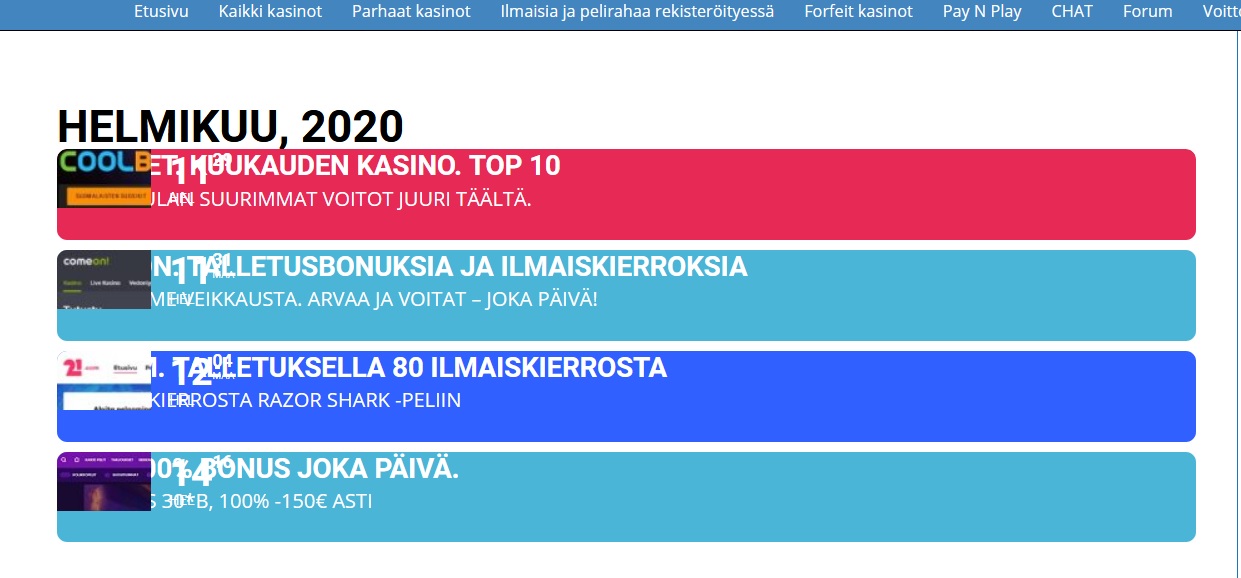
www.kasinoaula.com. Scroll down
Thank you for reporting this, i will look into the algorithms to see whats going on. In the mean time easiest option to resolve this is to switch to custom repeat mode and delete the dates that the event should not be repeated.
No worries order has been refunded 🙂
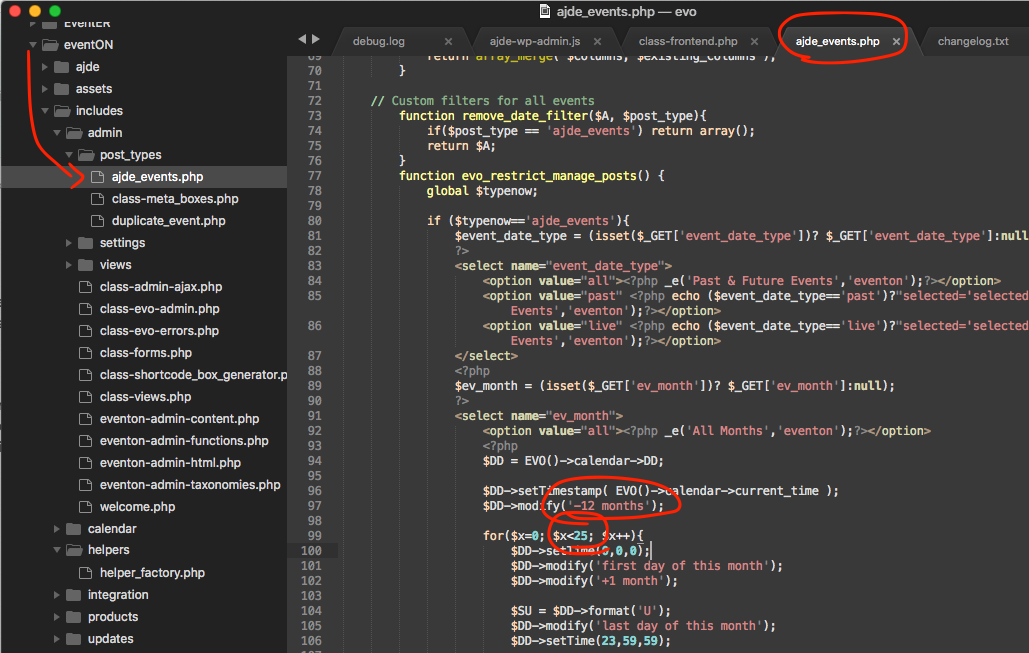
You can change the code as shown int he image to increase to show more months in the filter.
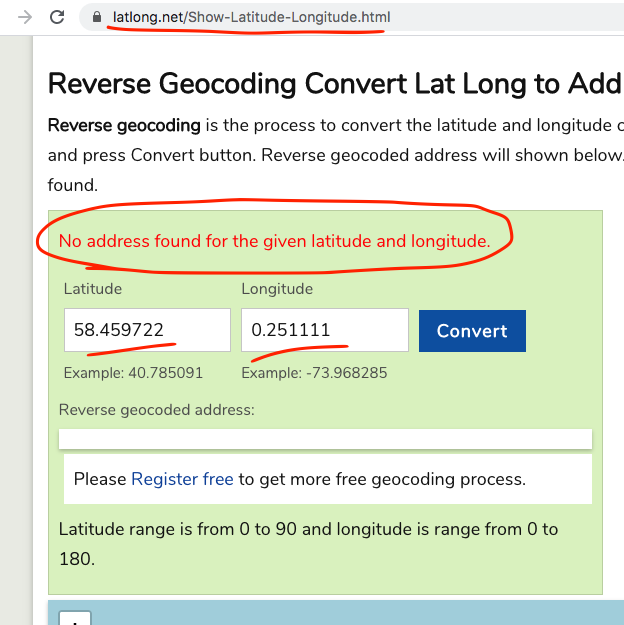
I would suggest using a lat long converter to find the correct values that have actual locations. Because when I used the values from the map not working, it work not finding a correct location.
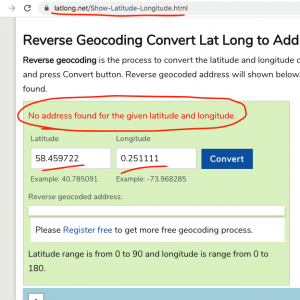
So i think that is why you are not seeing the map and not able to get directions from it if the map not working.
I am sorry i dont think I follows you. What event are we looking at here? In general if an event is spanning for a week that means the event is happening in all those days and will be visible for all those days.
there was an error in the code and I have fixed it in your site should be wokring now after you clear cache. this change will be in the next versino update to events list addon. thank you very much for letting us know of this issue David!