Hello, Thank you or fast feedback!
That is not bad, but I like to see all categories at first sight. Now I have still to click on the categories button to see and choose one of them. Is it possible that I can see all categories at first sight and when I click on one it shows the events with that category?
I have a category problem with the extended Lists which I just bought and implemented here (ALLE VERANSTALTUNGEN):
https://neu.kitz-magazin.com/test-classic/
When I choose a category here it will not show only this category…
Thank you for Help
Bernd
Hi,
I’ve had some trouble with WordPress passwords here’s what I currently use (to the best of my knowledge) as I’m not sure what you need to login:
WP Username: @psincidents (email address media@psintegrity.com)
WP Password: pA2!jYcSGv9&YN7vP&9FcF3EZ33tBs99aE
WP Admin Page: https://processsafety.events/wp-admin/
Username: events@psintegrity.com
WP Admin Password: stIPx#aKZh3bC^Nw
Please let me know if these don’t work
I had a look at the site you suggested but that doesn’t help
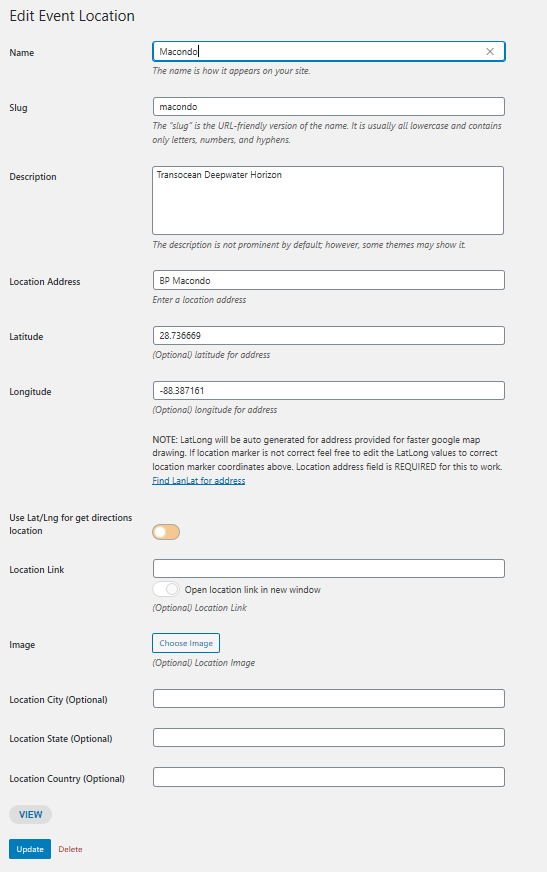
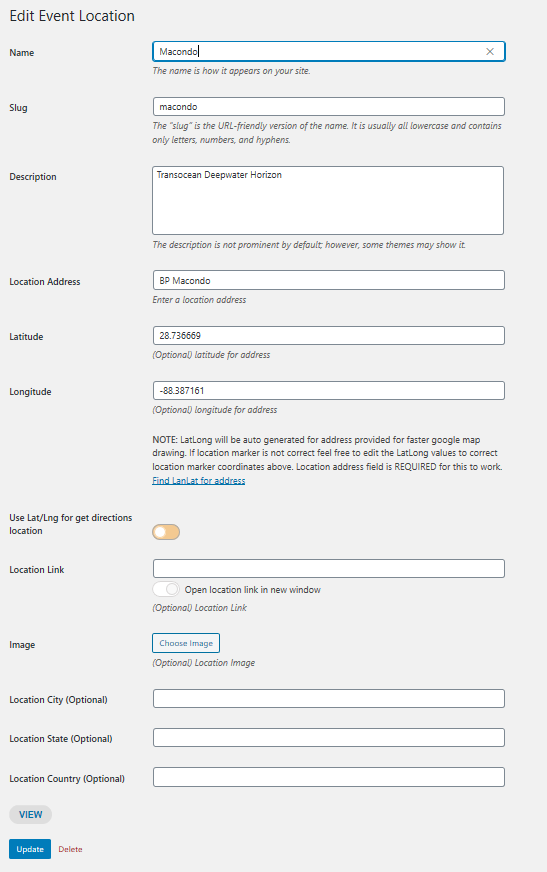
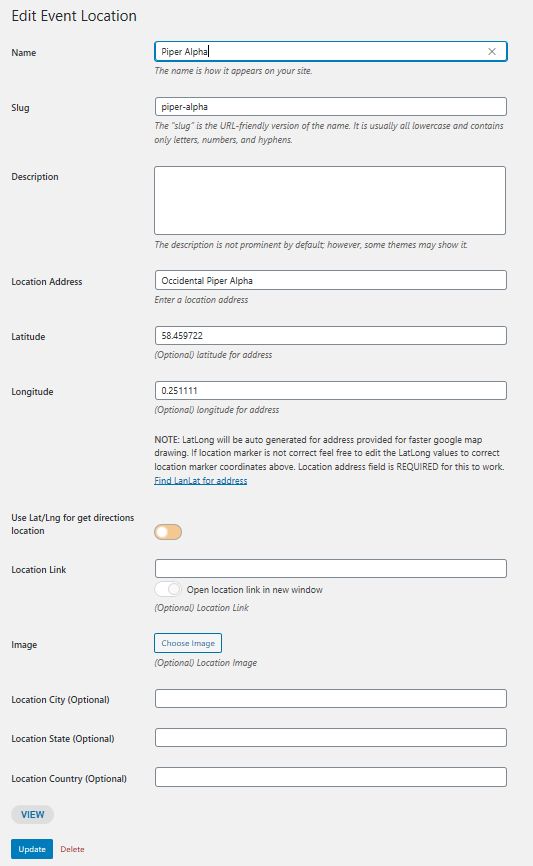
Attached are images of Macondo (shows Google Map on Event Card and appears on Event Map) and Piper Alpha (does not show Google Map on Event Card but does appear on Event Map) which are both offshore
Thanks
OK – thanks
I’ve had some trouble with WordPress passwords here’s what I currently use (to the best of my knowledge) as I’m not sure what you need to login:
WP Username: @psincidents (email address media@psintegrity.com)
WP Password: pA2!jYcSGv9&YN7vP&9FcF3EZ33tBs99aE
WP Admin Page: https://processsafety.events/wp-admin/
Username: events@psintegrity.com
WP Admin Password: stIPx#aKZh3bC^Nw
Please let me know if these don’t work
On your test server it works fine!
Could you check if you have the same issue on our test server: http://dev.myeventon.com/wp-admin/admin.php?page=eventon#
Please check this add-on: https://www.myeventon.com/addons/event-lists-items/
Try this shortcode [add_eventon_li cat_type=”event_organizer” ] on http://dev.myeventon.com/wp-admin/
Hello,
Please add this to the shortcode:
exp_so=”yes”
This will expand sort options section on load for calendar.
what ireally want is to only show the end date/time of events that lasts more than 24 hours.
Please go to Edit Event > Date/Time > enable Hide End Time from calendar for short lasting events.