Please create events like in your example and then use this shortcode:
[add_eventon hide_past_by=”ss” jumper=”yes” ]
from 02.01.2020 to 02.02.2020
You can try this guide: https://docs.myeventon.com/documentations/how-to-use-event-types-to-do-more/. Unfortunately, EventON is limited in this case.
I am sorry, the access information you have provided did not work for us. Please check them and post the correct login information as a private message, thank you!
If you have a moment, we would greatly appreciate if you could kindly leave us a review at codecanyon! from your account > downloads. Cheers!
After FullCal update you still had version 0.4, so I updated it to the newest one.
We are glad your issue is resolved, if you have any further questions or concerns please create a new ticket. If you have a moment, we would greatly appreciate if you could kindly leave us a review at codecanyon! from your account > downloads. Cheers!
Hello Allan,
You must have missed one of the steps when doing an update. I just checked an indeed events are not there.
What you can do is contact your host and ask them to install a backup of your site first.
Then, if you are unable to do autoupdate, you can go to codecanyon your account > download and get the latest eventon version as zip file. Then you can go to your website, deactivate old eventon, activate (Do not delete eventon settings & data when EventON is uninstalled) from eventon settings, delete old eventon, install new one and activate. This link will further explain the process it. Also you can follow us on twitter to get real-time announcements on updates!
Yes! thanks.. I was using a shortcode on the older version of the plugin event_count=”5″ and that’s why only showed a few of them. Thanks for your quick response anyway!
🙂
this will cost $100. thanks
Ashish has accepted the job for 100
Hi,
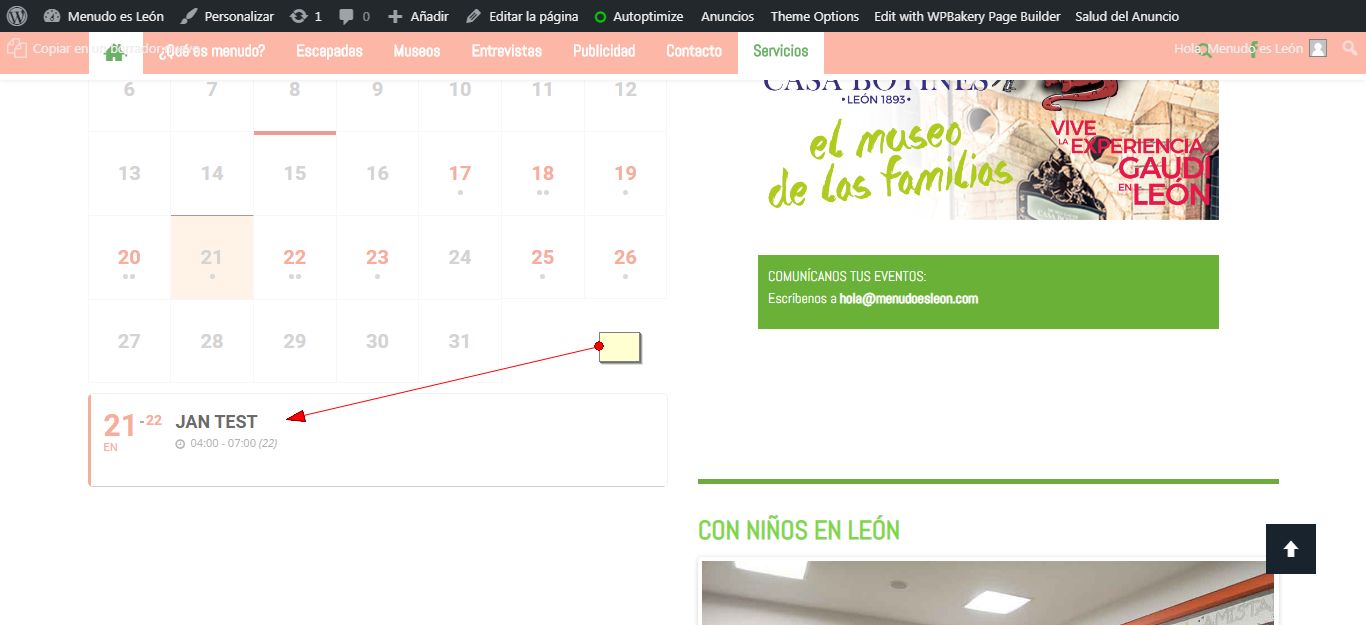
I just did a test and created an event. It appeared fine on the calendar.
I apologize for writing in a foreign forum thread (sorry for my poor English).
After the upgrade, it stopped working Popup Windows in the “User Interaction for event click” section.
Window do open like “Slide down Event Card”.