4 confirmed on customer’s website but not on dev2.
Archives: Replies
Replies for tickets on suppota
Reply to: tickets(157790)
To clarify. Please use Method #1 and press Deactivate after License Status: Activated.
Reply to: tickets(157790)
Hello,
Please follow this guide: https://docs.myeventon.com/documentations/how-to-deactivate-eventon-addon-licenses/
Reply to: tickets(157740)
We are glad your issue is resolved, if you have any further questions or concerns please create a new ticket. If you have a moment, we would greatly appreciate if you could kindly leave us a review at codecanyon! from your account > downloads. Cheers!
Reply to: tickets(157739)
Hello,
Please add this CSS code to EventON > Styles (If you can’t see any change, EventON > turn off Write styles to header > save settings > turn on Write styles to header):
.ajde_evcal_calendar .calendar_header .evo_j_dates .legend a { font-family: Merriweather !important }
Reply to: tickets(157738)
Hello,
Thank you for your messages, I am going to assign this ticket to Ashan and he will be able to take it from here and find you a solution. Please allow some time for him to get back to you, we greatly appreciate your patience and thank you for being a eventon customer! Also please disable any IP blocking on your site if there are any.
Reply to: tickets(157738)
Ashan,
The same on dev2. Edited this event http://dev2.myeventon.com/wp-admin/post.php?post=19861&action=edit but still published.
Reply to: tickets(157555)
This works for Event Card’s time and not Event Top’s. Please go to wp-admin > Settings > Time Format > select H:i.
Reply to: tickets(157733)
Hello,
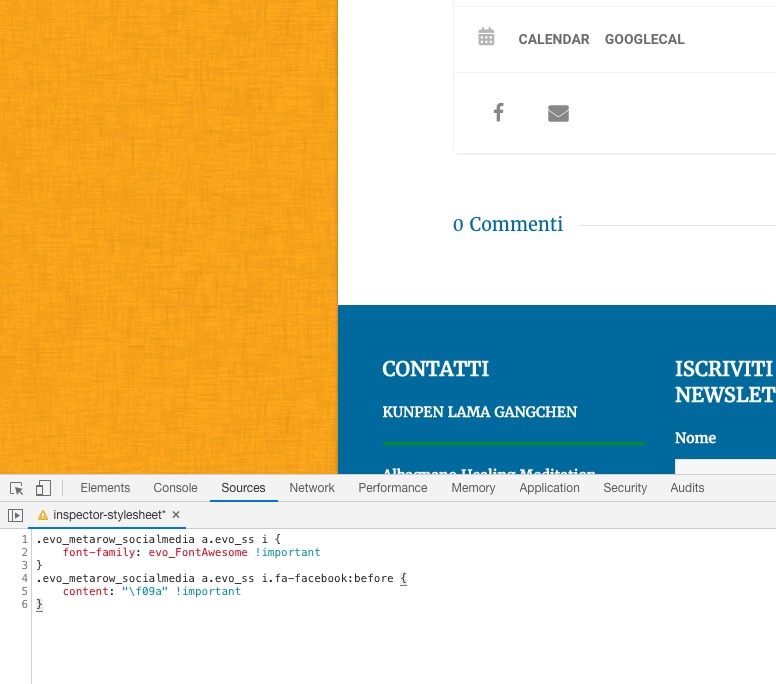
Sharing icons. There is an incompatibility issue with the theme. Please add this CSS code to EventON > Styles (If you can’t see any change, EventON > turn off Write styles to header > save settings > turn on Write styles to header):
.evo_metarow_socialmedia a.evo_ss i { font-family: evo_FontAwesome !important } .evo_metarow_socialmedia a.evo_ss i.fa-facebook:before { content: “f09a” !important }
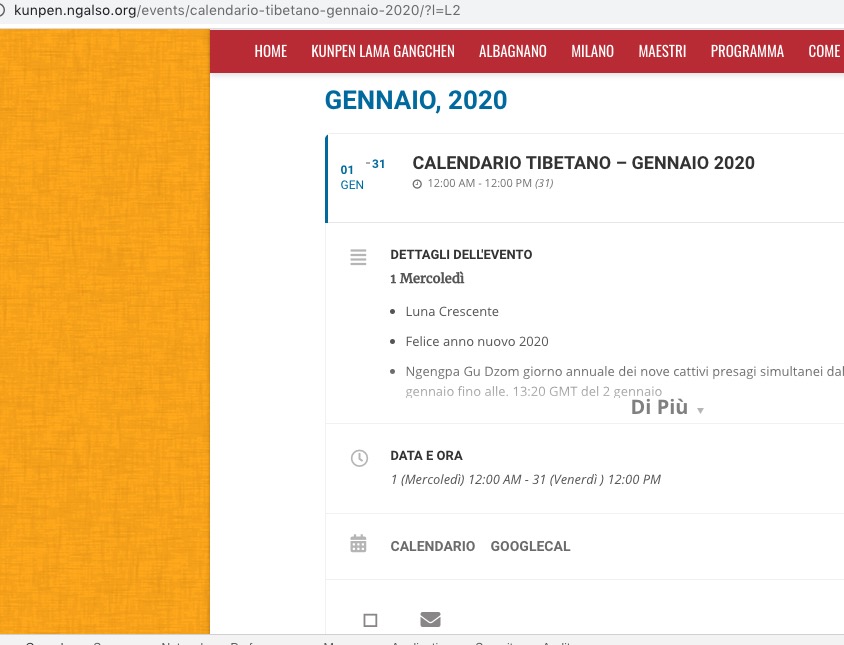
Single Event url must have ?l=L2 in order to show the text in the correct language:
https://kunpen.ngalso.org/events/calendario-tibetano-gennaio-2020/?l=L2
Reply to: tickets(157693)
Hi
Can RSVPing with one-click from eventTop be available to all the users (logged in or not)?
also I can’t see the “Get on waitlist” heading at the top anymore (please see the above attachment.
I really appreciate your help
thanks