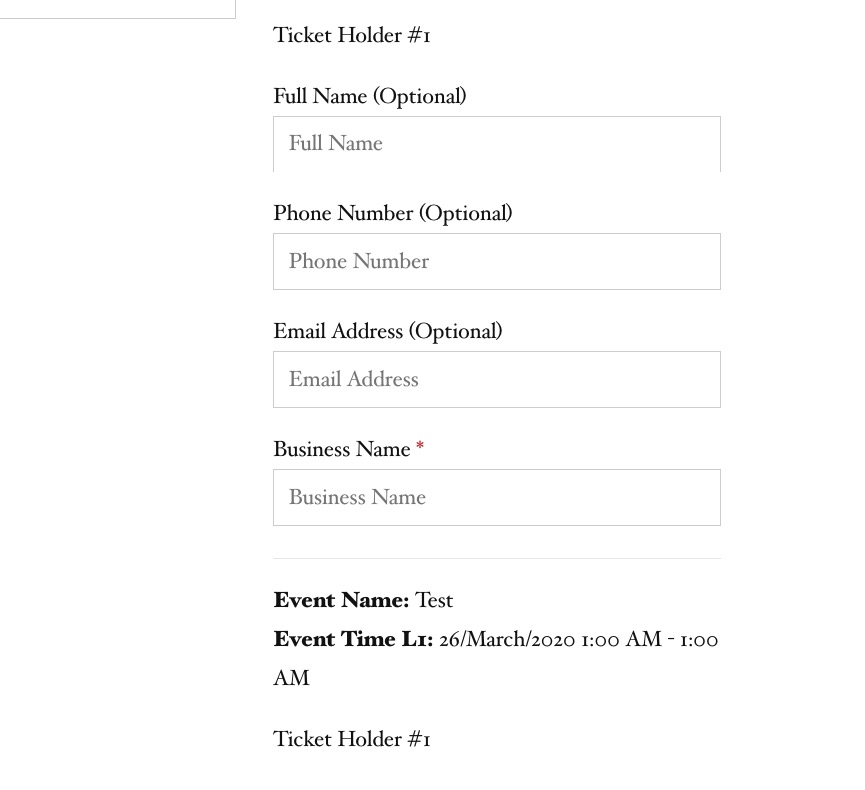
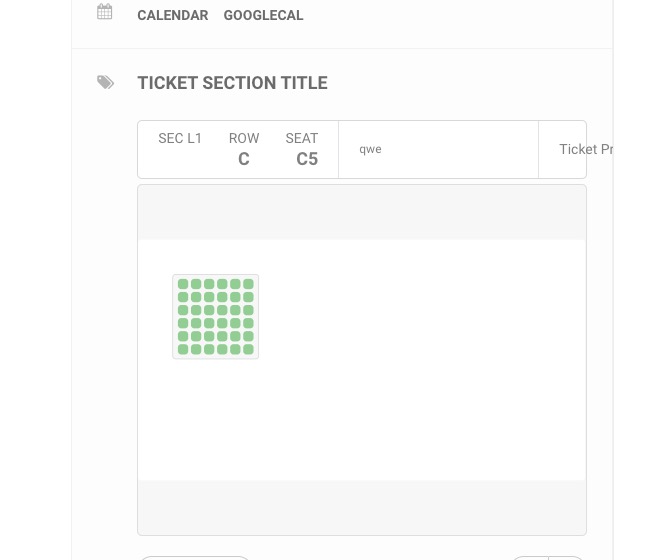
Ashan,
1. & 2. Put 5 but nothing changed after RSVPed three times.
http://dev2.myeventon.com/wp-admin/post.php?post=20502&action=edit
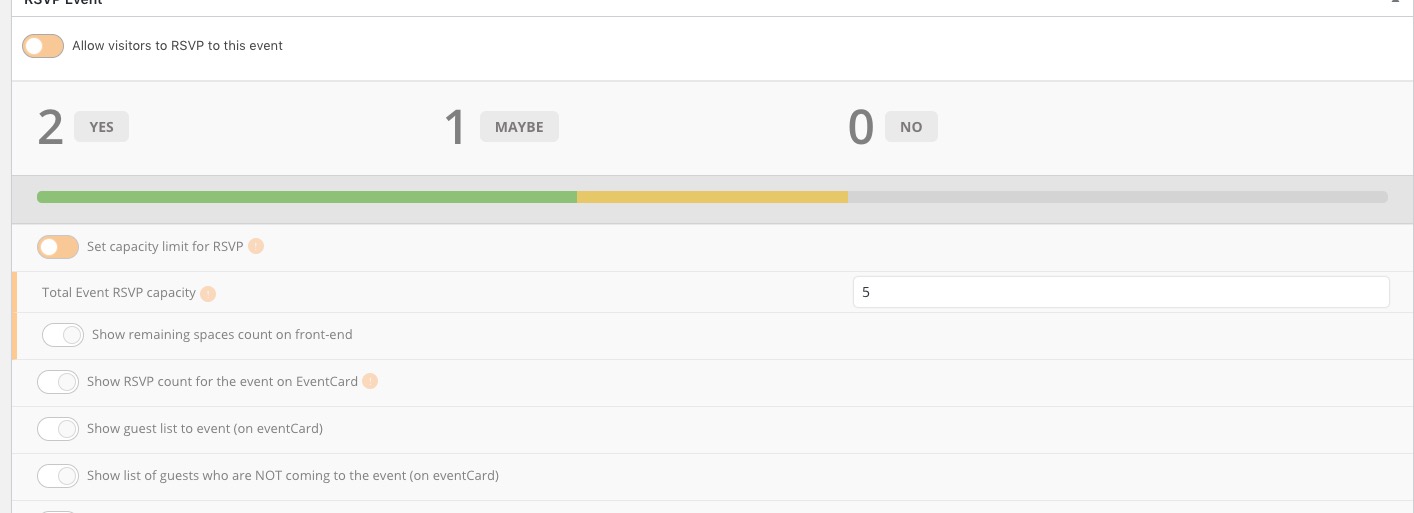
3. The same on dev2. I didn’t receive an email when changed from YES to Maybe. But received for Maybe > No.
Replies for tickets on suppota
Ashan,
1. & 2. Put 5 but nothing changed after RSVPed three times.
http://dev2.myeventon.com/wp-admin/post.php?post=20502&action=edit
3. The same on dev2. I didn’t receive an email when changed from YES to Maybe. But received for Maybe > No.
Hello,
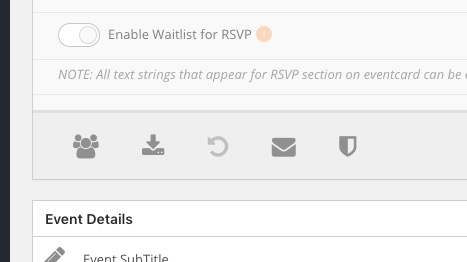
1. Please go to Edit Event > RSVP > press on Sync Count:
2. & 3. Thank you for your messages, I am going to assign this ticket to Ashan and he will be able to take it from here and find you a solution. Please allow some time for him to get back to you, we greatly appreciate your patience and thank you for being a eventon customer! Also please disable any IP blocking on your site if there are any.
Thank you for your messages, I am going to assign this ticket to Ashan and he will be able to take it from here and find you a solution. Please allow some time for him to get back to you, we greatly appreciate your patience and thank you for being a eventon customer! Also please disable any IP blocking on your site if there are any.
Ashan,
The same on dev2: https://helpdesk.ashanjay.com/wp-content/uploads/2020/02/Screenshot-2020-02-10-at-12.11.29.jpg
Thank you for your messages, I am going to assign this ticket to Ashan and he will be able to take it from here and find you a solution. Please allow some time for him to get back to you, we greatly appreciate your patience and thank you for being a eventon customer! Also please disable any IP blocking on your site if there are any.
Ashan,
The same on dev2: http://dev2.myeventon.com/wp-admin/post.php?post=20456&action=edit
Thank you for your messages, I am going to assign this ticket to Ashan and he will be able to take it from here and find you a solution. Please allow some time for him to get back to you, we greatly appreciate your patience and thank you for being a eventon customer! Also please disable any IP blocking on your site if there are any.
Ashan,
The same on dev2: https://helpdesk.ashanjay.com/wp-content/uploads/2020/02/Screenshot-2020-02-10-at-12.07.32.jpg
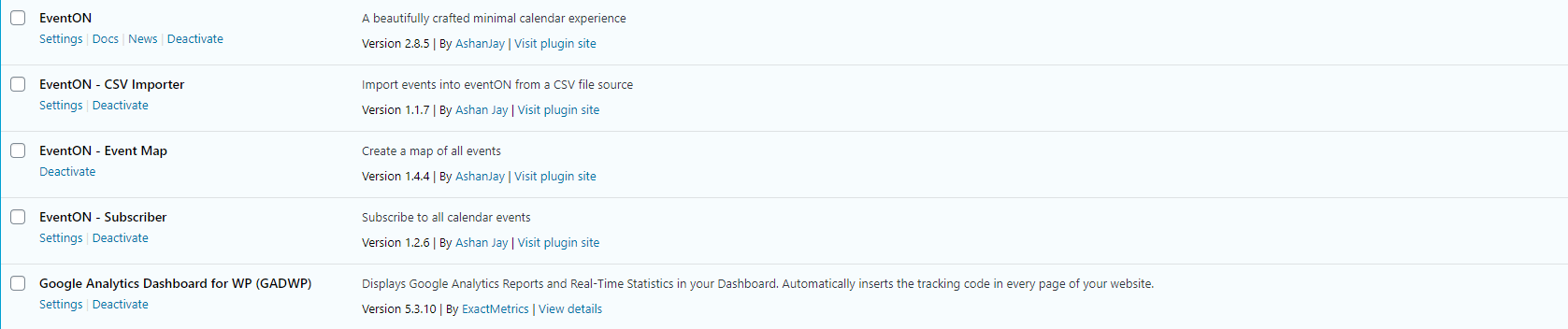
Thats weird, because i have downloaded the newest version on ThemeForest. See screenshot.
Please also try following the instructions in this documentation to activate debug in your site to see any PHP errors recorded that can provide insight on to whats going on. Please reply with a link to debug.log file.