Hello,
Please update EventON to 2.8.4 and FullCal to 1.1.10. No issues on our test server: http://dev2.myeventon.com/20077-2/
Replies for tickets on suppota
Hello,
Please update EventON to 2.8.4 and FullCal to 1.1.10. No issues on our test server: http://dev2.myeventon.com/20077-2/
Hello,
Could you please update EventON to 2.8.4 and RSVP add-on to 2.6.7?
To update eventon to latest version: If you are unable to do autoupdate, you can go to codecanyon your account > download and get the latest eventon version as zip file. Then you can go to your website, deactivate old eventon, activate (Do not delete eventon settings & data when EventON is uninstalled) from eventon settings, delete old eventon, install new one and activate. This link will further explain the process it. Also you can follow us on twitter to get real-time announcements on updates!
To update eventon addons: You can download latest eventon addons from myeventon > my account. Then you can go to your website, deactivate old addon and install new one and activate then delete the old addon. This link will further explain the process. Also you can follow us on twitter to get real-time announcements on updates!
Please add this CSS code to EventON > Styles (If you can’t see any change, EventON > turn off Write styles to header > save settings > turn on Write styles to header):
.evcal_cblock .evo_start em.month, .evcal_cblock .evo_end em.month { text-transform: none !important; font-size: 15px !important }
Have you managed to fix this issue? I no longer see this issue and the map works: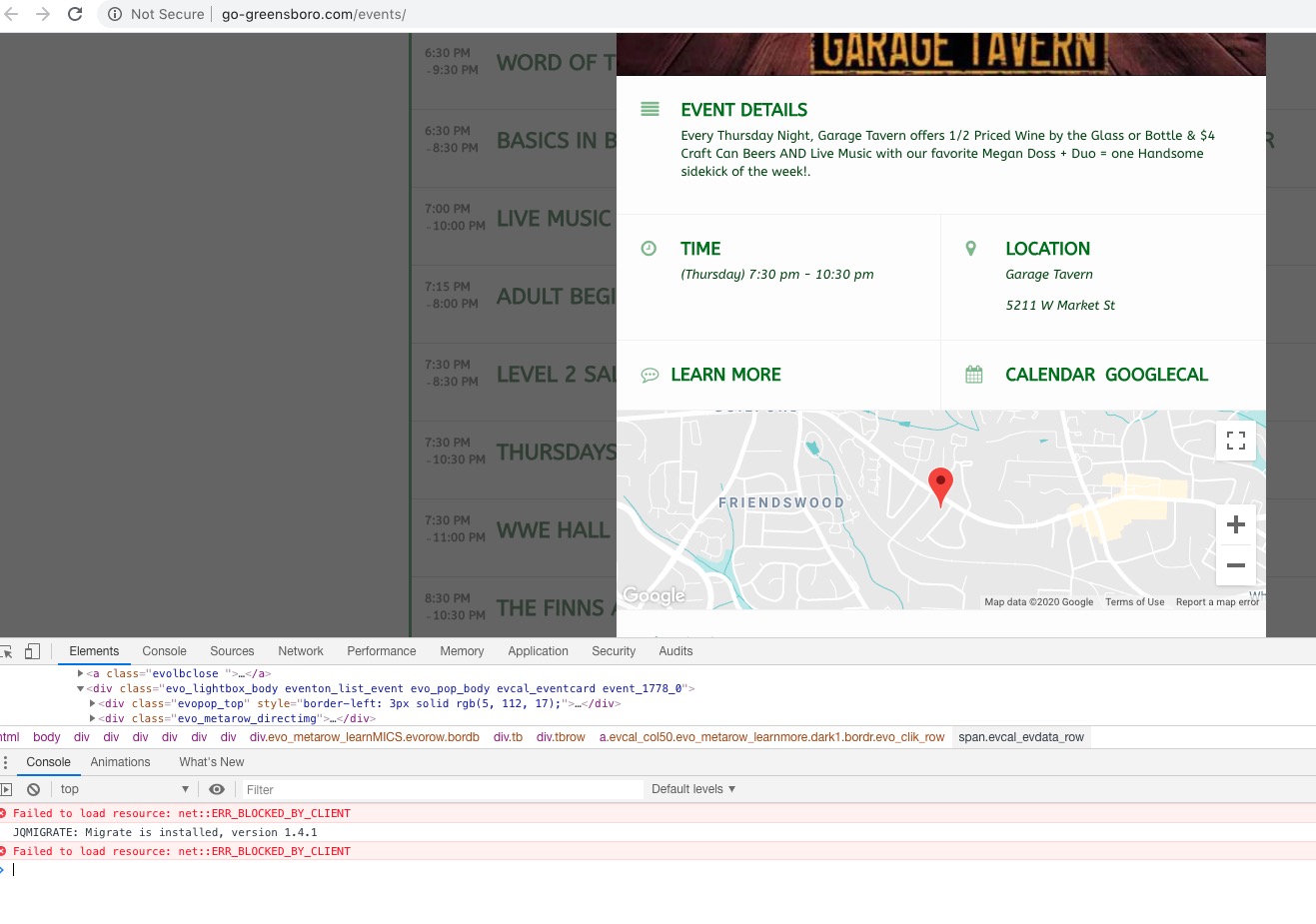
I hae discovered the issue, does this only happen for yearlyview?
Hello,
You can go to EventON > Download all eventON events. > ICS FORMAT > upload this file to your own calendar.
You can also send us a customization job request by creating a new ticket in here and selecting Customization Request as the category, maybe one of our developers can extend EventON to fully support what you need.
Okay so I just cleared all the caches and then re-loaded this page:
https://www.streamingvideoalliance.org/calendar-test/
When I click on February 4 in the calendar, it pops up the events. When I click on an event, it still displays the event pop-up rather than sending to the user to the external link. I also see, when I inspect the element, that there are still .js errors that I think are related to your calendar plugin.
Ok Jason I just uploaded latest versions please check now.
Hello Shaan, would you mind sending me FTP access to eventON addons folder in your server? I see the cron jobs are created at wrong times. I am trying figure out why those could be.
I am wondering if the issue is caused by tiemzone settings in your site. I can not debug these without FTP access
Sure. FTP details:
user: svideoalliance-eventon
pass: YB3ghnE6bdeDw6i
host: svideoalliance.sftp.wpengine.com
port: 2222
it’s SFTP
Also, I am using WP Rocket. i can exclude specific .js from minifcation, optimization, and CDN. I just need to know what those are if it’s required.