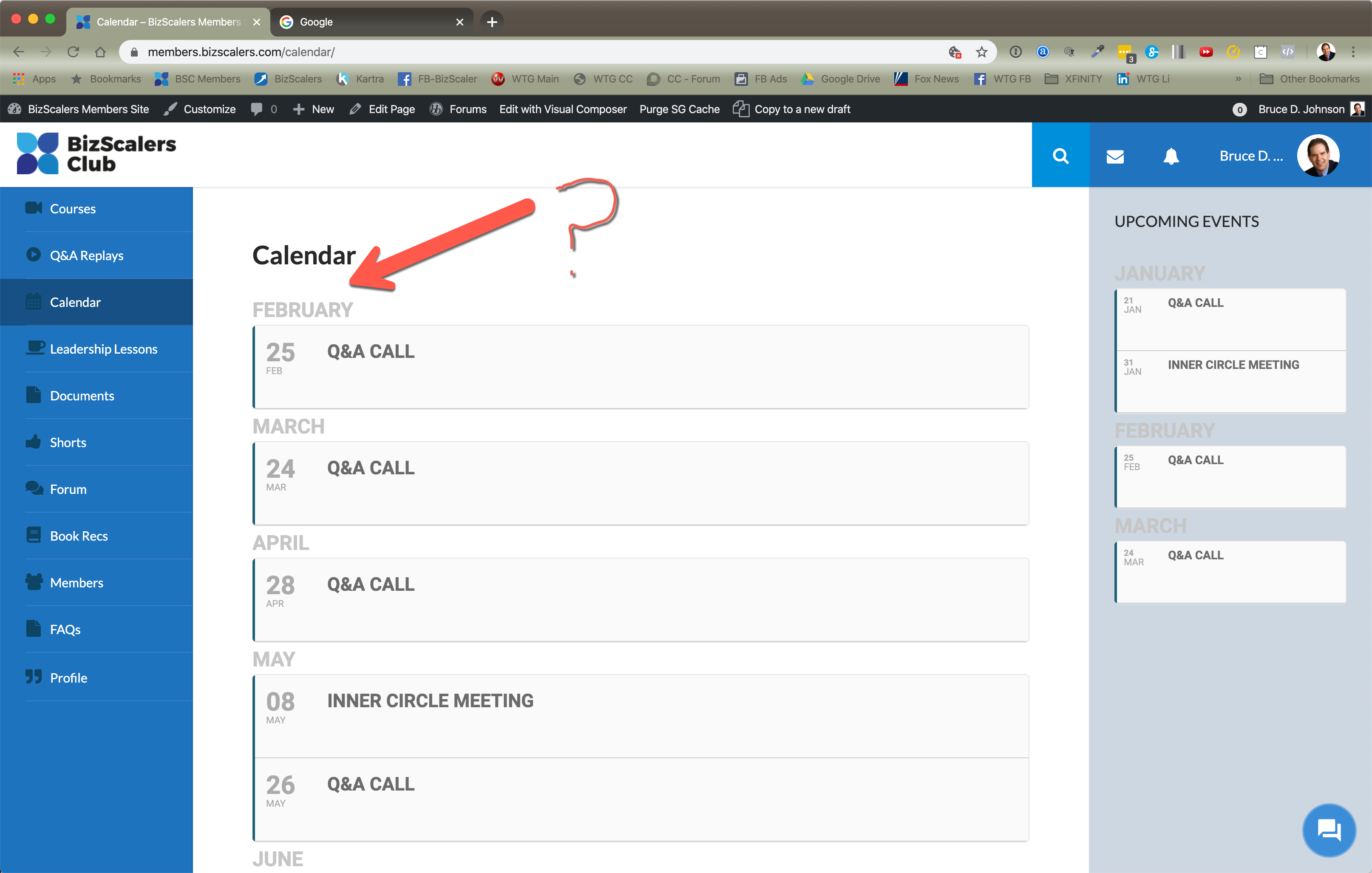
Hello,
I added cal_init_nonajax=”yes” to the shortcode so now it should work:
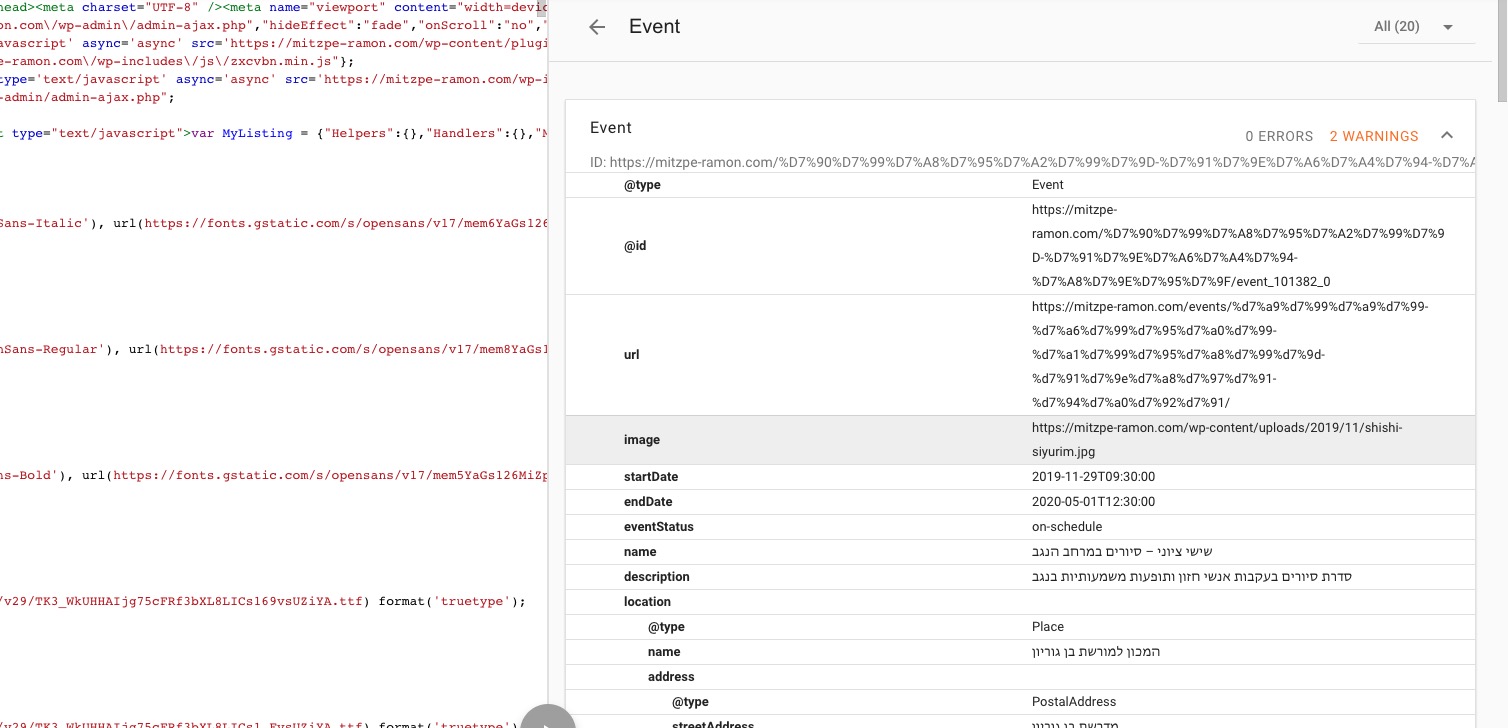
Please check and let me know.
Replies for tickets on suppota
Hello,
I added cal_init_nonajax=”yes” to the shortcode so now it should work:
Please check and let me know.
Hello,
Users must be assigned to events in order to see them in Event Manager [evo_event_manager]. Have you assigned them from Edit Event > Action User > Manage Assigned Users?
Ashan,
Please check
The third issue is that I have my events on this calendar setup to go to an external URL (another page). And yet for some reasons, they are popping up a box like I used to have before. I don’t know how in the world that’s even possible when I have it set for some other behavior. You can see that behavior on this page:
The same on dev2: http://dev2.myeventon.com/20003-2/ > click on Test Ext (Jan 16).
Hello,
1st. I disabled EventON > Concatenate all eventon addon style files – Beta (Only supported addons) and it’s working now. Please check and let me know.
2nd. Could you please add this CSS code to EventON > Styles (If you can’t see any change, EventON > turn off Write styles to header > save settings > turn on Write styles to header):
.evosliderbox.ajde_evcal_calendar ul.evosl_slider { height: 330px !important }
.eventon_events_list .eventon_list_event .evcal_list_a.featured_event:hover { background: none !important }
The boxes around the times are also gone.
Could you send us a screenshot of this?
3rd. Thank you for your messages, I am going to assign this ticket to Ashan and he will be able to take it from here and find you a solution. Please allow some time for him to get back to you, we greatly appreciate your patience and thank you for being a eventon customer! Also please disable any IP blocking on your site if there are any.
1. Please check 3rd.
2. Please check 1st.
Hello,
Could you please update EventON to 2.8.4? Before update please backup EventON’s data.
To update eventon to latest version: If you are unable to do autoupdate, you can go to codecanyon your account > download and get the latest eventon version as zip file. Then you can go to your website, deactivate old eventon, activate (Do not delete eventon settings & data when EventON is uninstalled) from eventon settings, delete old eventon, install new one and activate. This link will further explain the process it. Also you can follow us on twitter to get real-time announcements on updates!
I cannot find any shortcodes on this page: https://members.bizscalers.com/wp-admin/post.php?post=1886&action=edit&classic-editor. Could you send https://helpdesk.ashanjay.com/wp-content/uploads/2020/01/Eventon-Pic-2.png to us so we can check it?
you wrote the wrong addre “produzio.coologic.app” instead of “produzione.coologic.app” SSL it seems to be correctly configured.
Ah yes, sorry. I got produzio.coologic.app from the login information you gave us during the ticket creation.
1. Unfortunately, no. You can send us a customization job request by creating a new ticket in here and selecting Customization Request as the category.
2. Please add this to Appearance > Customize > Additional CSS:
.ajde_evcal_calendar.evoapi .evcal_list_a { border-left-width: 10px }
3. Unfortunately, no.
Hopefully this helps, these orders are by the same user with the same information ( both times completed as a guest ):
Here’s an example of where the stock was reduced: https://www.arts1.co.uk/wp-admin/post.php?post=1845&action=edit
Here’s an example of where the stock was not reduced: https://www.arts1.co.uk/wp-admin/post.php?post=1834&action=edit
Hope that helps.
Thanks,
Lee
Sorry, it is not working. Please see:
https://www.webaucv.org/congreso-aucv-2020/
where the card is set to be expanded, but it is not on the screen.

can you please check the order here.
https://staging.cavalletti.com.au/events/.
Its not showing as alphabetical order .
Also please refer the image attached

Just to let you know, 4 more people messaged us today to say they got an email notice that thier class is in 24 hrs.. but it’s in Feb