Second question – how I can add sidebar to all event page – https://ukraina.events/events/meropriyatie-prinyatie-vseh-moshhej/
Archives: Replies
Replies for tickets on suppota
Reply to: tickets(156754)
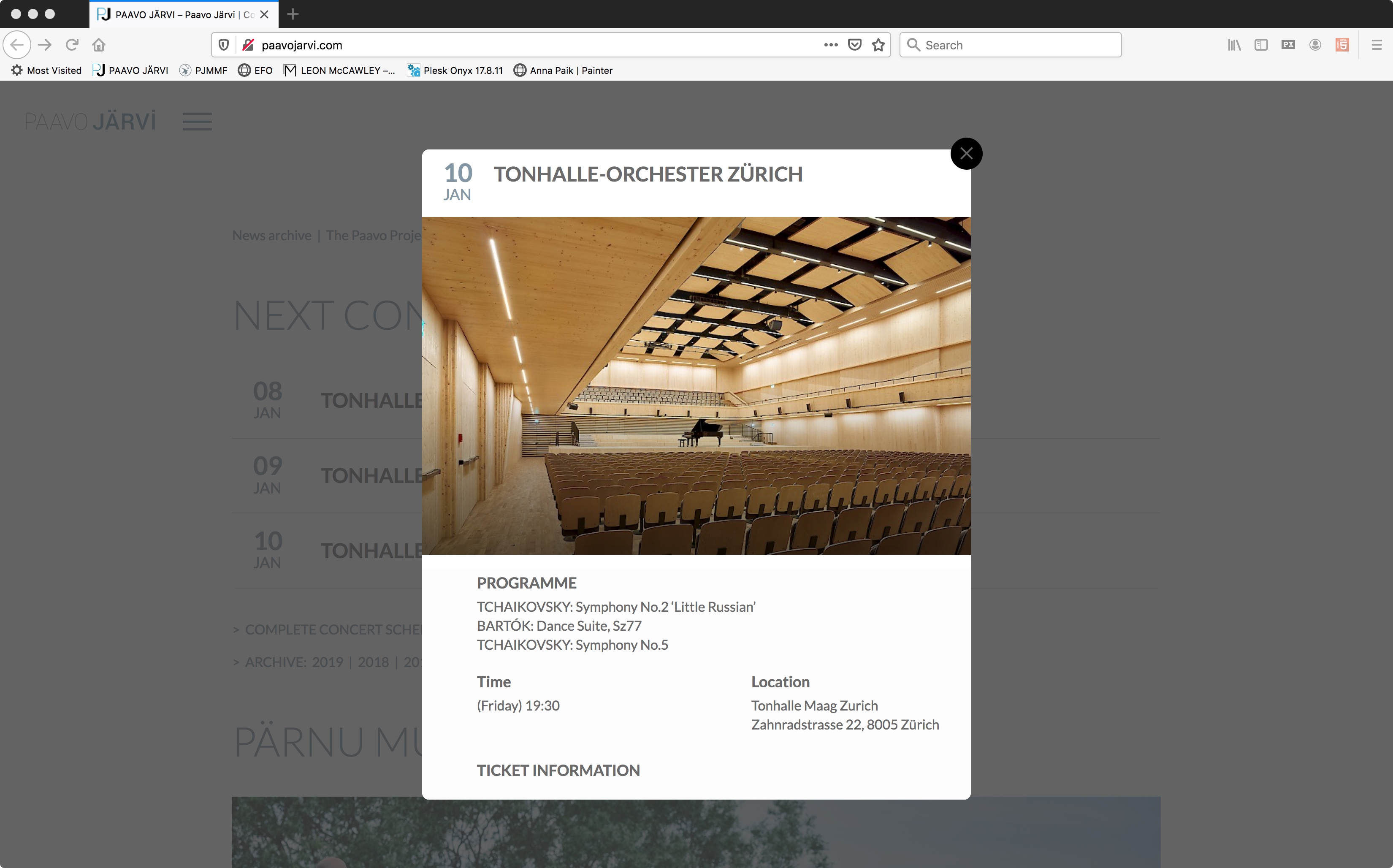
Please find a screenshot of my eventcard.
//David
Reply to: tickets(156607)
All set now! Thank you for your help on this!
Cheers,
Sarah
Reply to: tickets(156705)
I double checked:
User: testuser
Password: testuser2020
Use this page to introduce credentials:
Reply to: tickets(156741)
Okay, to add some more to this:
1. The slider is breaking the functionality of the calendar. When I have it enabled, and I click on an event in my calendar on the page, it pops the event pop-up. If I disable the slider and click on an event in the calendar, it goes to the external URL like it is supposed to. So I have disabled the slider on EVERY page except:
https://www.streamingvideoalliance.org/calendar-test/
2. the Year-view is still not displaying correctly. It just doesn’t resolve with styles. I have had WP Engine exclude the page https://www.streamingvideoalliance.org/calendar/ from the CDN and server cache. I added the year-view calenadar on it and it displays like the one on the /calendar-test/ page. So it’s just broken.
These are my two major issues right now. I need the slider to work and I need the year-view to resolve correctly.
Reply to: tickets(156703)
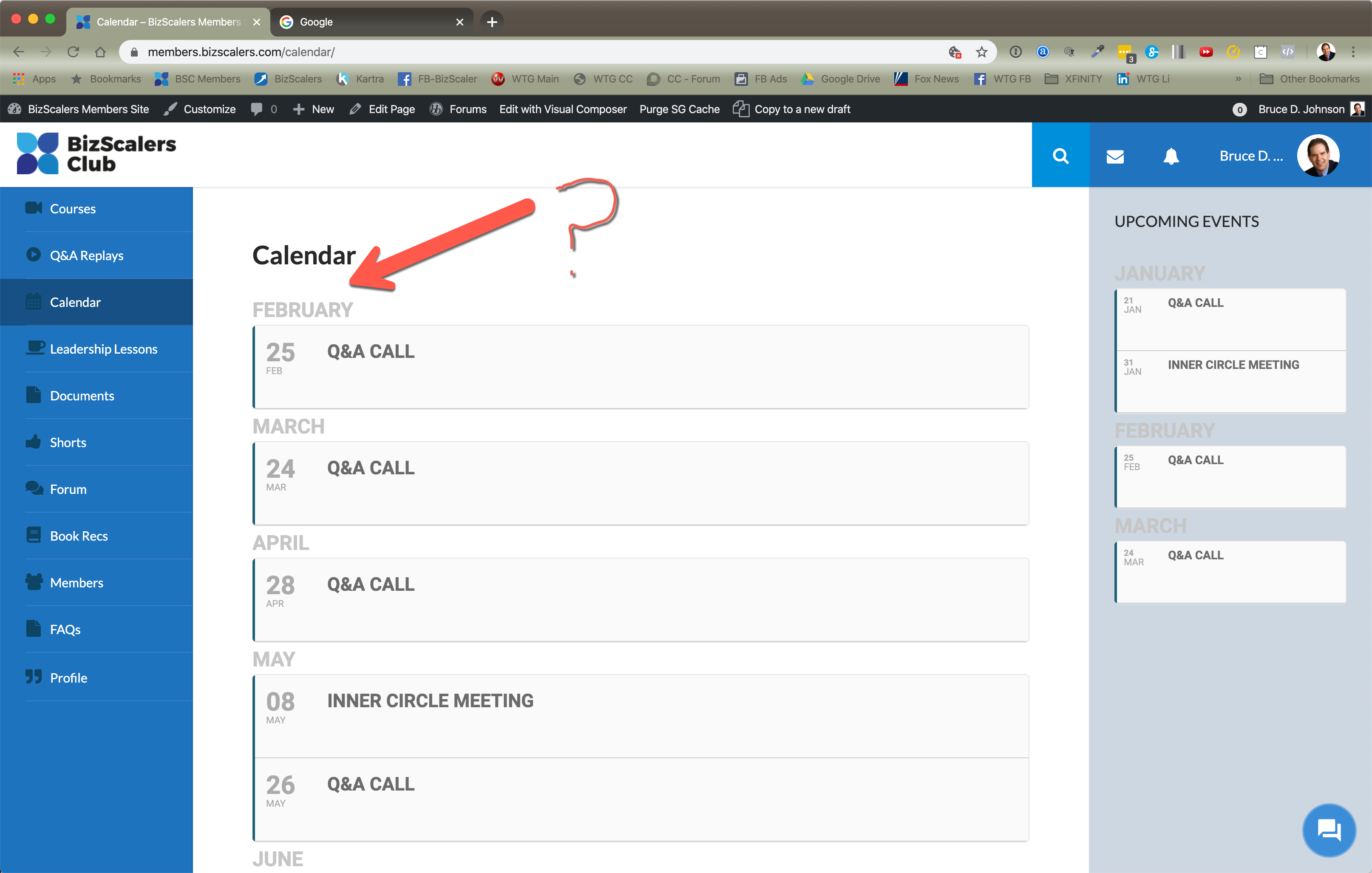
Just an FYI. I cleared my cache and had the same issue in Safari. So, I logged out and logged back in on Chrome and had the same issue. No January on the calendar main page section. See attached image.
Reply to: tickets(156662)
Seriously? I have to pay to do something that seems like a fairly obvious request? Why would someone expect a calendar item added to a slider (where the default is to display the featured image) to have a hover effect where the image is completely covered and when the slider is set to “no interact?” I mean that alone, not having an interaction, would seem to be an obvious reason for not having ANY kind of hover behavior on the slider.
Reply to: tickets(156703)
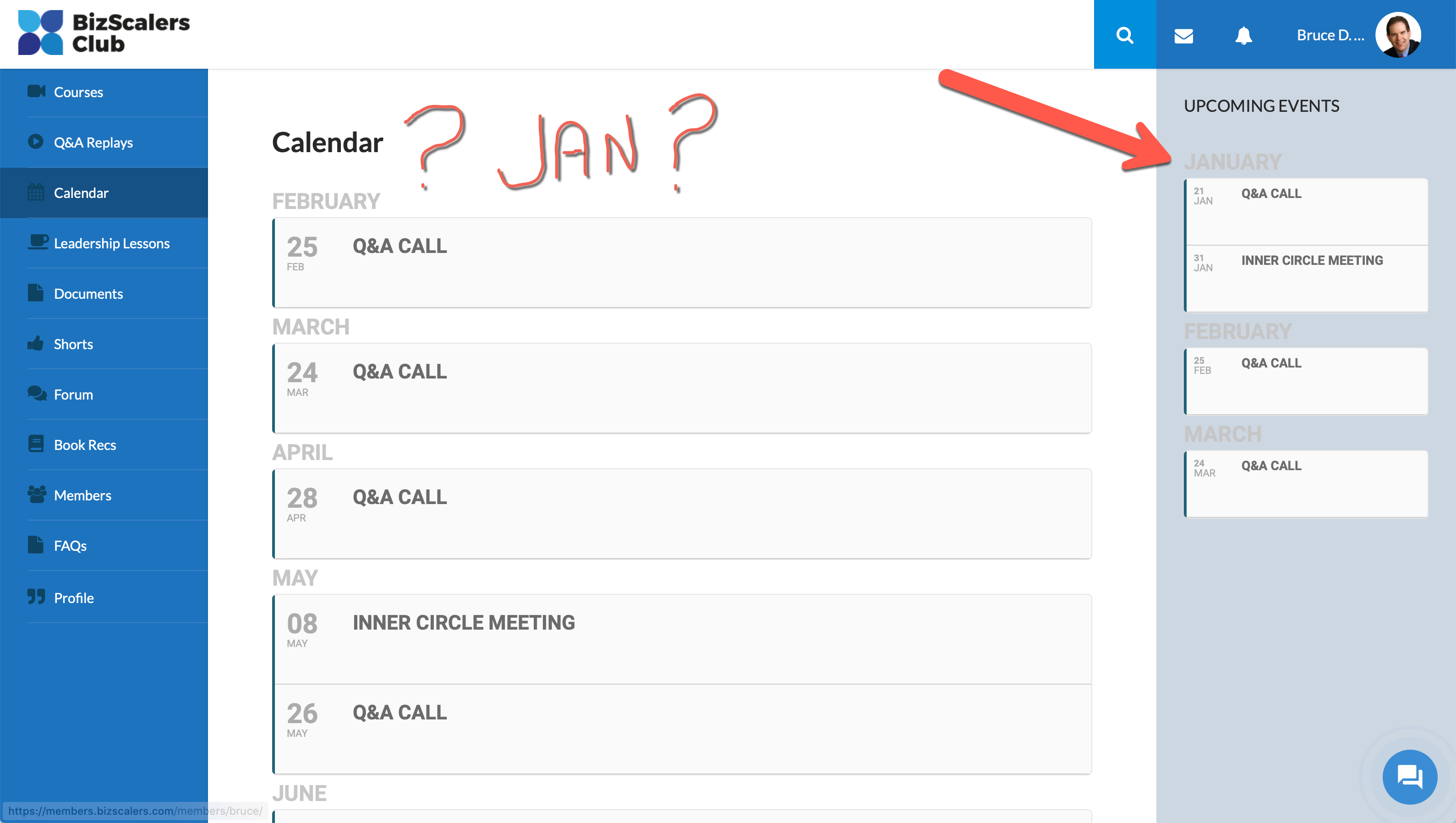
Thanks for checking. But I’m still not seeing it in the main section (only the right sidebar). But I need it to show in the main area. See attached image.
Reply to: tickets(156701)
Oh shnap! I thought I only pasted the schema error from Search Console. Sorry about that.
The error is stating that the schema tag for description is missing. Is there a setting to pull this in to the sidebar widget (SCE) for Eventon I’m using?
Here’s the results from one of my pages showing the sidebar.
https://search.google.com/structured-data/testing-tool/u/0/#url=https%3A%2F%2Fwww.danvillesocial.com%2Fbusiness-spotlight%2Fdreamland-baby-with-tara-williams%2F
Reply to: tickets(156521)
Yes this makes sense, how would you want it to work?