Yay! That worked! Thanks!
Archives: Replies
Replies for tickets on suppota
Reply to: tickets(156401)
Hello,
Could you please try enabling EventON > Write dynamic styles to header and clean your cache plugin?
Reply to: tickets(156321)
We are glad your issue is resolved, if you have any further questions or concerns please create a new ticket. If you have a moment, we would greatly appreciate if you could kindly leave us a review at codecanyon! from your account > downloads. Cheers!
Reply to: tickets(156357)
actually what Artem mentioned is the solution it was a CSS error in the code 🙂
Here is the more explained patch fix
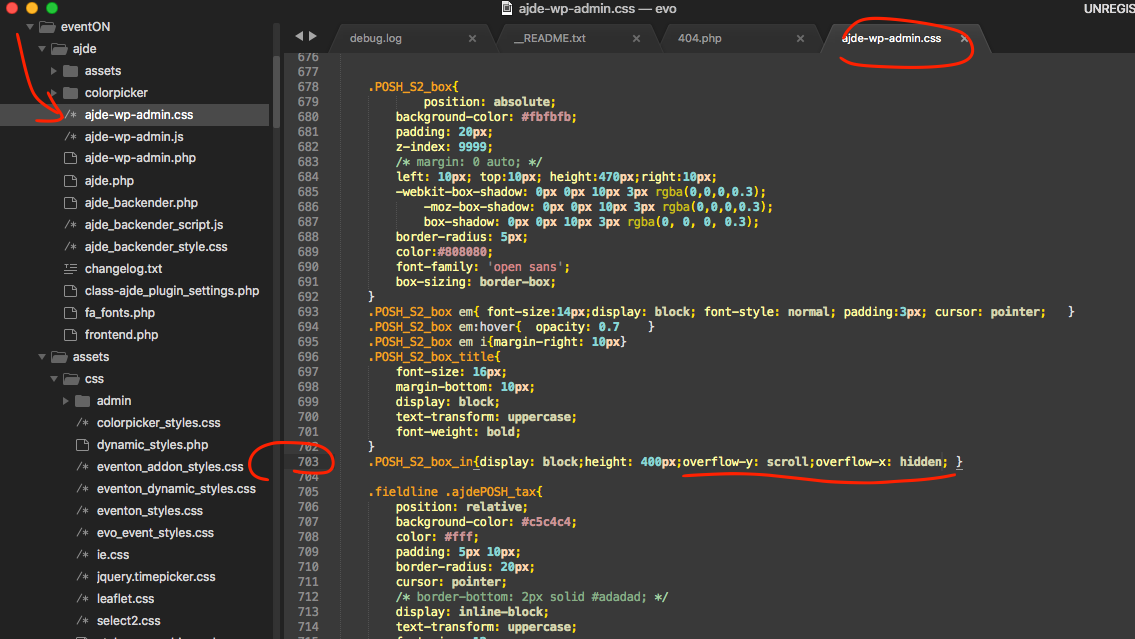
If you have more questions, kindly send us a new ticket and we would be more than happy to help you resolve your issues!
Reply to: tickets(156389)
Hello,
…is taking quite a long time to load…
Please check https://docs.myeventon.com/documentations/why-my-site-and-eventon-page-loading-slow/
when it does when can’t open any of the listed events
Unfortunately, I cannot recreate this from my side:
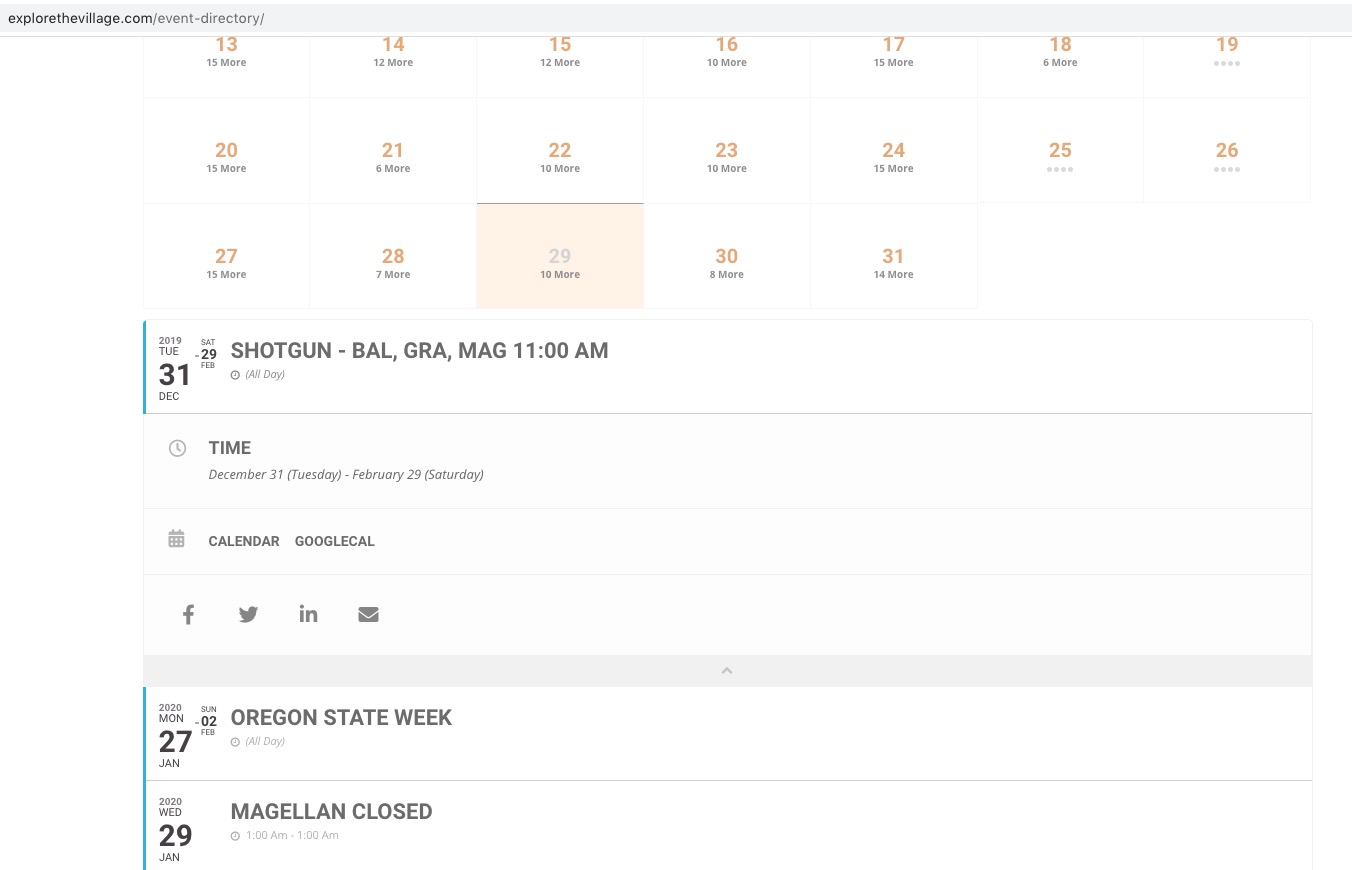
Could you please try the instructions mentioned in this documentation to make sure your issue is indeed coming from eventon.
Reply to: tickets(156327)
Hi there, WIth regards to your last message. So let me explain a bit here i think that will help you understand whats going on and avoid this issue.
the repeat instances are actually virtual dates they dont have any posts. So when you create repeat instances the dates are associated to that repeat instance index. That is why after you set up RSVP for separate stock for repeat instances the RSVP counts are associated to the exact repeat instance index. So if you remove an index those RSVP stock numbers will get moved around.
It is best to not remove repeat instances after you have set up RSVP and have attendees for the events. I will also add a warning message in the next update to the software to warm ppl when they try to delete repeats that are already in use.
Cheers mate and happy new year!
Reply to: tickets(156383)
Hello,
Thank you for your messages, I am going to assign this ticket to Ashan and he will be able to take it from here and find you a solution. Please allow some time for him to get back to you, we greatly appreciate your patience and thank you for being a eventon customer! Also please disable any IP blocking on your site if there are any.
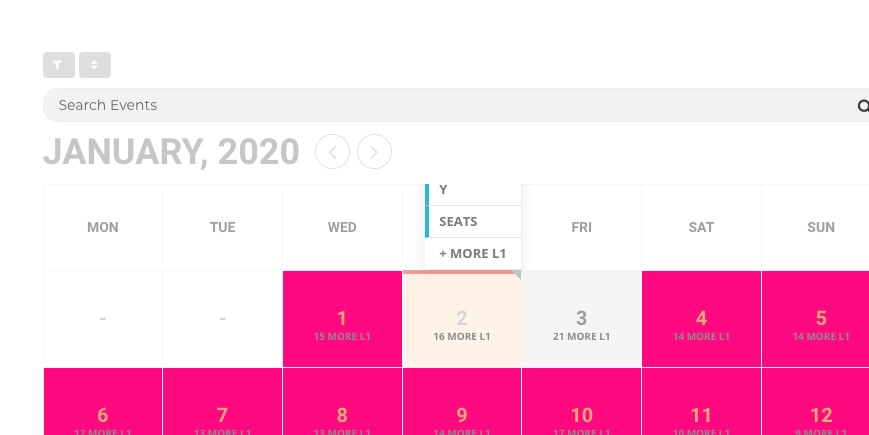
As a temporary solution could you please add this CSS code to EventON > Styles (If you can’t see any change, EventON > turn off Write styles to header > save settings > turn on Write styles to header):
.eventon_fullcal { overflow: unset !important; }
Reply to: tickets(156383)
Reply to: tickets(156382)
Hello,
Thank you for your messages, I am going to assign this ticket to Ashan and he will be able to take it from here and find you a solution. Please allow some time for him to get back to you, we greatly appreciate your patience and thank you for being a eventon customer! Also please disable any IP blocking on your site if there are any.
Reply to: tickets(156382)
Ashan,
The same on dev2:
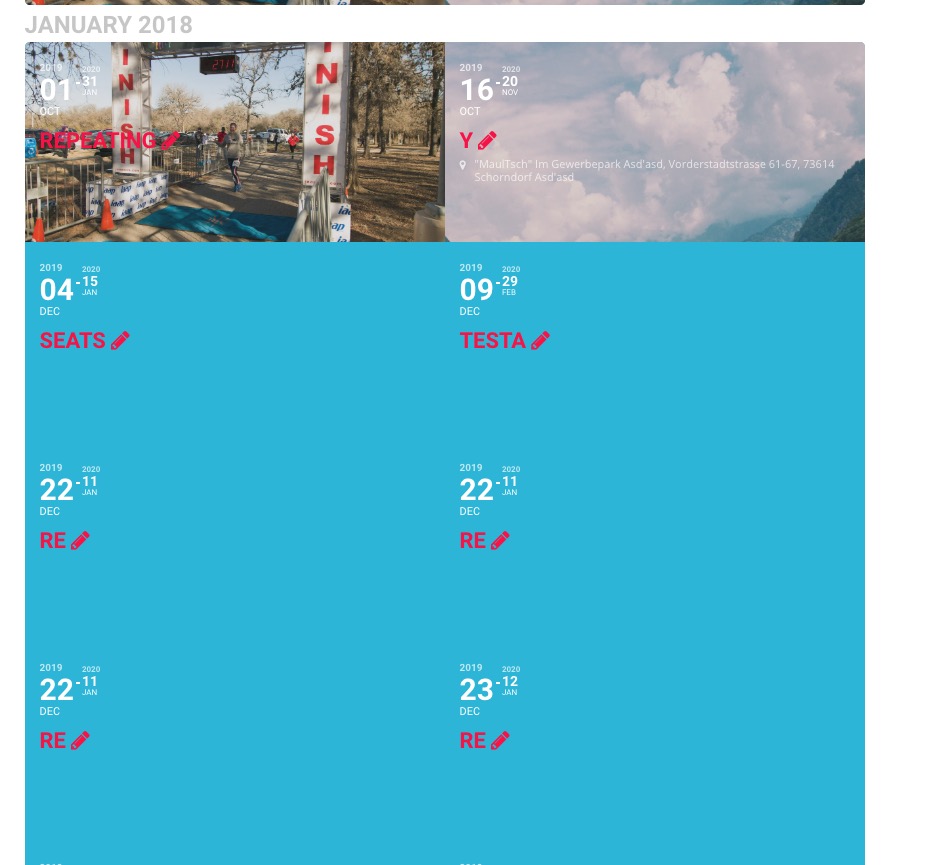
January 2018 shows events from Dec 2019 and so on.