ah no! Linking to a specific video was part of our plan using Event on – its a pity this simple link to a video is not possible – thank you for your help so far – Adrian
Archives: Replies
Replies for tickets on suppota
Reply to: tickets(162331)
Hi Artem.
All you’re emails went into the spam folder. I got aware of the renewal when I got the PayPal notification. When I reset the password I figured out your mails went into the spam folder.
If I saw the reminder I would have canceled since I haven’t used the plugin for almost a year.
(love the plugin, but the site never went live)
Hope you can do an exception, even though It’s probably my fault for not checking my spam folder 🙁
Reply to: tickets(162335)
Hello,
1. Please add this CSS code to EventON > Styles (If you can’t see any change, EventON > turn off Write styles to header > save settings > turn on Write styles to header):
.eventon_full_description .eventon_desc_in p { font-size: 19px !important; }
2. Please replace add_eventon with add_eventon_list and also add this to the shortcode:
number_of_months=”12″ hide_empty_months=”yes”
Reply to: tickets(162332)
Hello,
Users won’t be able to see this link https://glycktest.david-muehlberg.de/wordpress/events/qigong/. Google doesn’t show old events unless users are very specific and they cannot see any past events on https://glycktest.david-muehlberg.de/wordpress/terminuebersicht/ (or any EventON’s calendar) since past events are hidden by default.
If you still need to make this customization you can send us a customization job request by creating a new ticket in here and selecting Customization Request as the category.
Reply to: tickets(162331)
Hello,
Please check https://docs.myeventon.com/documentations/terms-and-conditions-and-refund-policy/ > 7. Subscriptions & Automatic Renewal > 7.4 Subscription Refunds. A renewal reminder mail was sent before the charge was made. Could you check your inbox to see if you have received one?
Reply to: tickets(162293)
Hello,
The problems is in additional quotes:
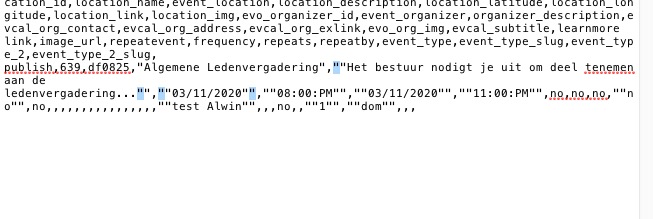
Could you remove them and check once?
Reply to: tickets(162155)
EventON shows the correct link: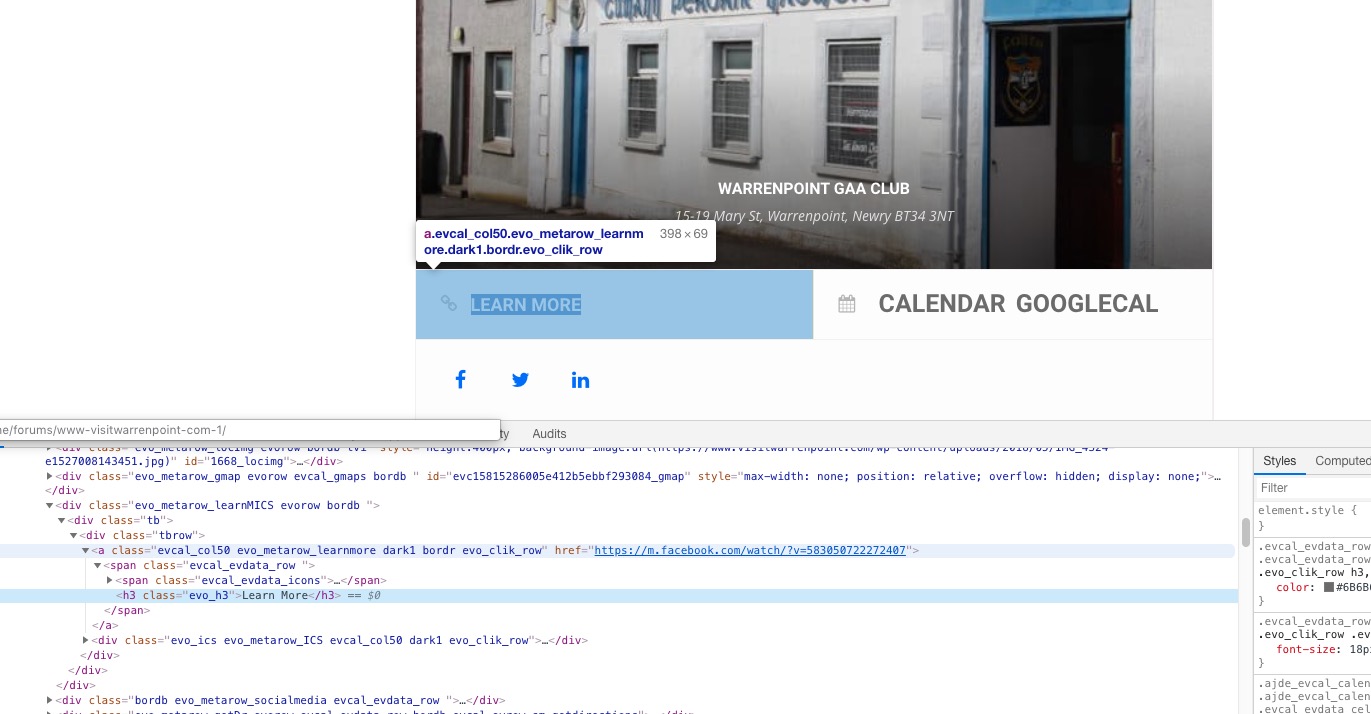
So unfortunately, it seems that Facebook does something on their side to redirect users to a different page. We cannot do much in this case, I am afraid.
Reply to: tickets(160671)
Hi,
Let me know about this, still waiting
Reply to: tickets(162314)
Hello,
Please go to Edit Event > Location and Venue > assign/create a location.
Reply to: tickets(161983)
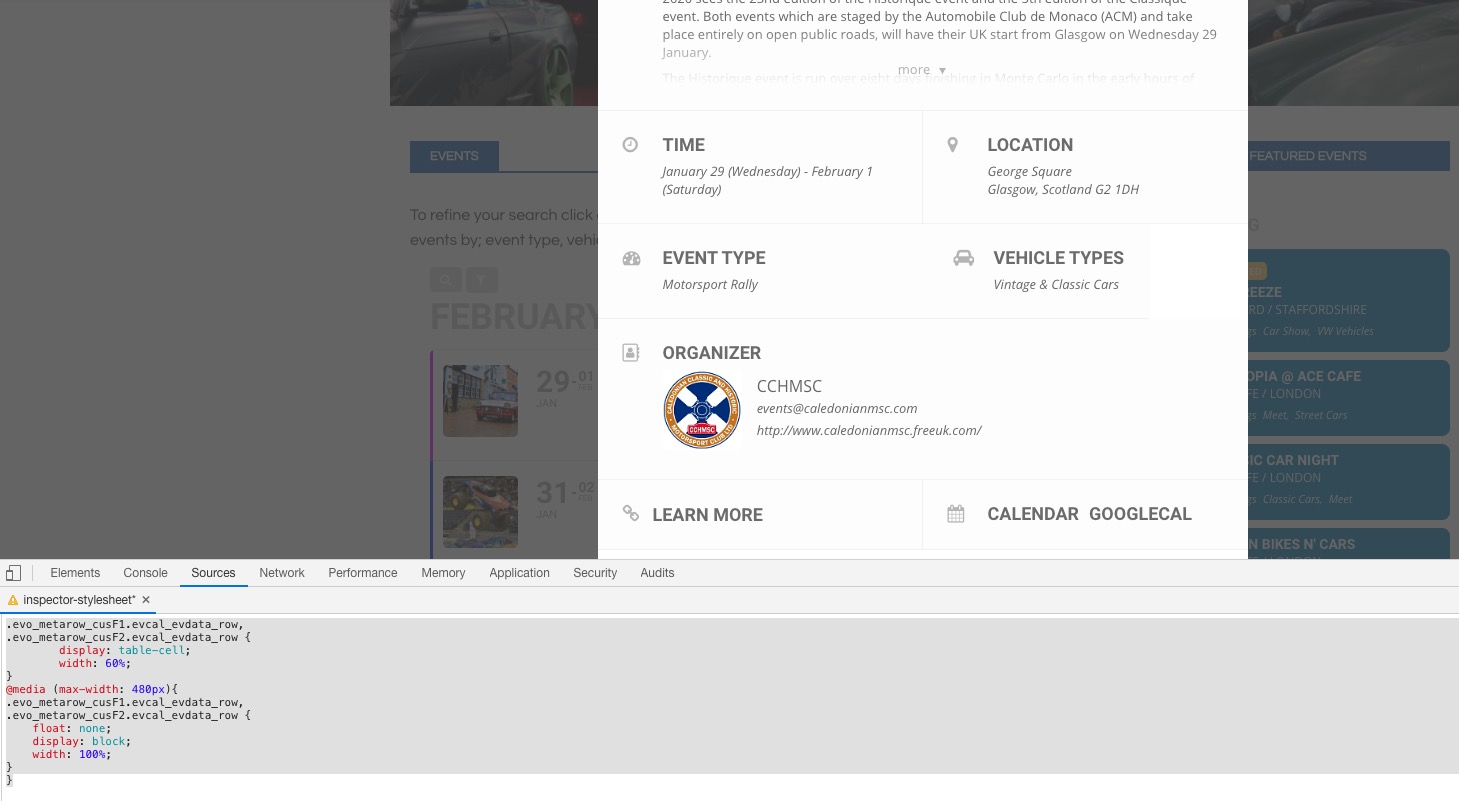
Please add this CSS code to EventON > Styles (If you can’t see any change, EventON > turn off Write styles to header > save settings > turn on Write styles to header):
.evo_metarow_cusF1.evcal_evdata_row, .evo_metarow_cusF2.evcal_evdata_row { display: table-cell; width: 60%; }
@media (max-width: 480px){ .evo_metarow_cusF1.evcal_evdata_row, .evo_metarow_cusF2.evcal_evdata_row { float: none; display: block; width: 100%; } }