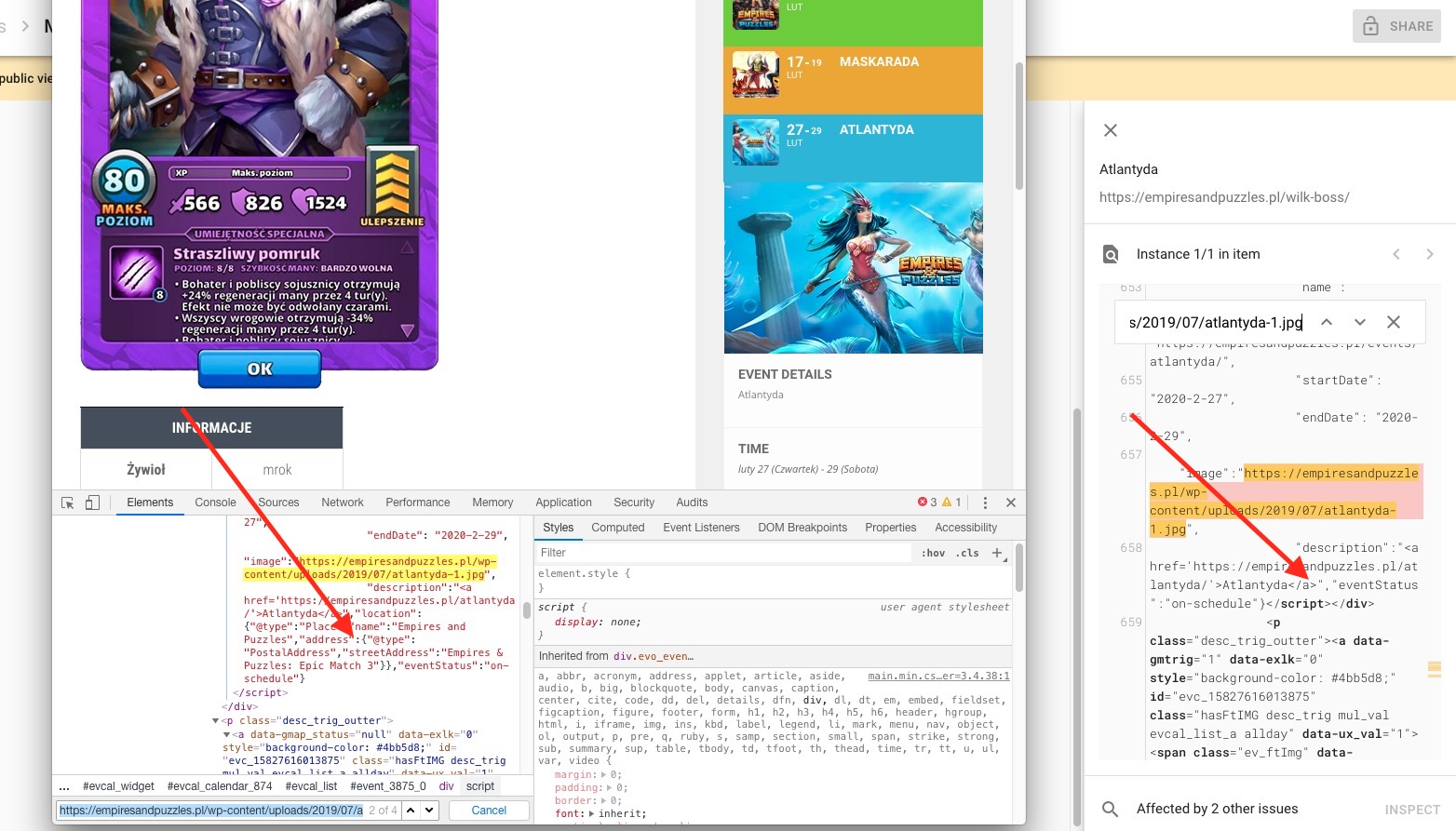
I will do the CSS fixes that are into this screenshot you provided, I have nothing to do with the page of archive so I will not break something 😀
I am sending u an invoice, there will be also a request for 1$ payment, u do no need to pay this only my PayPal link.
After this, I need WordPress Access.
SO here what I need:
Pay the Invoice:
https://paypal.me/Basilakis/80usd
WordPress Access
One Email of yours ( your primary )
Ashan,
Please check
Is it possible to change this addon to the Events Map?
Hello,
Could you confirm that this is the correct order:
#77958 Event Lists: Ext – Single Site
Thank you for your messages, I am going to assign this ticket to Ashan and he will be able to take it from here and find you a solution. Please allow some time for him to get back to you, we greatly appreciate your patience and thank you for being a eventon customer!
1. Please use this code:
.woocommerce form .form-row.notes .optional { display: none !important }
2. If you go to https://www.nbwn.co.uk/wp-admin/post.php?post=3138&action=edit and click on February’s Lunch at Bill’s Restaurant it redirects you to https://www.nbwn.co.uk/wp-admin/post.php?post=3108&action=edit:
You can’t edit this item because it is in the Bin. Please restore it and try again.
To export please go to Edit List > Tickets > DOWNLOAD (CSV).
Thank you, I am familiar with that feature. The challenge is that I want to create 1 calendar that is in the sidebar for the template. Then, when users are logged in, it only shows events for their area. I think it would be something like the above recommended suggestion but that would only show the event calendar when those people are logged in. We have the same event, ie. “Meeting” that occurs in multiple cities. We then have members who log in with their user role and I need the calendar to show that “Meeting” calendar but only the dates and times for their city. Hope that is not too confusing.
I can see that the amount of affected items is currently much less than on Feb 5. And for example, this page https://empiresandpuzzles.pl/2019/12/30/harmonogram-zadan-i-wydarzen-na-styczen-2020/ has issue as on https://helpdesk.ashanjay.com/wp-content/uploads/2020/02/Screenshot-2020-02-06-at-10.20.24.jpg. For some reason Google crawls the old version of the page without location present.
Do you use some kind of cache plugin on your server?
Hi Basilis!!!!
Okay – I’m a little scared because today Artem was in the site trying to get it to work (fixing the archive issues) and my entire website completely disappeared…… locking us out of even being able to log in when he tried to fix the archive php section. So I’m verrrrrrrrrrrrrrrrrry nervous. I can’t afford for my site to be offline like that for a few hours to get a version restored.
How are we going to get the archive piece fixed?
Youll be able to adjust the font to right?
I’m fine with the price and quick turnaround.
It appears to be fixed by downgrading. When can I upgrade and trust it will work?
1. Please go to EventON > Appearance > Primary/Secondary Calendar Font family. To change font-sizes you need to add custom CSS styles. Could you tell us what text would you like to change?
2. Please follow https://docs.myeventon.com/documentations/how-to-show-various-information-in-eventtop/
Hi RIste,
Like this:
https://nimb.ws/ZamDLU
if this works, then cost is $20 to do it.