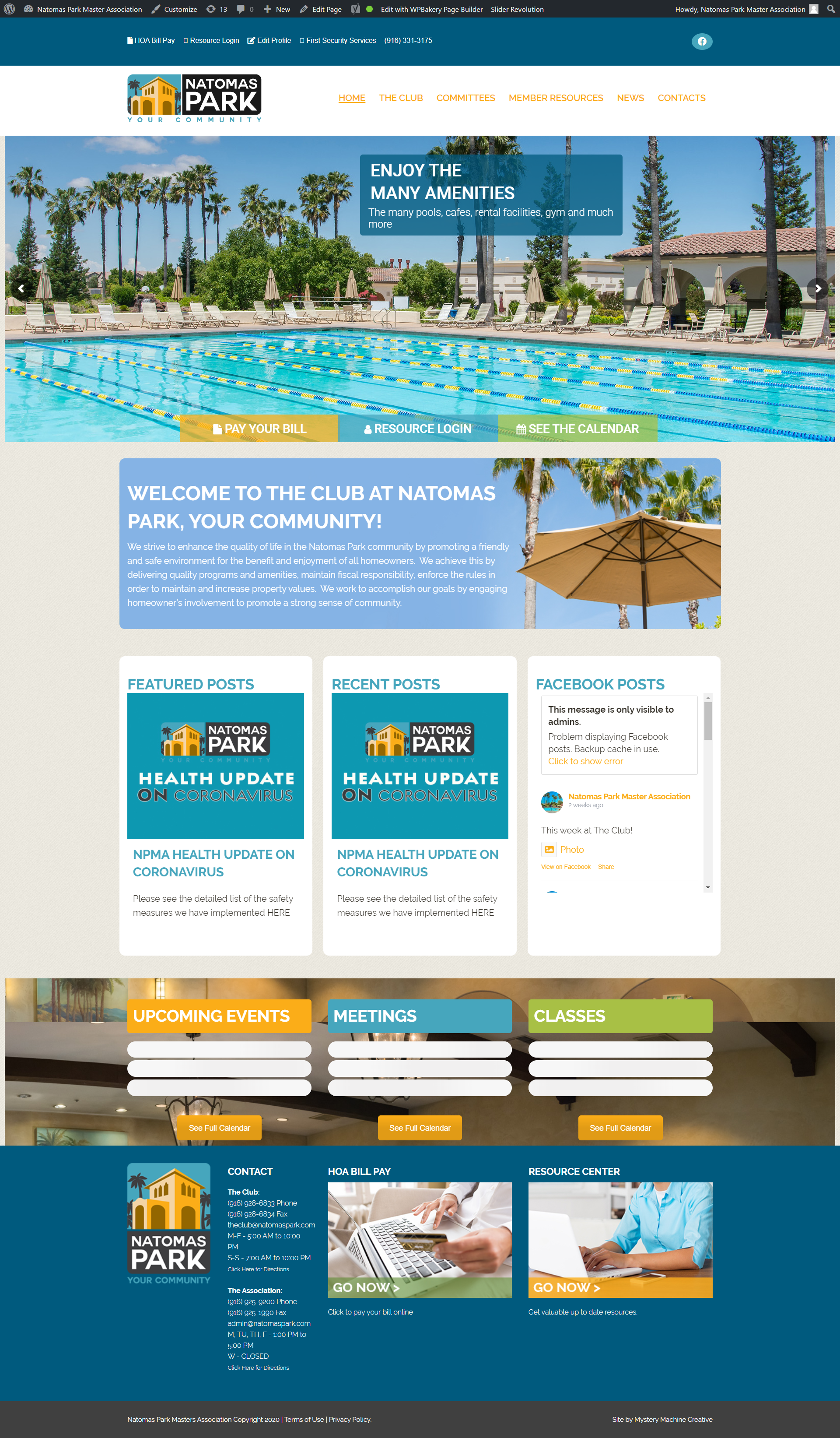
We deleted the additional pages that we thought we didn’t need and that were extra draft/unnecessary pages (Scholarships Test and /Scholarships-2). Those two pages were restored out of trash, but I believe the actual page we want to use became the archive page again because of that. I can’t actually edit the content on it.
The /scholarships-2 page allows me to edit it just fine, but we want the permalink and editable page to be /scholarships.
I guess when you do get it to work, let me know what page the archive page is or directory page is so that we can label it accordingly and delete any test pages that we don’t need.
Yes,
I had to load the old plug 2.5.4 plug in again so the site will work. But when I update I get none of the calendars loading the events (see screenshot) Should I still activate debug or is there a fix?
Thanks
Hey Robyn,
Can you tell me what changes you did, so I know what to revert please?
Hello,
Please check https://www.wpbeginner.com/wp-tutorials/how-to-fix-fatal-error-maximum-execution-time-exceeded-in-wordpress/. You can increase Maximum Execution Time.
Please also check https://docs.myeventon.com/documentations/why-my-site-and-eventon-page-loading-slow/. By following this you can increase the overall performance of the calendar to fix this issue as well.
Hello,
Could you update EventON to 2.8.6 and Tickets add-on to 1.7.12 and check once?
Yes, of course. as long as my site does not get broken or a security issue then you may of course
Basilis – were you able to get this working yet? I know we have another ticket open that you were assisting me with a customization job.
2) Need the main page that the items are on to be looked at again. In cleaning up our website, we deleted some of the duplicate EventON pages and now the page where EventON is displayed is not allowing us to make edits again. Basilis created a fix for that in the past, so hoping he’ll be able to correct the issue again and then complete the CSS updates.
Hello,
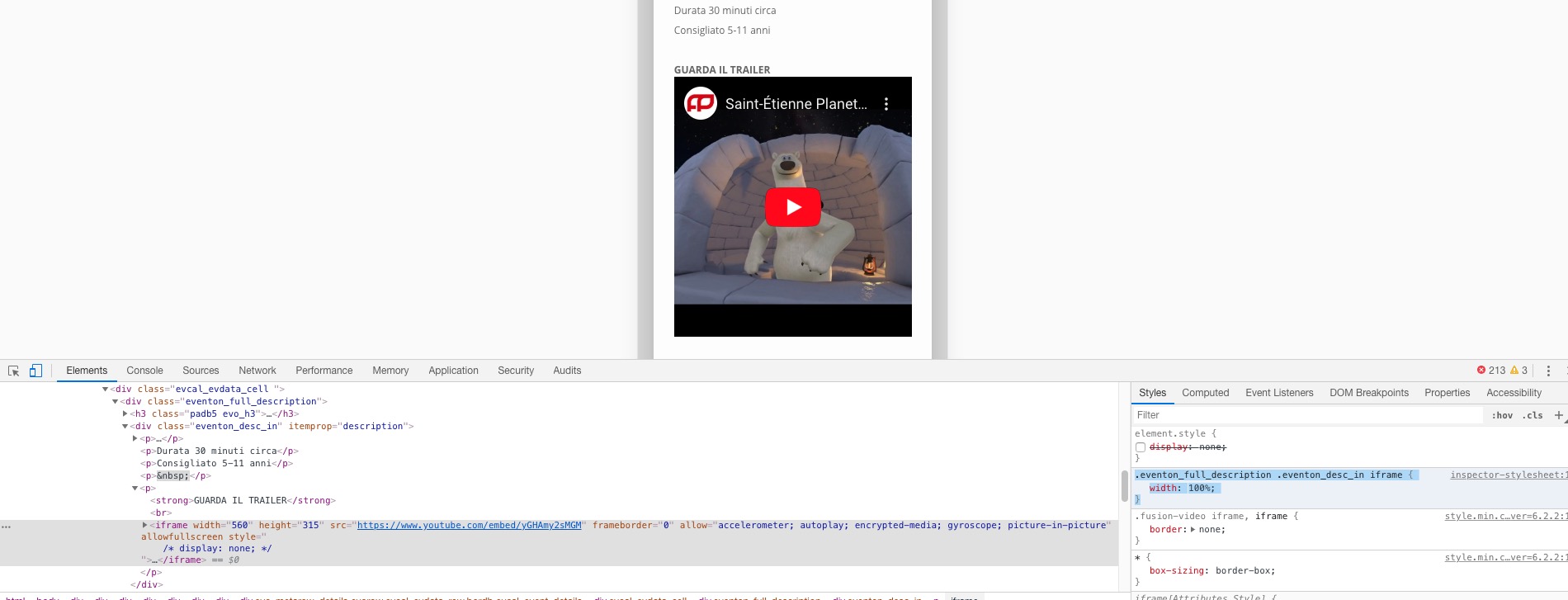
Please add this CSS code to EventON > Styles (If you can’t see any change, EventON > turn off Write styles to header > save settings > turn on Write styles to header):
.eventon_full_description .eventon_desc_in iframe { width: 100%; }
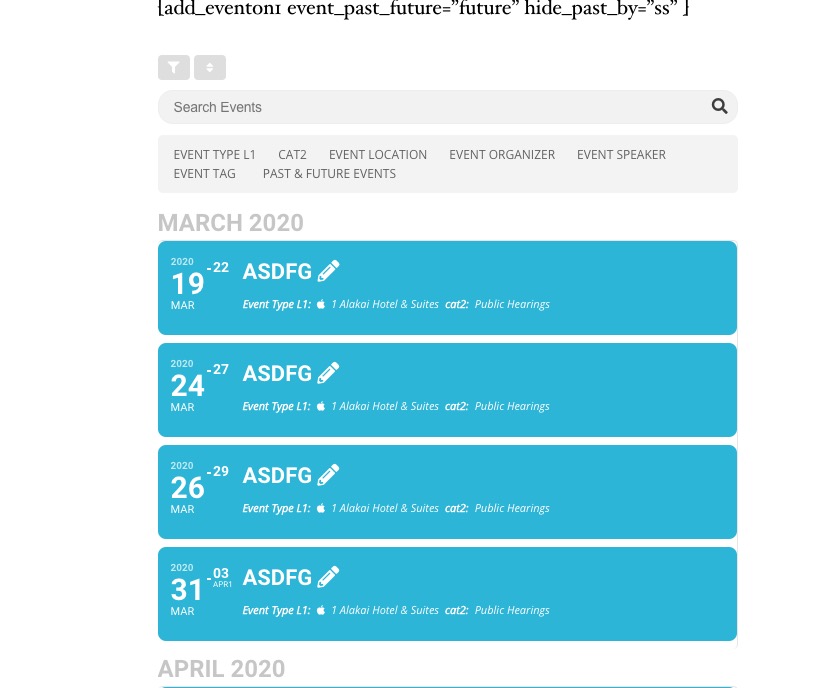
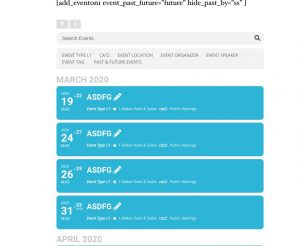
This supposed to do what you need: hide_past_by=”ss” event_past_future=”future”
On our test server:
Event: http://dev2.myeventon.com/events/asdfg/var/ri-4.l-L1/
Calendar with your shortcode: http://dev2.myeventon.com/21001-2/
Could you please try the instructions mentioned in this documentation? Also do you use some kind of server cache that can cause this?