Thanks, Artem for the prompt reply. I tried to stay up pretty late given that you normally reply around 4 AM my time.
Here’s the login information. I just reinstalled the plugin. The pages /scholarships and /scholarships-directory, I deleted because I continued getting the same message where my active page was being considered the archive page. As you can see in this thread, it wasn’t initially like that. I want the main page that has all current scholarships on it to be /scholarships that way my permalinks for my individual events are /scholarships/XXXX
I have v2.8.5. Not sure if that needs to be updated as well at the moment.
Login: http://staging.scholarshipinformer.com/login/
Username: studentinsidersguide@gmail.com
PW: 2020Takeover
Please let me know if you need anything else. I appreciate the assistance. Definitely trying to get this done because it’s critical to my launch.
Gab
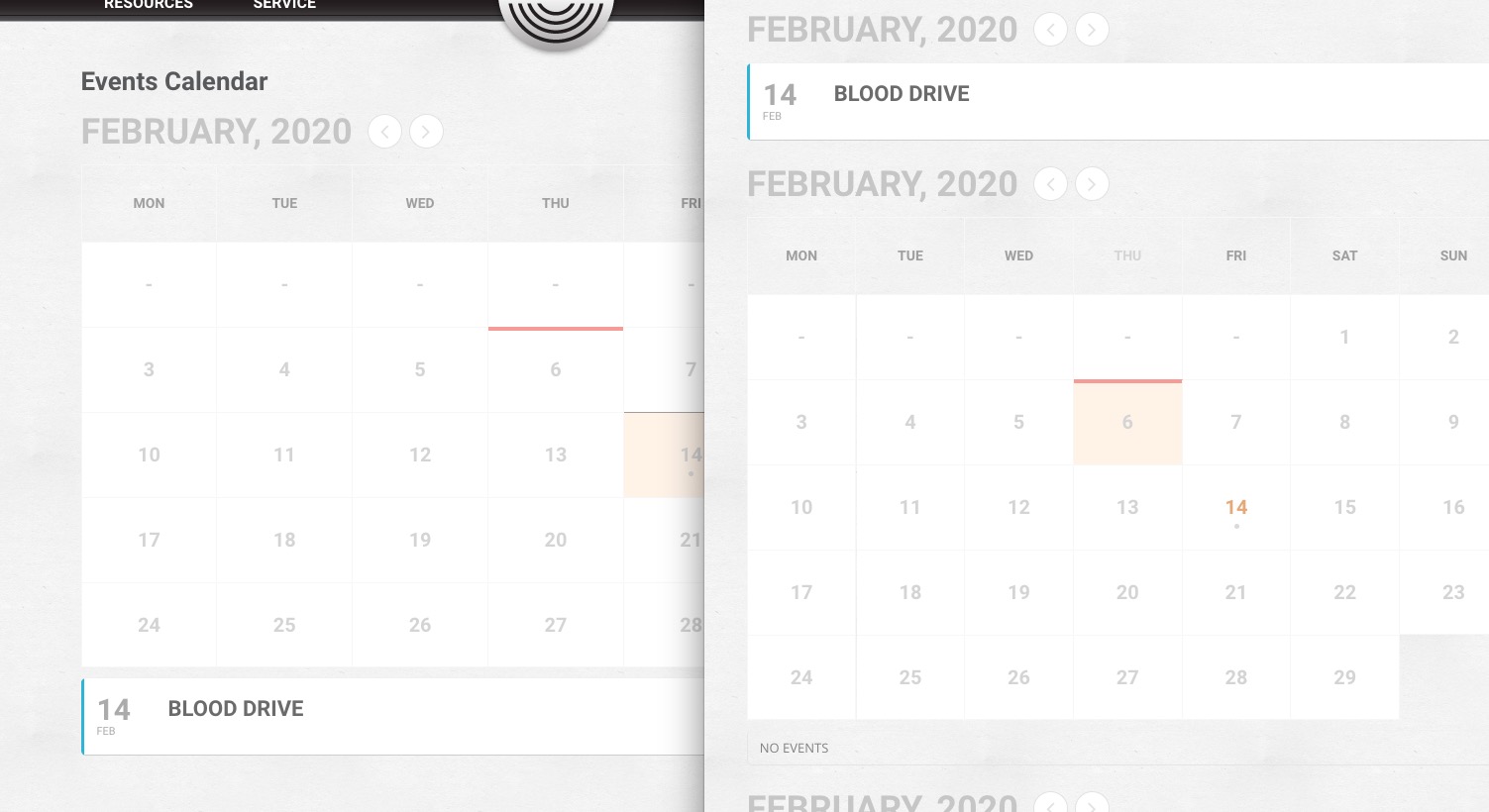
Have you managed to fix this issue? I can see FullCal on both pages:
Hi there
It seems like there is a confusion about what I am requesting. I would like to have the Gregorian calendar dates displayed and also have the Jewish date displayed on the same box:
https://www.hebcal.com/hebcal/?v=1&maj=on&min=on&nx=on&i=off&year=2020&month=x&yt=G&lg=s&d=on&c=off&geo=geoname&zip=&city=&geonameid=&b=18&m=50&.s=Create+Calendar
https://prnt.sc/qyc3zd
Thanks
Could you update EventON to 2.8.5 and after please try the instructions mentioned in this documentation? It seems that EventON’s styles didn’t load correctly.
Hello,
We are sorry for the delay. Could you send us a working login info? I am going to check this error: Still having the redirect issue, etc.
And also check your theme source code and see if I can remove any signs that /scholarships is your Archive page.
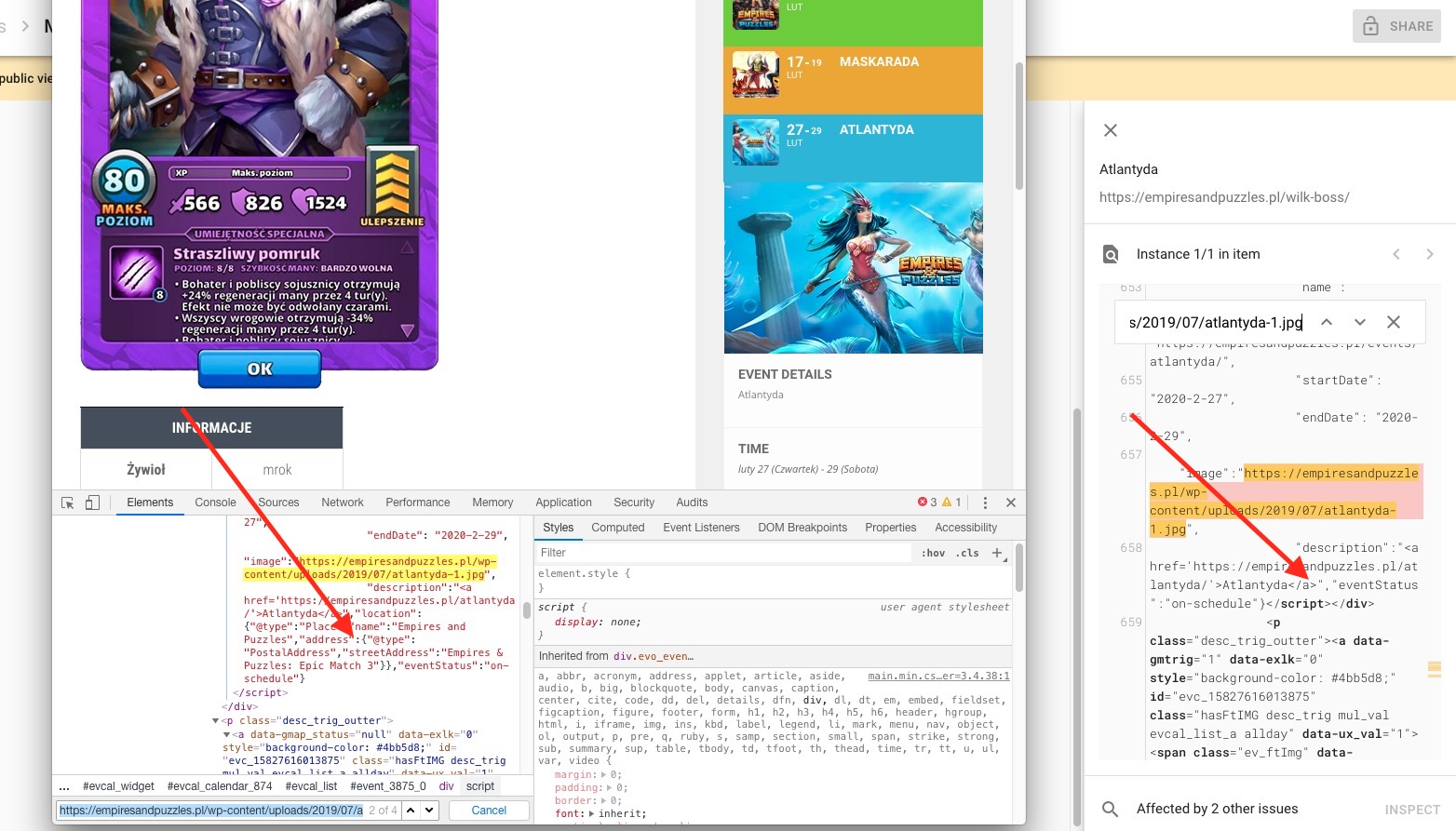
It looks like that Google didn’t get the recent results yet. You can see on this screenshot that your actual page has Location Data field but Google didn’t check it yet:
Could you re-crawl your website so Google can check the recent updates?
Hello,
Can you provide both ftp and wp-admin access info please? Work is complete. Thanks
Hello,
Please follow the instructions in this documentation to activate debug in your site to see any PHP errors recorded that can provide insight on to whats going on. Please reply with a link to debug.log file. If you are not able to do this please send us FTP access to your site so we can do this for you.
Hi Basilis,
Just following up again to see how I need to move forward.
Gab
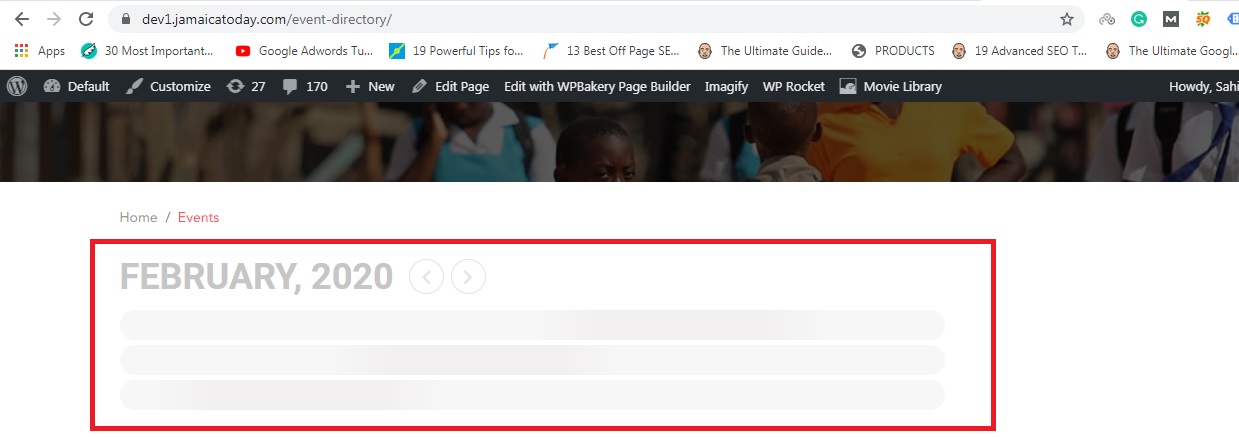
Hi, I have tried this, I disabled all the plugins and activated the default theme as well, but still, it is not showing calendar. Please see the image for your ref.
Please help on priority