Could you share your solution with us?
Archives: Replies
Replies for tickets on suppota
Reply to: tickets(166797)
event_order=”DESC” works correctly in Main Calendar and Event Lists shortcodes. From our documentation and shortcode generator: “With this variable you can set the order in which the events are shown.”. Except it does this by month. If you need to sort months as well please use Event Lists: Ext with month_order=”DESC”.
Reply to: tickets(166878)
Could you or may I please try the instructions mentioned in this documentation to make sure your issue is indeed coming from eventon.
I think the problem can be in one of your plugins, ie Custom Post Type UI.
Reply to: tickets(165286)
I understand this but didn’t I fix your issue so you can now use PHP 5.6.32?
Reply to: tickets(166944)
Hello,
1. Please use this shortcode: [add_eventon_list number_of_months=”12″ hide_empty_months=”yes” search=”yes” ]
2. Please follow this guide: https://docs.myeventon.com/documentations/how-to-show-various-information-in-eventtop/ and activate them. This page https://carshowsuk.com/events/wax-away-static/ doesn’t show any calendars:
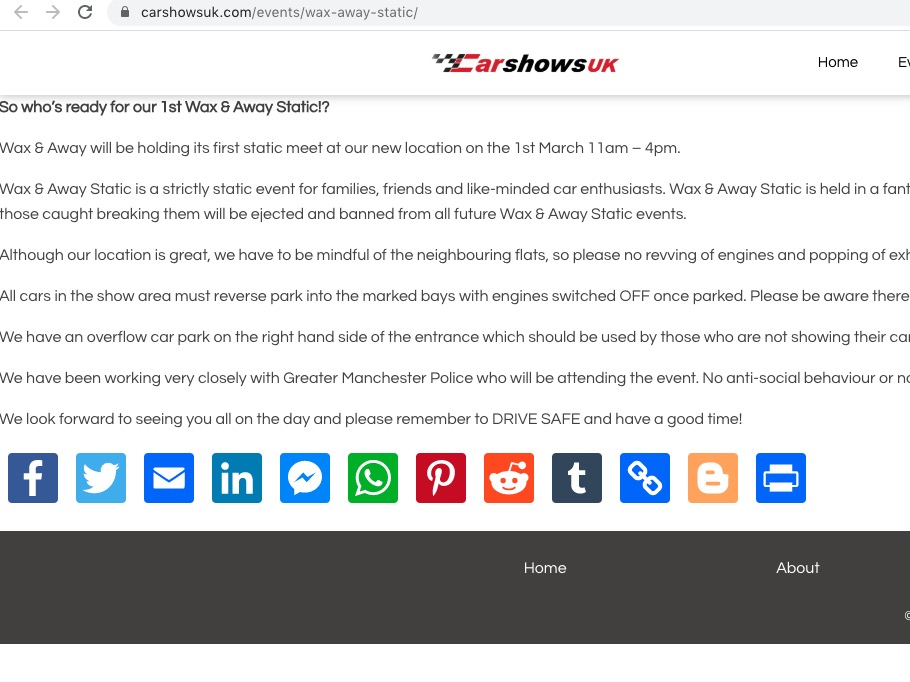
3. You can use this shortcode: [add_eventon_dv dv_view_style=”oneday” ] http://dev2.myeventon.com/20843-2/
Reply to: tickets(166976)
Nope, that didn’t work either. I’m so sorry. But will this addon won’t help me put the events into the WooCommerce store and it was suggested by support that it would, I must have misunderstood. Anyway, just tested and I can’t use it so please refund. Thank you.
Reply to: tickets(166690)
It can search the data in Location Name fields. You can try yourself on our test server:
http://dev2.myeventon.com/20840-2/ (search for MaulTsch)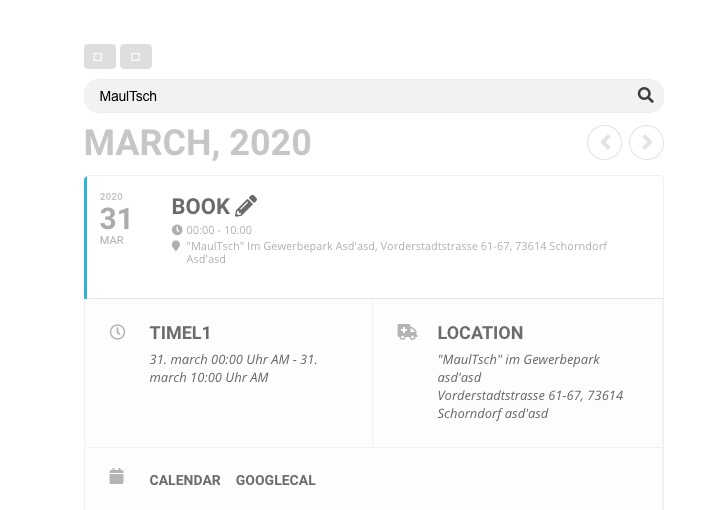
So you can add city, state and zip to Location Name and then hide it so users can search with this data.
Reply to: tickets(166976)
Never mind, I found a good use for it and will use it:)
Thank you!
Reply to: tickets(159655)
Please check https://docs.myeventon.com/documentations/how-to-show-past-events/, but with EventON 2.8.5 you should be able to achieve similar with this shortcode:
[add_eventon_list event_past_future=”past” number_of_months=”12″ hide_empty_months=”yes” ]
Reply to: tickets(166263)
I found this js error:
jquery.mobile.custom.min.js?ver=4.3.4:7 Uncaught TypeError: e.event.special.swipe.start is not a function
at s.start (jquery.mobile.custom.min.js?ver=4.3.4:7)
at dispatch (jquery.js?ver=1.12.4-wp:3)
at r.handle (jquery.js?ver=1.12.4-wp:3)
Could you please try the instructions mentioned in this documentation to make sure your issue is indeed coming from eventon.
Do you have the same issue with our demo server: https://addons.myeventon.com/events/event-with-variations-options-addon/