Also calendar is not showing on events page
Archives: Replies
Replies for tickets on suppota
Reply to: tickets(159266)
The only custom work I did was change wording for better English.
Because of the delayed response, I managed to get it to work by modifying the custom-functions.php file:
- commented out lines 22-23 and lines 505-507
- uncommented line 511
Reply to: tickets(158231)
i will let you know tomorrow.
Reply to: tickets(158078)
Are you referring to how the calendar changes from month to month? Because what we have done is we have removed the animation bar ( orange/grey) between the month name and the calendar when it is about to change
Reply to: tickets(158403)
Hi Basilis,
Haven’t heard anything from Ashish or seen any other comments on the job that wasn’t accepted. Not sure what I should do at this point.
Gab
Reply to: tickets(161144)
Please let me know if I can get a refund for the booking script and I will just purchase the RSVP add on instead.
Thank you, if you can exchange it that would also work for me.
Reply to: tickets(160721)
Just bumping this ticket up, please can someone take a look?
It’s six days since I asked the question.
NW
Reply to: tickets(161635)
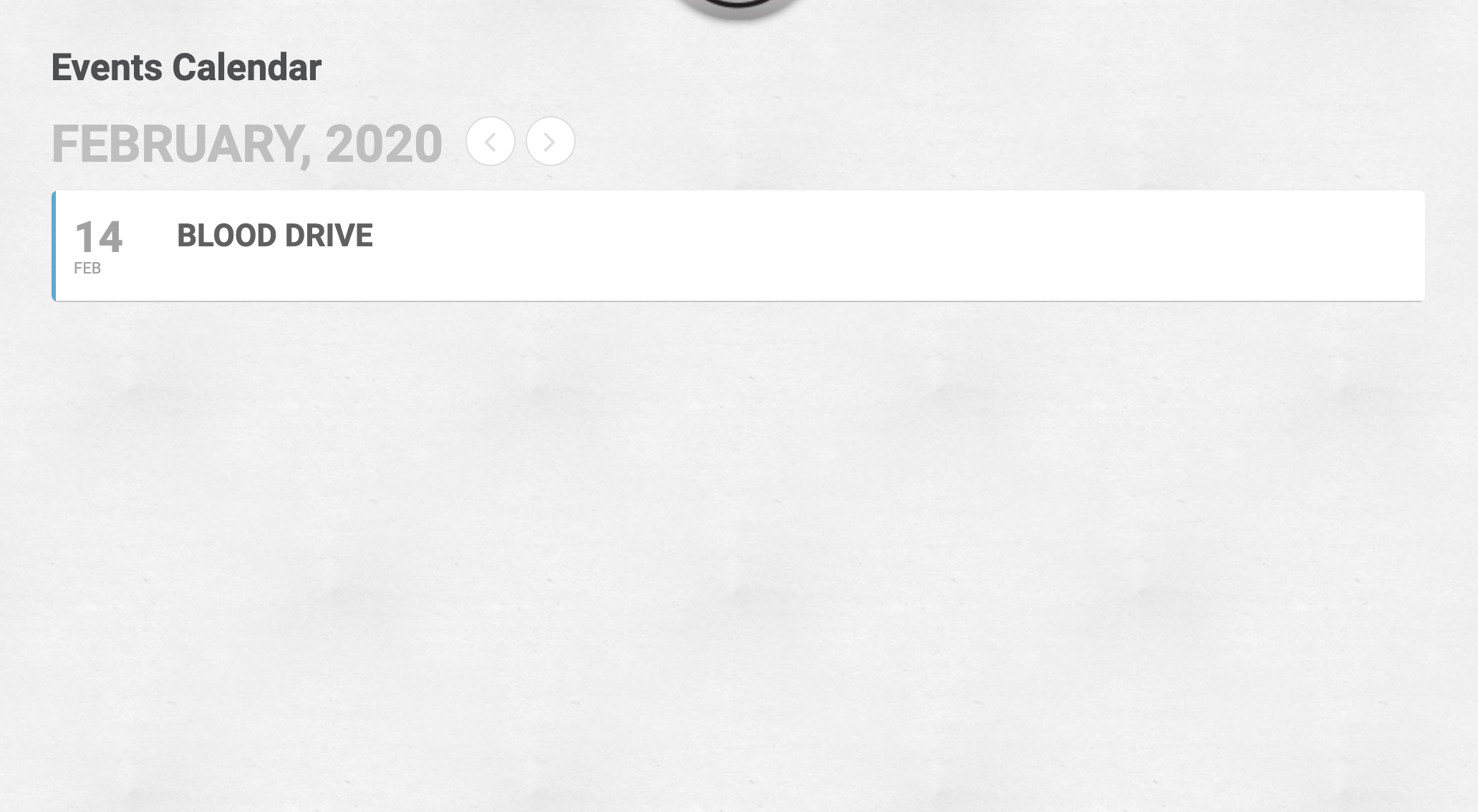
Thank You the update worked!
Now for some reason the Full Cal month view is NOT displaying? We are using the short code [add_eventon_fc] and the full cal plugin is added and active but we only see a single event? See attached screen shot.
Reply to: tickets(159079)
hello – I have not had any response to this in over 2 weeks – is there a solution?
Reply to: tickets(161135)
Hello.
Yes, as the video shows I have the same problem in Chrome, Firefox. It also happens in Edge. The issue happens on both Mac and PC and the submit button is also not responsive on iOS.
As I noted in my original ticket I have tried deactivating all plugins, and using a default wordpress theme. Even with the 2019 theme and only eventon activated the errors still happened exactly the same.
I have tried all the steps here: https://docs.myeventon.com/documentations/check-eventon-working/
And I have tried all the steps at the link you shared. But unfortunately none of those have fixed the issue.
Thank you for your prompt attention to this matter.