Hello,
Please check ink below for cancelling subscription:
https://docs.myeventon.com/documentations/how-to-cancel-addon-subscription-before-auto-renew/
Replies for tickets on suppota
Hello,
Please check ink below for cancelling subscription:
https://docs.myeventon.com/documentations/how-to-cancel-addon-subscription-before-auto-renew/
Please send us wp-admin access to your site as a private message for us to further assist your situation.
Hello,
We would be happy to provide you with small css code, but this will require more than that.
So, you can send us a customization job request by creating a new ticket in here and selecting Customization Request as the category.
Can you show which hyperlink you are targeting?
Link you have provided open a single page.
Hi,
Unfortunately, we do not have control over codecanyon system. Please contact their support instead and tell them about it.
Below is the link to their documentation on downloading items:
https://help.market.envato.com/hc/en-us/articles/202501014-How-To-Download-Your-Items
Okay, so you need to explain to me how this has been resolved.
I understand you created that page with the full calendar shortcode (which is the SAME shortcode at the bottom of the other page I provided).
When I navigate to THAT URL that you have specified and I click on an arrow above the calendar to progress the calendar to the next or previous month THE ANIMATION STILL HAPPENS!
Please take a video and send it to me of what happens when YOU click the next or previous arrow above the calendar. I have cleared EVERY cache: my browser, the CDN, the object, the server, etc. etc. The animation STILL HAPPENS!
Jason
And, btw, if you navigate to the BOTTOM of the page that you took a screen capture of (that’s the /calendar-test/ URL, you will see the FULL CALENDAR SHORTCODE in the footer of the page).
Perfect!
This is what we need:
Questions:
As per your request, the custom work was done on full calendar, which is set in this link https://www.streamingvideoalliance.org/custom-ful-cal/
This is the ful calendar: https://www.myeventon.com/addons/full-cal/
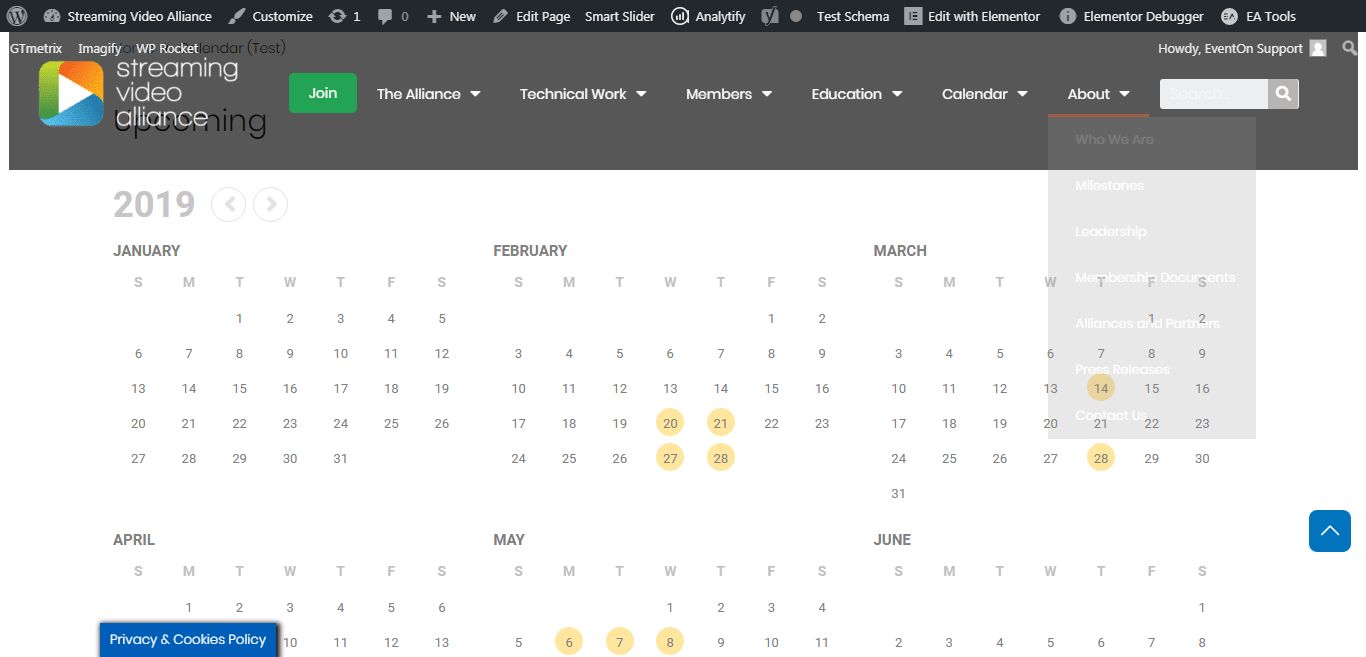
Full calendar is different from yearly calendar, which you have set in your demo page: https://www.streamingvideoalliance.org/calendar-test/
The calendar on the body of the page in the yearly calendar. And the custom work was done for this calendar.
So, please use [add_eventon_fc] sortcode for the ful calendar. We have removed animation on it.
@Ashan: I’m receiving this error when trying to save functions.php
Uncaught Error: Class 'EVOST_Seats_Json' not found in wp-content/themes/generatepress-child/functions.php:188
Line 188 is the first of the two lines you asked me to add to functions. Is there a Find-Replace I could do on the original “_evost_sections” data before pasting it into the duplicated event? I tried replacing all “uav” with “av”, but that did not work — still showed an empty seating chart.
Do you know what ultimately is causing this issue, and if it will be corrected in a future update?
Thank you for your continued support of this issue, as I would like to start selling tickets this Friday, Feb 7.
Hello,
We do not have control over envato system. Please contact envato and make this same request to them.
Thank You