Hello,
Could you update DailyView 1.0.11? Could you also send us your shortcode, I cannot find it https://calendarkiddo.com/wp-admin/post.php?post=1357&action=edit
Replies for tickets on suppota
Hello,
Could you update DailyView 1.0.11? Could you also send us your shortcode, I cannot find it https://calendarkiddo.com/wp-admin/post.php?post=1357&action=edit
Any updates? Ill have to extend your access again
Hello,
Ah yes, sorry about this. Now you need to add this to the shortcode:
event_count_list=”yes”
Please check and let me know.
Unfortunately, this doesn’t work either:
Unknown username. Check again or try your email address.
Could you try going to EventON > press Save Changes > check?
Hello,
Are you sure that Google indexed your whole website including events?
Could you try adding this to the shortcode:
cal_init_nonajax=”yes”
Then wait for Google to index your website again and check.
Hi!
I also had this problem, and adding ux_val=”3″ fixed it for standard EventOn events.
But it is not working if you are using the “Event Slider” AddOn.
Do you have a fix for Event Slider as well?
You have the same issue on your own demo here:
http://addons.myeventon.com/event-slider/
Please check https://docs.myeventon.com/documentations/how-to-use-event-types-to-do-more/ > Example 2: Add filter by country and cities
Please check now: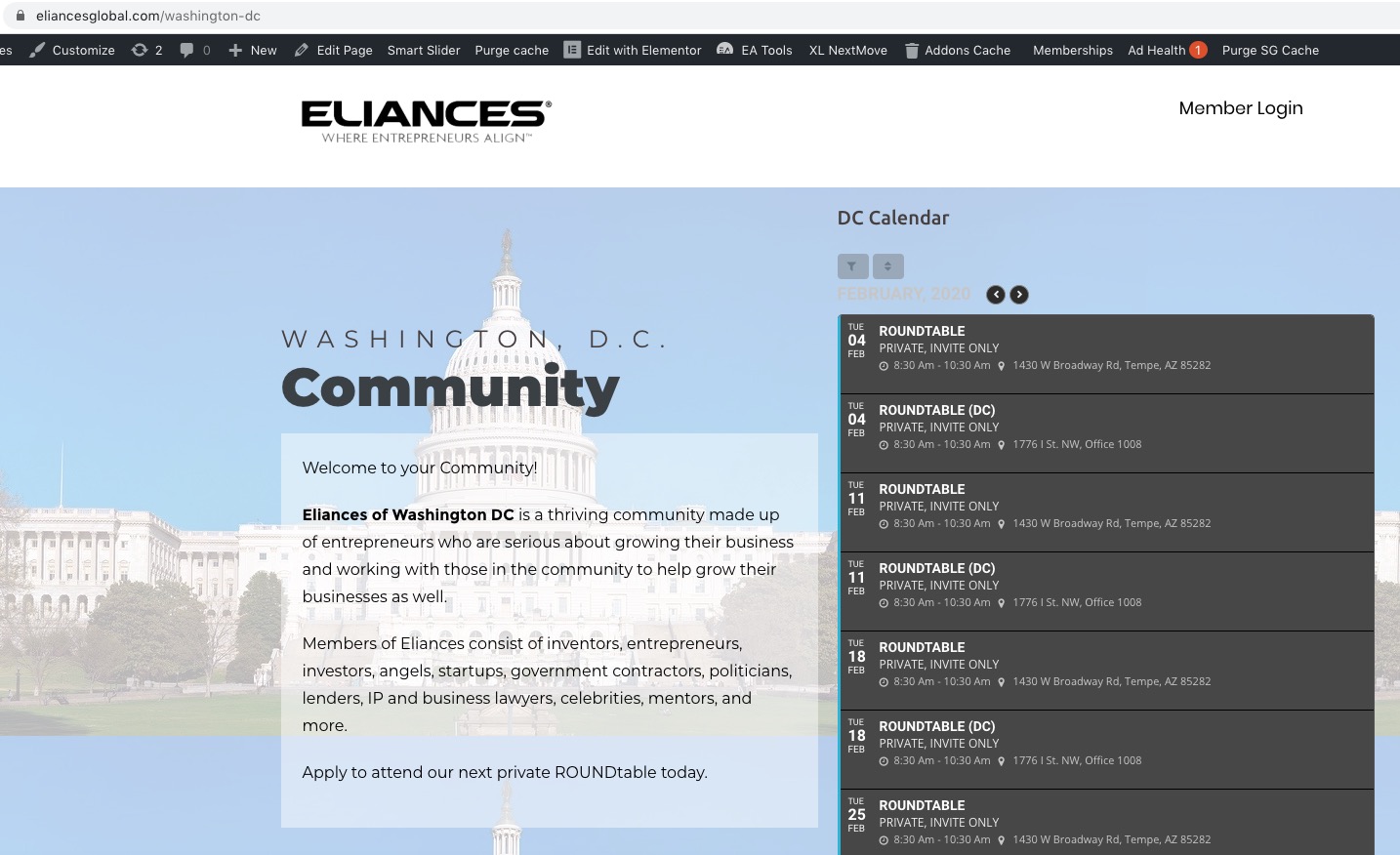
Hello,
Booking add-on requires Tickets add-on. So you need to buy both of these plugins. However if you just want to accept registrations then please check this add-on instead: https://www.myeventon.com/addons/rsvp-events/. You don’t need to purchase anything else accept EventON and RSVP add-on. However please note that you cannot sell tickets with RSVP add-on.
Unfortunately, no. It seems that the only possible solution is to open events as Single Event Page by adding this to the shortcode:
ux_val=”4a”
Or this
ux_val=”4″