Any updates? Ill have to extend your access again
Archives: Replies
Replies for tickets on suppota
Reply to: tickets(161189)
Hello,
Ah yes, sorry about this. Now you need to add this to the shortcode:
event_count_list=”yes”
Please check and let me know.
Reply to: tickets(161086)
Unfortunately, this doesn’t work either:
Unknown username. Check again or try your email address.
Could you try going to EventON > press Save Changes > check?
Reply to: tickets(161165)
Hello,
Are you sure that Google indexed your whole website including events?
Could you try adding this to the shortcode:
cal_init_nonajax=”yes”
Then wait for Google to index your website again and check.
Reply to: tickets(158499)
Hi!
I also had this problem, and adding ux_val=”3″ fixed it for standard EventOn events.
But it is not working if you are using the “Event Slider” AddOn.
Do you have a fix for Event Slider as well?
You have the same issue on your own demo here:
http://addons.myeventon.com/event-slider/
Reply to: tickets(160132)
Please check https://docs.myeventon.com/documentations/how-to-use-event-types-to-do-more/ > Example 2: Add filter by country and cities
Reply to: tickets(160909)
Please check now: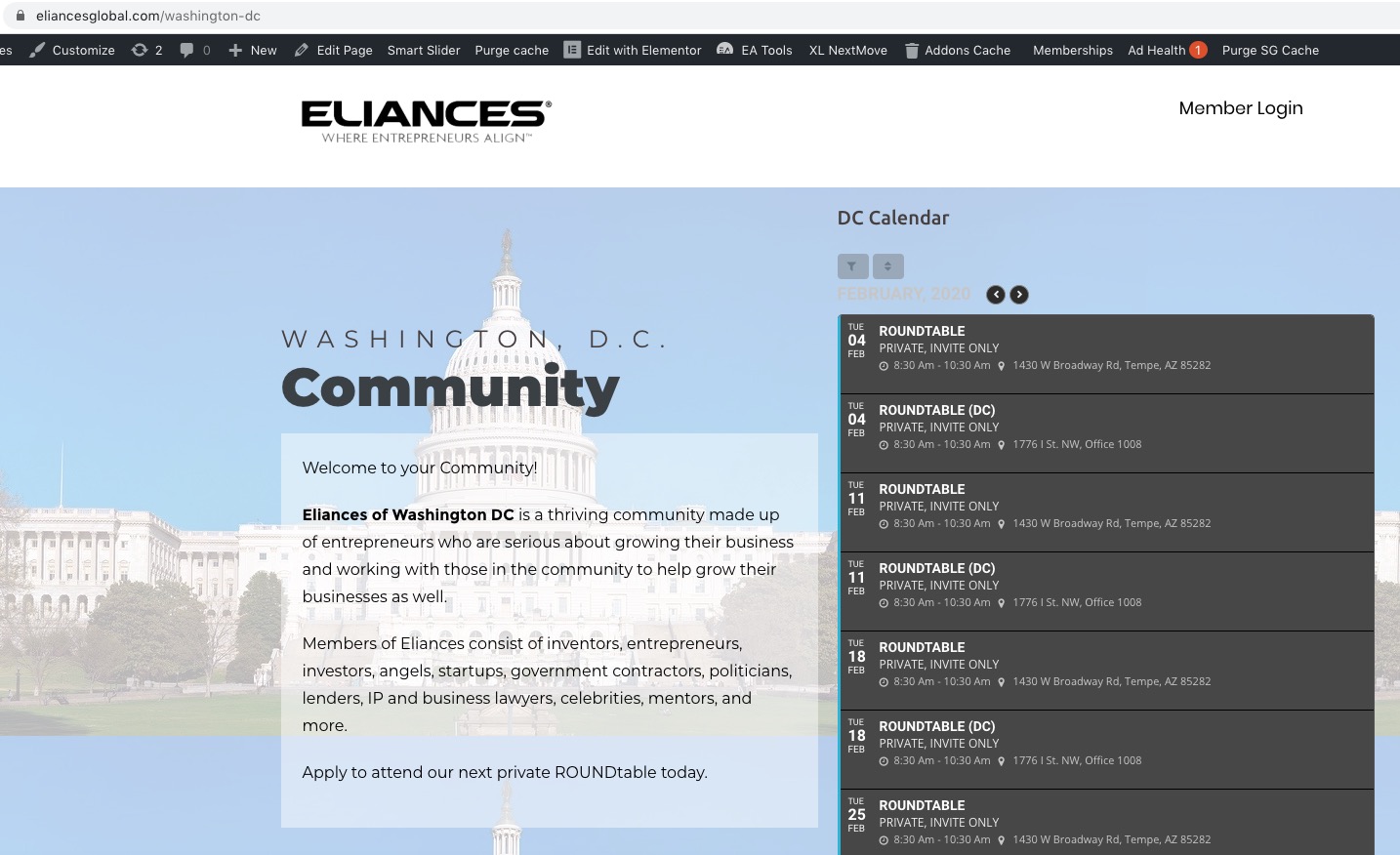
Reply to: tickets(161144)
Hello,
Booking add-on requires Tickets add-on. So you need to buy both of these plugins. However if you just want to accept registrations then please check this add-on instead: https://www.myeventon.com/addons/rsvp-events/. You don’t need to purchase anything else accept EventON and RSVP add-on. However please note that you cannot sell tickets with RSVP add-on.
Reply to: tickets(157003)
Unfortunately, no. It seems that the only possible solution is to open events as Single Event Page by adding this to the shortcode:
ux_val=”4a”
Or this
ux_val=”4″
Reply to: tickets(161135)
Hello,
Please check for latest version of this software from hereYour issue might be related to an older version you are running and we might have resolved this already in the newer version update. If you are on latest version of our software and the issue still persist please let us know.
Unfortunately, I cannot login because of “An Authentication Code has been sent to the email address associated with your account. Look for an email with “Login Authentication Code” in the subject line.”. Could you check?