When “I inactivated/deleted via WP Admin” did you enable EventON > Do not delete eventon settings & data when EventON is uninstalled? It seems that, unfortunately, the only possible solution is to restore the backup that was made before the update.
Archives: Replies
Replies for tickets on suppota
Reply to: tickets(157841)
Hello,
Please provide both wp-admin and ftp access information. The work is complete.
Reply to: tickets(159338)
1. I subscribed: https://logistica.coologic.app/wp-admin/post.php?post=193&action=edit;
Added this event https://logistica.coologic.app/wp-admin/post.php?post=194&action=edit from https://logistica.coologic.app/index.php/crea-nuovo-evento/;
After to notify the subscribers I updated it from Edit Event and received this email:
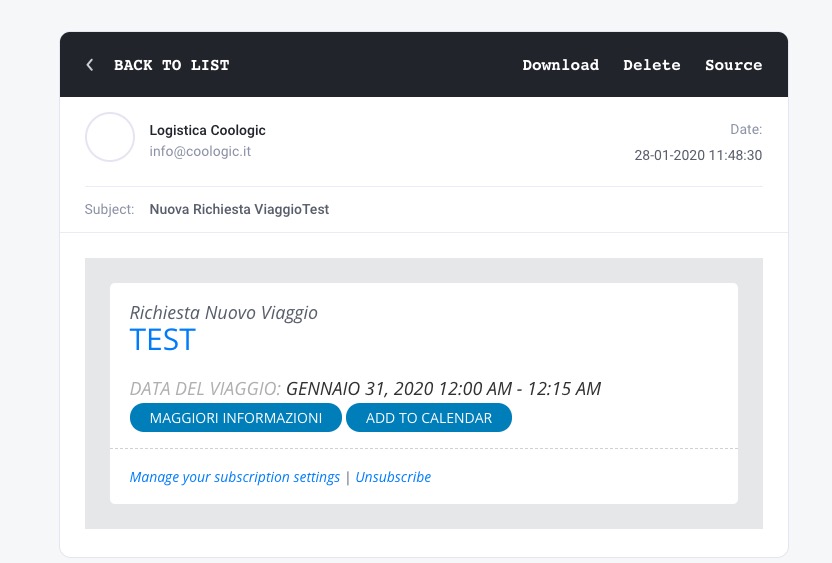
2. I also added this event from wp-admin > Add Event: https://logistica.coologic.app/wp-admin/post.php?post=195&action=edit;
Received this email:
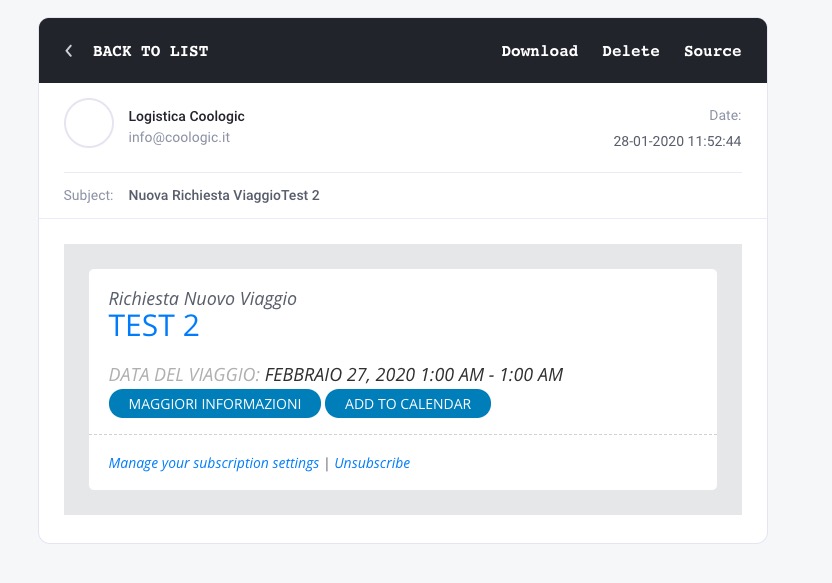
As you can see not issues in both cases. Could you send us a video?
Reply to: tickets(160037)
Thank you, that fixed it.
It would be good to have shortcode documentation for each of the EventON plugins, as there’s no clear way to tell what works for each. Also, the shortcode generator doesn’t seem to generate the correct information, but that would be okay if the documentation was available.
Mike
Reply to: tickets(158087)
Please follow this guide: https://docs.myeventon.com/documentations/increasing-wordpress-memory-limit/
Reply to: tickets(160294)
Hello,
There is an incompatibility issue with your theme or a third-party plugin. Please go to plugins/eventON/ajde/ajde_backender_style.css and add this:
.acus_line.acus_checks input[type=”checkbox”] + label span.fa { font-family: evo_FontAwesome !important; }
Reply to: tickets(160291)
Hello,
Could you update EventON to 2.8.5 and FullCal to 1.1.11? This should fix these issues. Please try and let us know.
Reply to: tickets(160290)
Hello,
No issues from my side:
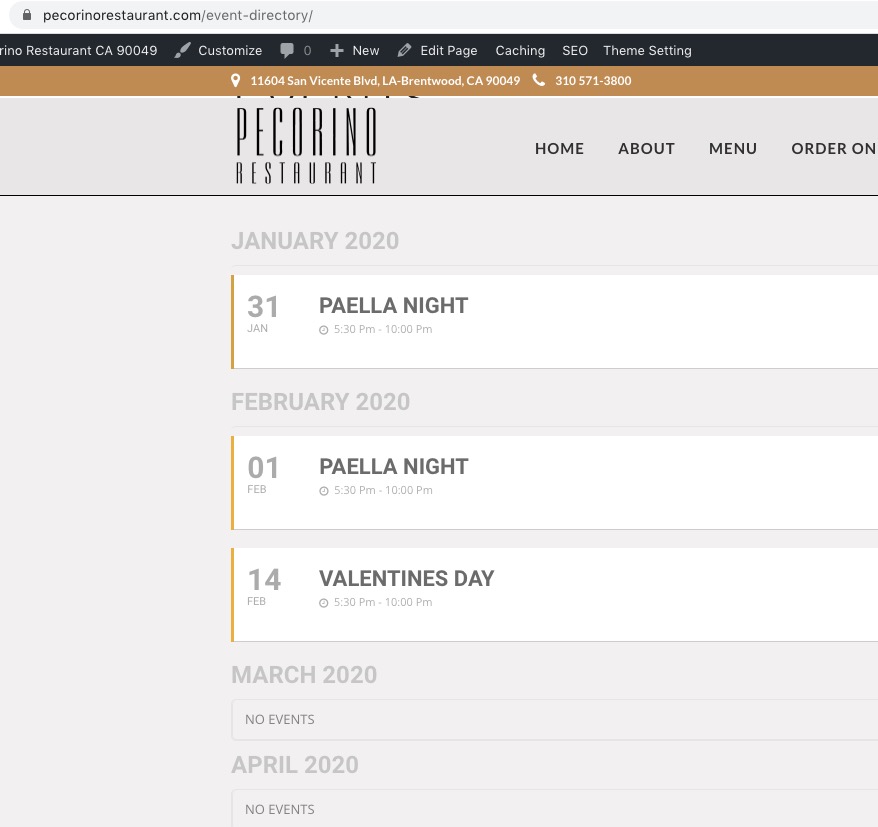
I think the problem is in “Make a Reservation OpenTable” code. Could you remove it and check once?
Reply to: tickets(159606)
Hi
thanks for update,
Your Message ” Please note that all settings should be enabled in the settings panel ( myeventon > rsvp ) first for this to work.”
I take it this is only if i wanted to send reminders for RSVP and not regarding the Ticket/booking reminders?
For ticket / booking reminders I still need to make sure it is enabled in the setting panel (myeventon > ticket s> reminders)? i.e Select emailing group etc? but email template are within each event section?
Thanks
Reply to: tickets(160289)
Hello,
Can you please send us a direct link to where the actual issue is happening?