Please comment .evcal_evdata_img { height: 370px !important; } and go to EventON > EventCard > Feature image display style: Direct Image OR 100% Image height with stretch to fit OR 100% Image height with propotionate to calendar width.
Archives: Replies
Replies for tickets on suppota
Reply to: tickets(160310)
Hello,
Unfortunately, the only possible solution is to customize the source code.
Please send us a customization job request by creating a new ticket in here and selecting Customization Request as the category.
Reply to: tickets(160037)
Please check http://docs.myeventon.com/documentations/shortcode-guide/
We are glad your issue is resolved, if you have any further questions or concerns please create a new ticket.
If you have a moment, we would greatly appreciate if you could kindly leave us a review at codecanyon! from your account > downloads. Cheers!
Reply to: tickets(157841)
Could you instead send me the files with instructions on how to set it up, please? You previously mentioned that the changes would be kept in a separate plugin so I assumed it would be a simple matter of uploading and activating that custom plugin.
Thanks
Reply to: tickets(160248)
When “I inactivated/deleted via WP Admin” did you enable EventON > Do not delete eventon settings & data when EventON is uninstalled? It seems that, unfortunately, the only possible solution is to restore the backup that was made before the update.
Reply to: tickets(157841)
Hello,
Please provide both wp-admin and ftp access information. The work is complete.
Reply to: tickets(159338)
1. I subscribed: https://logistica.coologic.app/wp-admin/post.php?post=193&action=edit;
Added this event https://logistica.coologic.app/wp-admin/post.php?post=194&action=edit from https://logistica.coologic.app/index.php/crea-nuovo-evento/;
After to notify the subscribers I updated it from Edit Event and received this email:
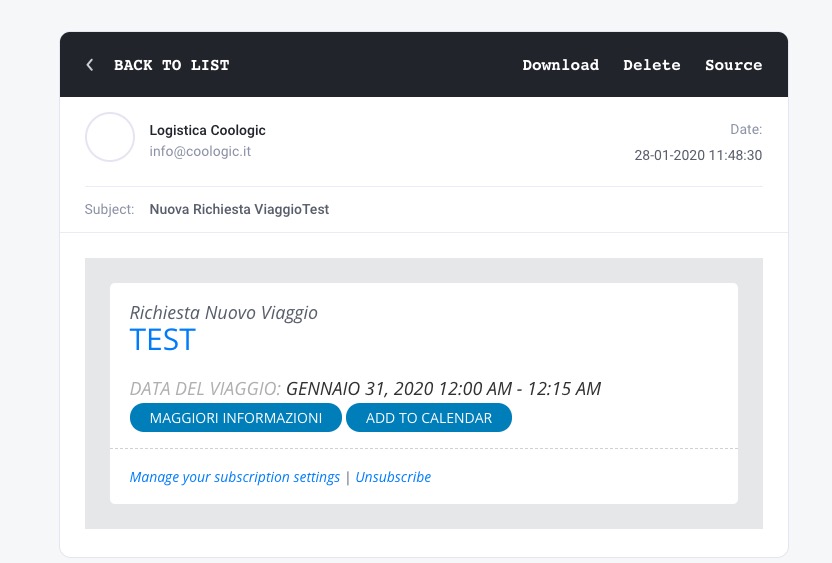
2. I also added this event from wp-admin > Add Event: https://logistica.coologic.app/wp-admin/post.php?post=195&action=edit;
Received this email:
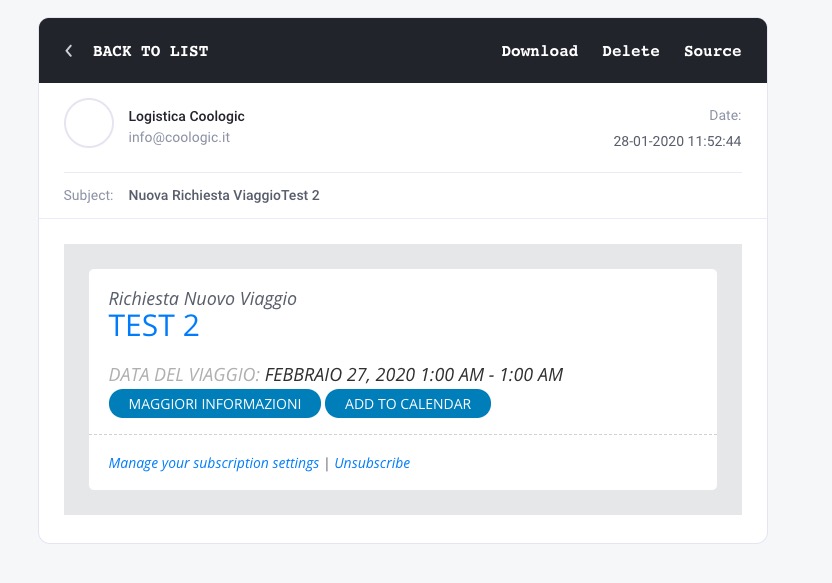
As you can see not issues in both cases. Could you send us a video?
Reply to: tickets(160037)
Thank you, that fixed it.
It would be good to have shortcode documentation for each of the EventON plugins, as there’s no clear way to tell what works for each. Also, the shortcode generator doesn’t seem to generate the correct information, but that would be okay if the documentation was available.
Mike
Reply to: tickets(158087)
Please follow this guide: https://docs.myeventon.com/documentations/increasing-wordpress-memory-limit/
Reply to: tickets(160294)
Hello,
There is an incompatibility issue with your theme or a third-party plugin. Please go to plugins/eventON/ajde/ajde_backender_style.css and add this:
.acus_line.acus_checks input[type=”checkbox”] + label span.fa { font-family: evo_FontAwesome !important; }