If you select the one event in February on the main February events page it opens to this. As you scroll you see that there are multiple events and dates listed. Let me know if you cannot get this video to play.
Archives: Replies
Replies for tickets on suppota
Reply to: tickets(159098)
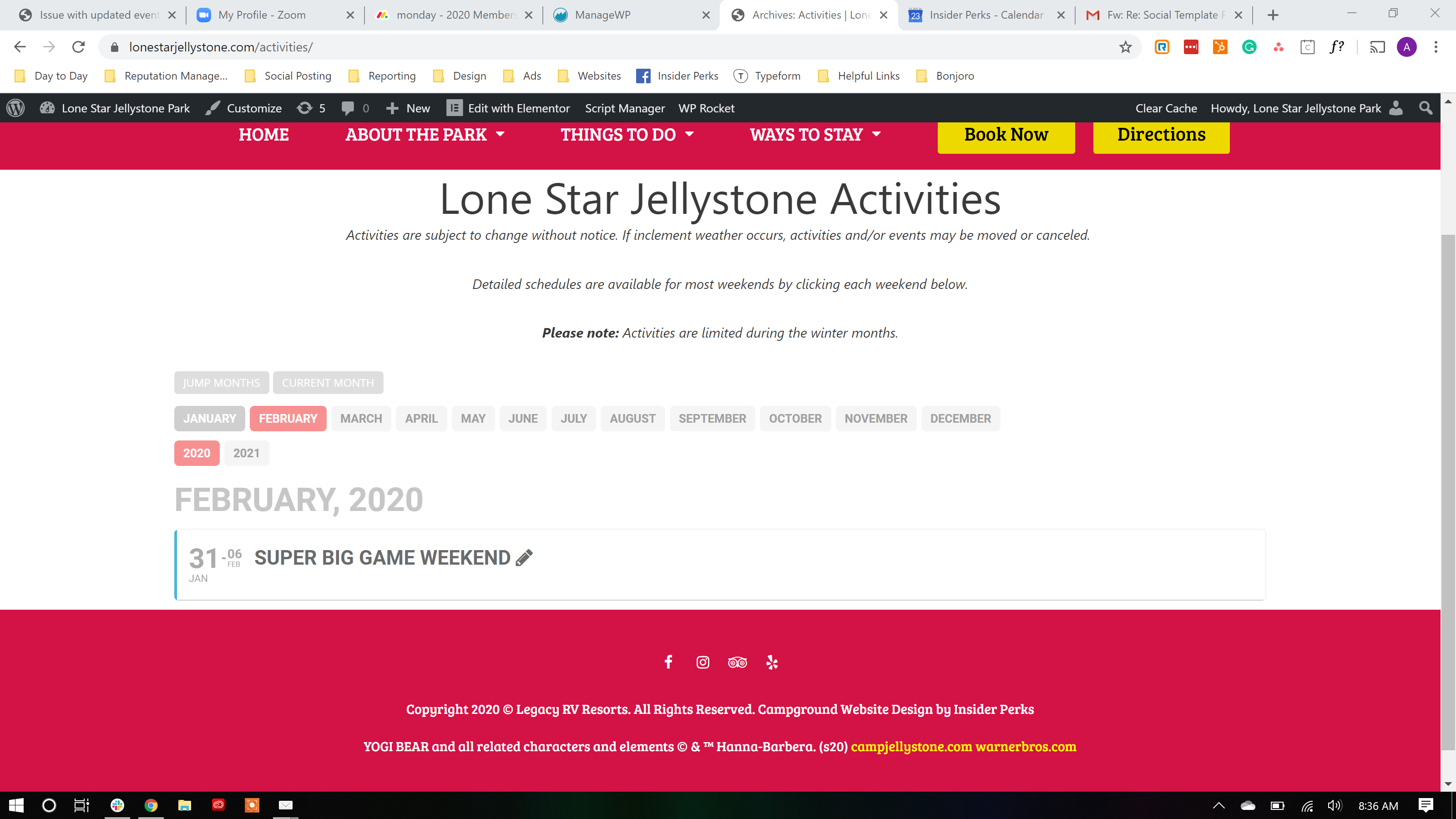
Front end view of February events only shows one event
Reply to: tickets(159098)
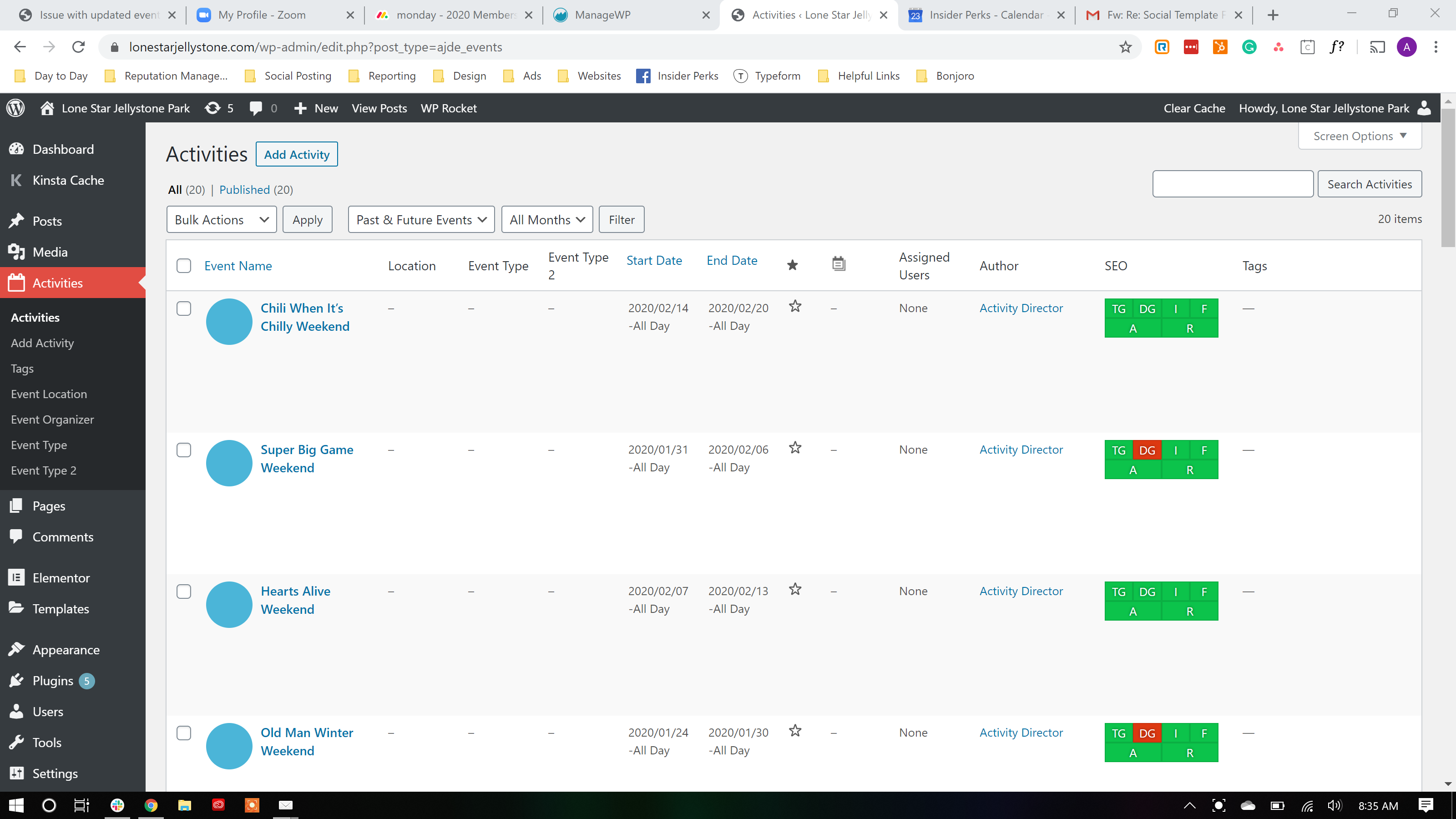
Events page on the back end shows each event listed individually.
Reply to: tickets(159594)
Thank you for your reply.
Can you apply solid colours based on the category – i.e blue for events, red for holidays, green for sports?
Also, how can we make the date and month appear horizontally across the top of the event not on the left?
Thank you again.
Reply to: tickets(159459)
More information – whilst editing in elementor the PREVIEW PAGE works and displays the Map.
But the published page does not.
There must be an element of code restricting this on display to the public
Reply to: tickets(158227)
Hi again, I don’t what does exactly mean pastebin. Should I restart a new ticket with the same issue or we continue here? I need to fix the seat map mobile view asap because clients now they are telling me that they can’t proceed with the checkout and it could be the same problem. Thank you.
Reply to: tickets(159459)
It is intermittent now. Sometimes it comes up but most of the time it doesn’t.
We tried reseting everything, switching off plugins.
Its just that main map that isn’t showing up and its across multiple websites so can we investigate a flaw in the software please? We usually try updating and then it crashes the website for a while and I rebuild some of the page then it will work for a month before going down again
Reply to: tickets(158926)
Hi Guys,
The Alerts system is a fantastic option for my users but has been down for almost a week. Is there anything I can do to speed this up?
Reply to: tickets(159655)
Hello,
Month order is not effected by event_order. Please use Events Lists: Ext. addon https://www.myeventon.com/addons/event-lists-extended/ that has a new shortcode value called month_order=’DESC’ that orders months. Try on http://dev.myeventon.com/wp-admin/
You also don’t need to use month_incre=”-72″, instead you can choose Select Event List Type: Past Events.
Reply to: tickets(159649)
Hello,
I am sorry, the access information you have provided did not work for us. Please check them and post the correct login information as a private message, thank you!