Thanks but this is not working. Please check on the widget lower third right – https://bellsfarm.org/– is there any chance you can fix this by going into my WordPress login and fixing this for me. Ideally I would like the same category colours as our current calendar https://bellsfarm.org/calendar-2/
Archives: Replies
Replies for tickets on suppota
Reply to: tickets(159109)
We are glad your issue is resolved, if you have any further questions or concerns please create a new ticket.
If you have a moment, we would greatly appreciate if you could kindly leave us a review at codecanyon! from your account > downloads. Cheers!
Reply to: tickets(159829)
Hello,
Sometimes you need to EventON > turn off Write styles to header > save settings > turn on Write styles to header.
The code I used:
.ajde_evcal_calendar.boxy.boxstyle1 #evcal_list .eventon_list_event .evcal_desc span.evcal_event_title { overflow: visible !important; white-space: normal !important; text-overflow: unset !important; }
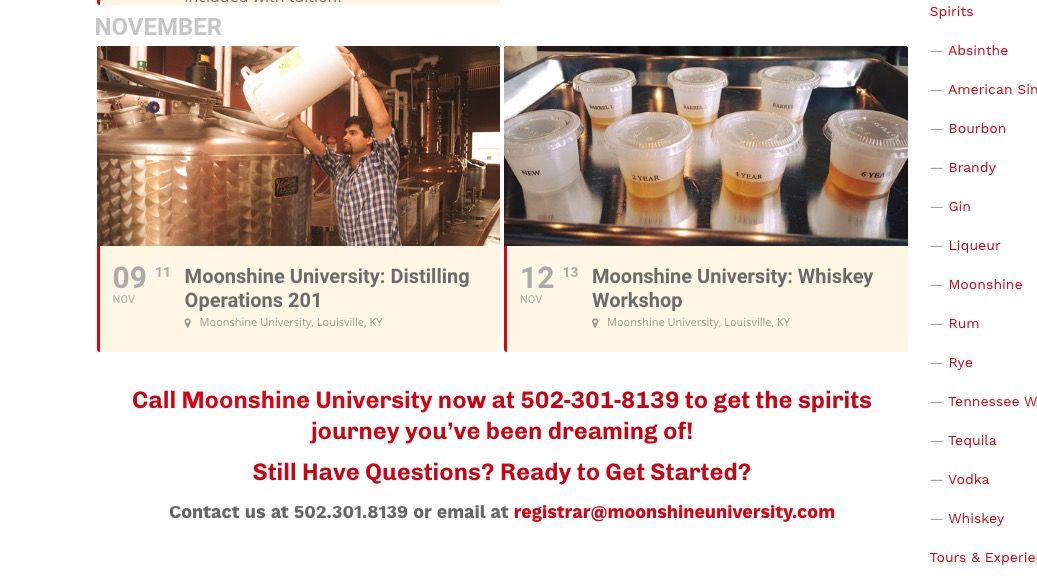
Please check and let me know.
Reply to: tickets(159594)
Please use this code:
.eventon_events_list .eventon_list_event .desc_trig.evo_1-wilderness-hotel-golf-resort { background-color: red !important }
Where “1-wilderness-hotel-golf-resort” is a category slug you can find in wp-admin > Events > Event Category > Edit > Slug.
Reply to: tickets(159785)
If you want to show your events for the whole year, maybe you can enable Edit Event > Time and Date > Year Long Event – Show this event for the entire start event Year OR Try repeating events: https://docs.myeventon.com/documentations/setting-up-repeating-events/ Monthly Repeats or Yearly Repeats. Please check and let me know.
Reply to: tickets(159571)
Hello,
The problem is that one of your websites has SSL certificate and the other doesn’t. Please add “s” to “http” (https://) for every link in the API code like I did on this page:
https://www.sydneymotorsportpark.com.au/wp-admin/post.php?post=18290&action=edit
Reply to: tickets(159801)
Hello,
1. Could you send us your email so we can check?
2. No, you don’t need to create a new shortcode every time you add a new event. Could you send us your shortcode and/or a link to the page with the shortcode so we can check?
More info on categories: https://docs.myeventon.com/documentations/confused-event-type-categories/
3. Please fix:
js?key=AIzaSyCYmrCyZRNaHiF9PeD3iqWmrsZKJHSdC2s&ver=1.0:64 Google Maps JavaScript API error: ApiNotActivatedMapError
https://developers.google.com/maps/documentation/javascript/error-messages#api-not-activated-map-error
More info: https://elfsight.com/blog/2018/06/how-to-get-google-maps-api-key-guide/
4. Only one style, I am afraid. However please create a new ticket and select Feature Request as category so others can vote on your idea and get it moved into development faster. OR You can send us a customization job request by creating a new ticket in here and selecting Customization Request as the category.
5. Please add this to the shortcode:
show_et_ft_img=”yes”
Reply to: tickets(159151)
I activated your license with this key: 36e4ee48-59da-4d30-8d3b-70b0f91dc51e
For refunds of the man plugin please contact CodeCanyon.
Reply to: tickets(158532)
I quite sure you can achieve all this with these add-ons, no?
https://www.myeventon.com/addons/event-tickets/
https://www.myeventon.com/addons/bookings/
https://www.myeventon.com/addons/rsvp-events/
https://www.myeventon.com/addons/action-user/
Try on http://dev.myeventon.com/wp-admin/
Please check and let me know.
Reply to: tickets(159520)
Unfortunately, this is not possible without customization. You can send us a customization job request by creating a new ticket in here and selecting Customization Request as the category.
However you can go to EventON > Time Settings > enable Allow universal event time format on eventCard > add:
h:i a