What version of FullCal are you using? Could you update it to 1.1.11?
Archives: Replies
Replies for tickets on suppota
Reply to: tickets(158087)
Thank you Artem.
Now I would like to have the dates displayed like this
JANVIER 20, 2020 – JANVIER 26, 2020
And not like this
JAN 20 – JAN 26, 2020
Reply to: tickets(159118)
I was able to purchase without issues:
https://reseauprofessionnel.creaia.fr/wp-admin/post.php?post=844&action=edit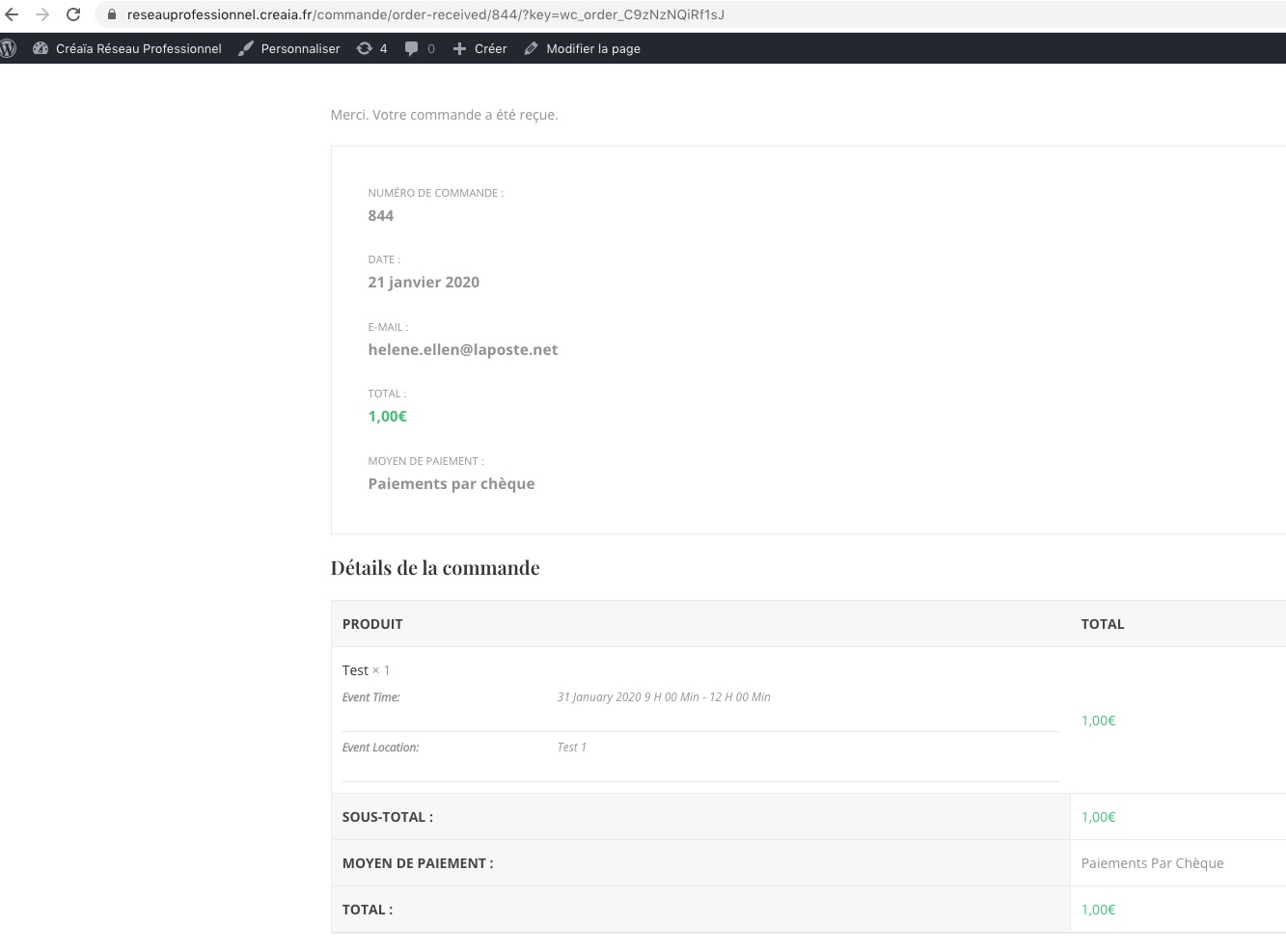
Could you send us a screenshot or video with the issue?
Reply to: tickets(159189)
Yes i can.
No filter for Calendar with month, only for example Location, because we dont have events.
Its a possibility to use your integration with google maps and defining a new entity, i call Running Groups that have a location, and i use not in Calendar but in a List for example where i can filter by Location.
Maybe not makes sense in your product…. sorry, because in the center you have events.
Reply to: tickets(159338)
Hello,
Thank you for your messages, I am going to assign this ticket to Ashan and he will be able to take it from here and find you a solution. Please allow some time for him to get back to you, we greatly appreciate your patience and thank you for being a eventon customer! Also please disable any IP blocking on your site if there are any.
Reply to: tickets(159338)
Ashan,
The same on dev2:
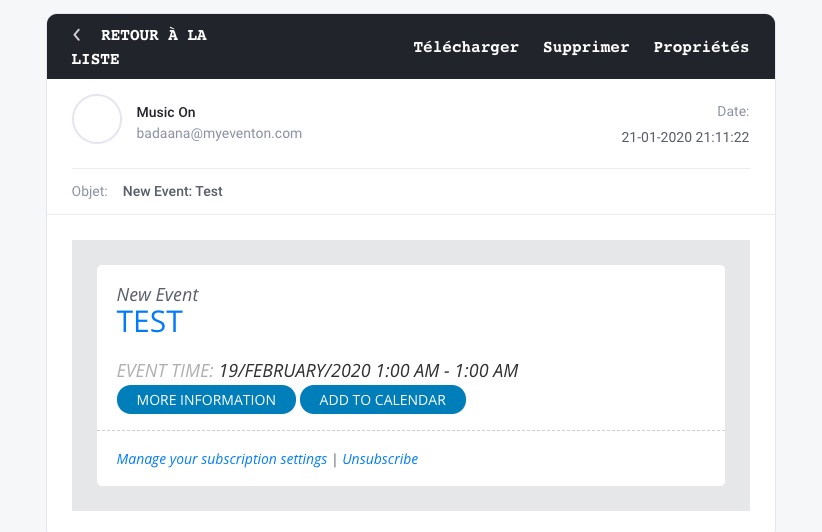
http://dev2.myeventon.com/wp-admin/post.php?post=20250&action=edit subscribed to Conferences
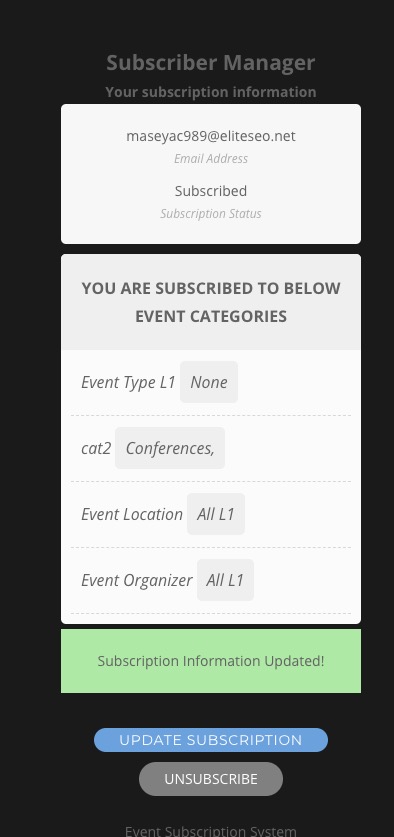
But received http://dev2.myeventon.com/wp-admin/post.php?post=20251&action=edit
Reply to: tickets(159184)
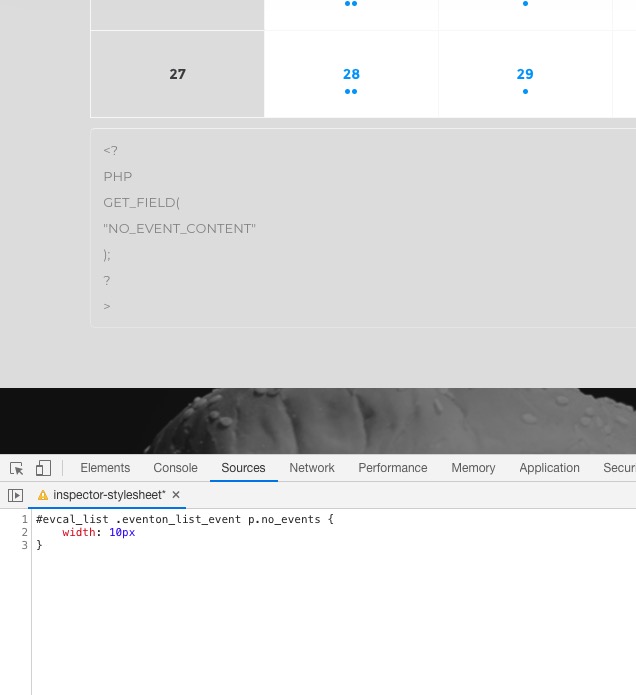
You can use this CSS:
#evcal_list .eventon_list_event p.no_events { width: 10px }
And get as many line breaks as you like:
Reply to: tickets(159312)
Hello,
Please go to EventON > Search Events > enable Include events in default wordpress search results.
Reply to: tickets(159260)
Hi,
None that I can see. The only instructions I can find are the video linked below:
https://youtu.be/nVGolm4XLhc
After installing the latest version of EventON I didn’t get any option to import Events into EventON as in the video. I’ve seen a month-to-view calendar on this site before and the owner tells me it’s just disappeared.
Any steer on how to connect EventON and WPLMS?
Thanks
Reply to: tickets(158849)
If I leave it as “events” then people can still go to scomm.com/events and see the bad looking page.
If there are no links in the menu or somewhere on the page I doubt any user will go there.