Hello Francesco,
I wasn’t able to understand what you were requesting.
Can you attach screenshot and tell us what you want to achieve please?
Replies for tickets on suppota
Hello Francesco,
I wasn’t able to understand what you were requesting.
Can you attach screenshot and tell us what you want to achieve please?
Hello,
There is an incompatibility issue with the theme or a third-party plugin. I added this to https://www.kristophercannon.com/wp-admin/plugin-editor.php?file=eventON%2Fajde%2Fajde_backender_style.css&plugin=eventON%2Feventon.php so now it should work:
.acus_line.acus_checks input[type=”checkbox”] + label span.fa { font-family: evo_FontAwesome !important }
Please check and let us know.
Hello,
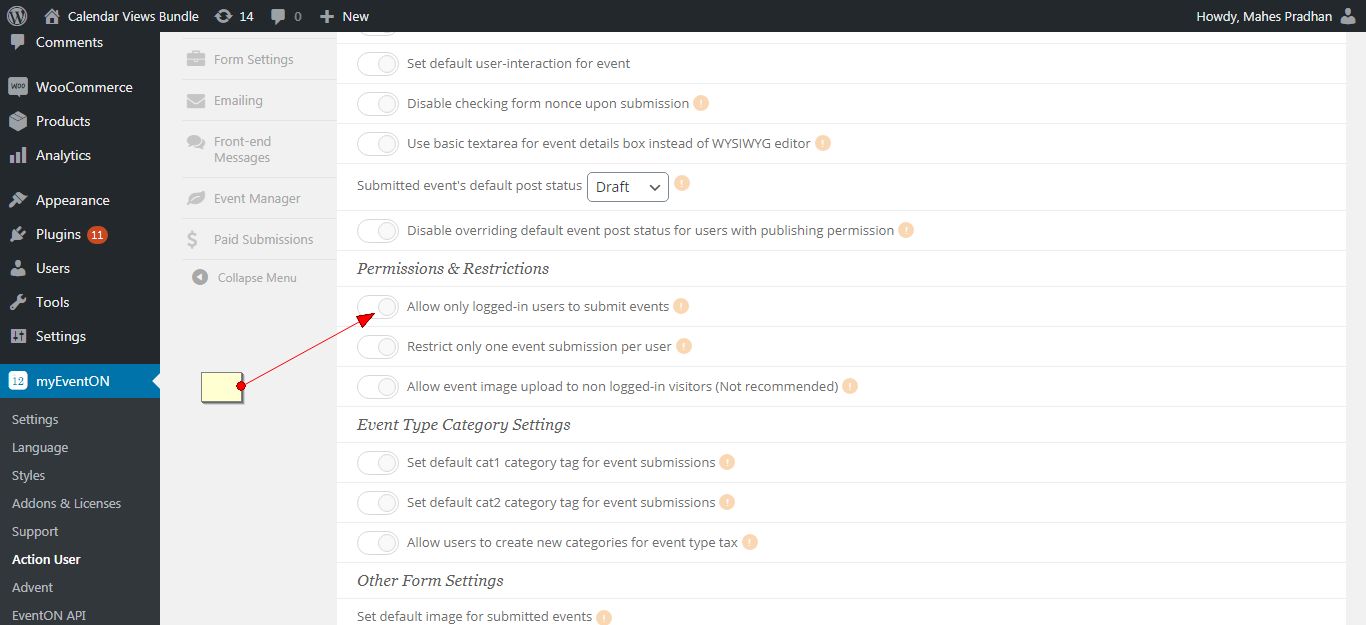
Please go to myeventon>action user and make sure “Allow only logged-in users to submit events” is not enabled.
Hey Basilis,
I would like to get an update on the progress of this job.
Hello Rob,
You can use multiple calendars in a page.
You can just add cal_id=”2″ parameter in the shortcode to distinguish them.
Thank You
Hello,
Unfortunately, colours aren’t available for other categories except Event Type. However please create a new ticket and select Feature Request as category so others can vote to get it moved into development faster. OR You can send us a customization job request by creating a new ticket in here and selecting Customization Request as the category.
Please add this to the shortcode:
etc_override=”yes”
Select this option to override event colors with event type colors, if they exists.
Hello,
You have two pages named “Events”. Please choose the first one to show [add_eventon] shortcode:
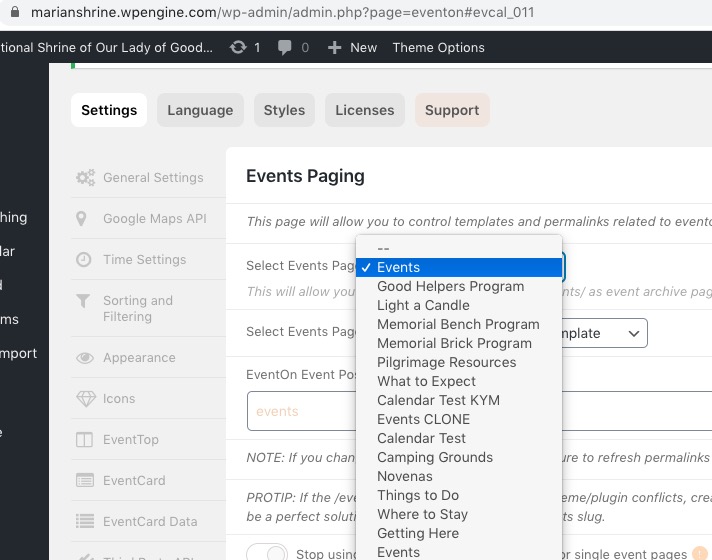
Default EventOn Template – your theme uses EventON’s template to show the events archive page. You can customize it by following https://docs.myeventon.com/documentations/how-to-customize-events-archive-page/.
Default Page Template – your theme uses it’s own page template that doesn’t have anything to do with EvenON, that’s why the page is different https://drive.google.com/file/d/1vvR-fenLTPPmVo5R4FnkrIsYeOP7OGuk/view.
2. No issues on this page:
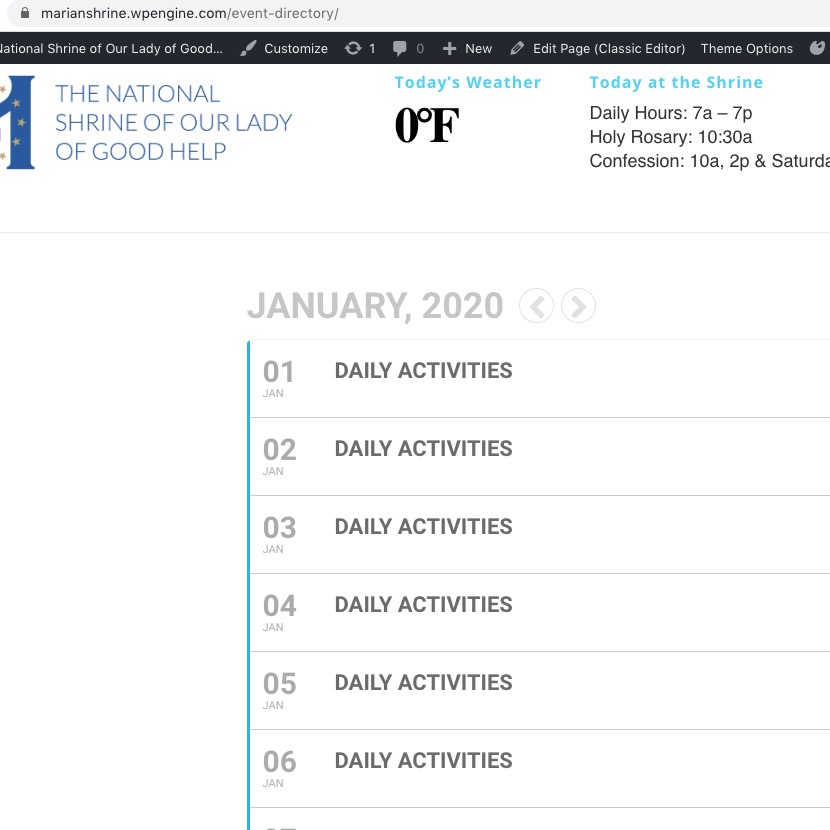
Do you want your main events page to be https://marianshrine.wpengine.com/events/ or https://marianshrine.wpengine.com/event-directory/?
I tried to login to your website with this info:
User: eventon
Password: V(f&A%vQb0h652I#V3(v4$Qw
But cannot access EventON Settings or Events or Pages. Could you give us full access?
Could you or may I try the instructions mentioned in this documentation?