Hello,
Please follow the instructions in this documentation to activate debug in your site to see any PHP errors recorded that can provide insight on to whats going on. Please reply with a link to debug.log file. If you are not able to do this please send us FTP access to your site so we can do this for you.
I think the problem is a large number of seats that need to be duplicated. Maybe there is a memory issue with the server.
Unfortunately, autoupdate isn’t available at the moment. However please check this plugin https://envato.com/market-plugin/
Yes, Google now requires you to put your billing info in order to use their maps.
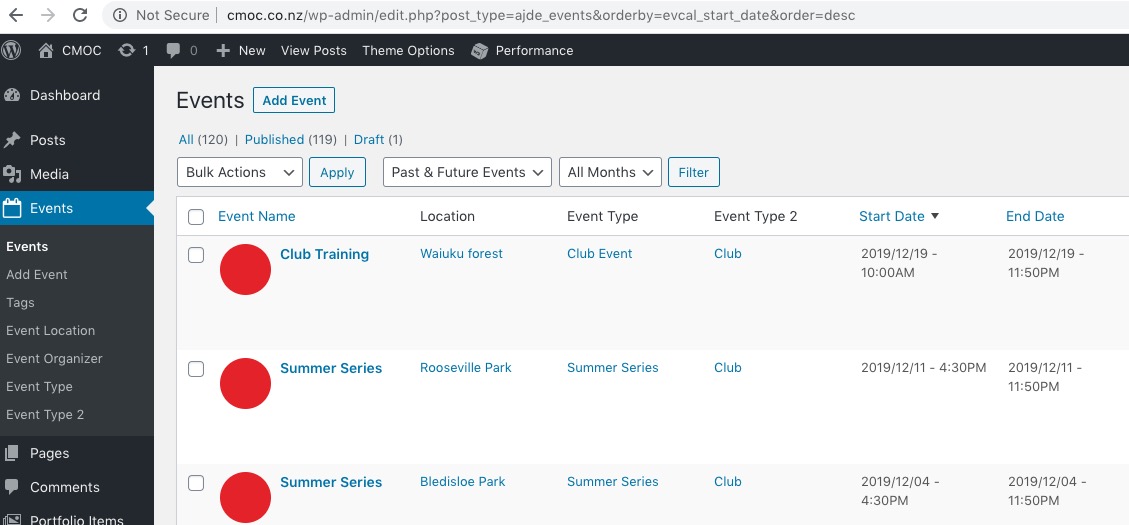
I didn’t find any Future events:
To be able to see any past events please disable EventON > Hide past events for default calendar(s). After choose Select Event List Type: Past Events in Shortcode Generator or add this to the shortcode: el_type=”pe”
Hello,
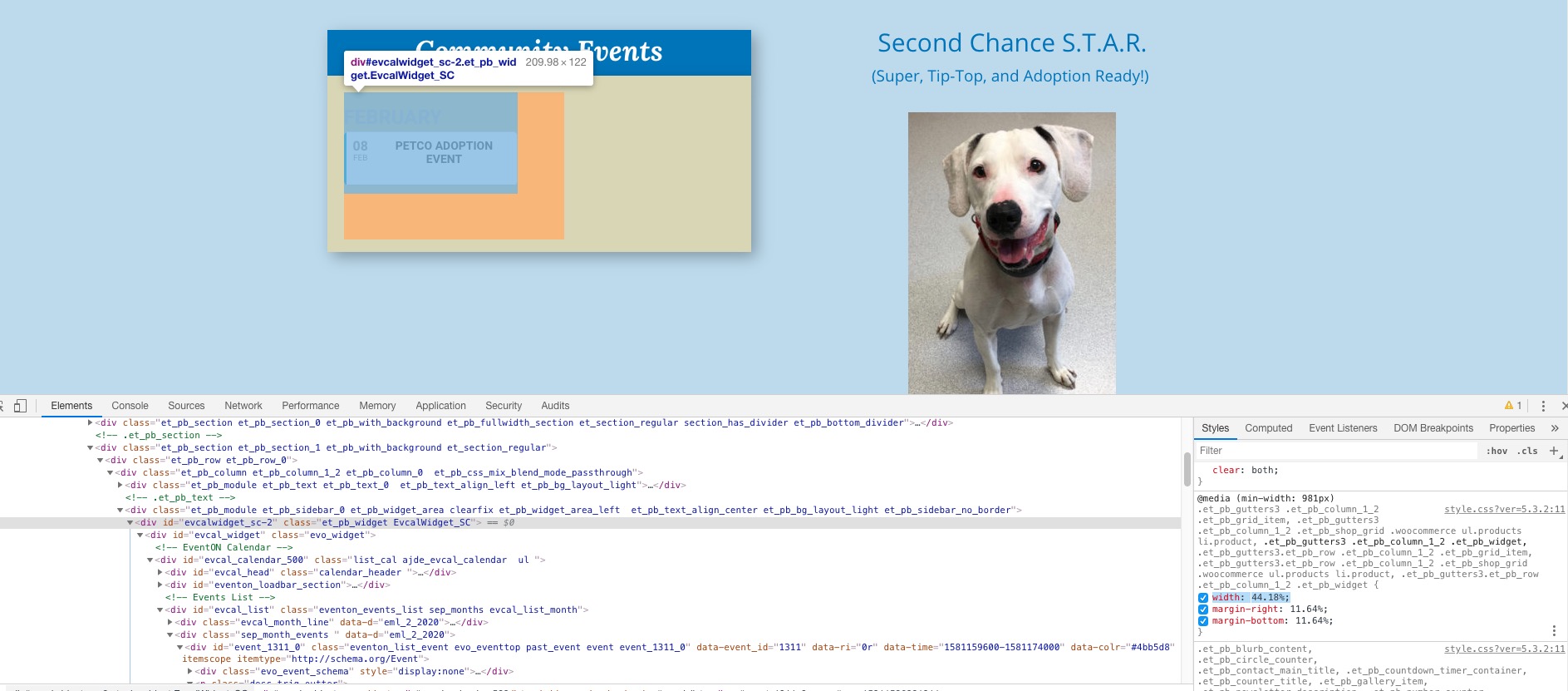
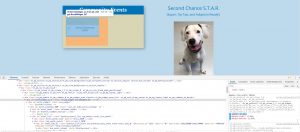
It seems that your theme uses some kind of Page Builder that puts the widget in half the row:
Could you please try the instructions mentioned in this documentation?
The image is very small https://2ndchanceanimalcenter.org/test/wp-content/uploads/2019/12/petco-sm.jpg. Could you upload a bigger one or remove it from Event Card (go to EventON > EventCard Data > uncheck Featured image) and show it in Event Top only (add this to the shortcode: show_et_ft_img=”yes” )?
Date Range must be in the following format: YYYY/MM/DD. Please replace 2020 with 2020/01/01.
Hello,
Please follow this link to get a Google maps API key which you then will have to enter in myeventon settings > Google Maps API.
If you are referring to Event Top, please follow https://docs.myeventon.com/documentations/how-to-show-various-information-in-eventtop/.
Could you send us a screenshot of the “color #179a6b” part? On this page https://little-vikings.co.uk/events/super-seagrass/ title is #00abef.
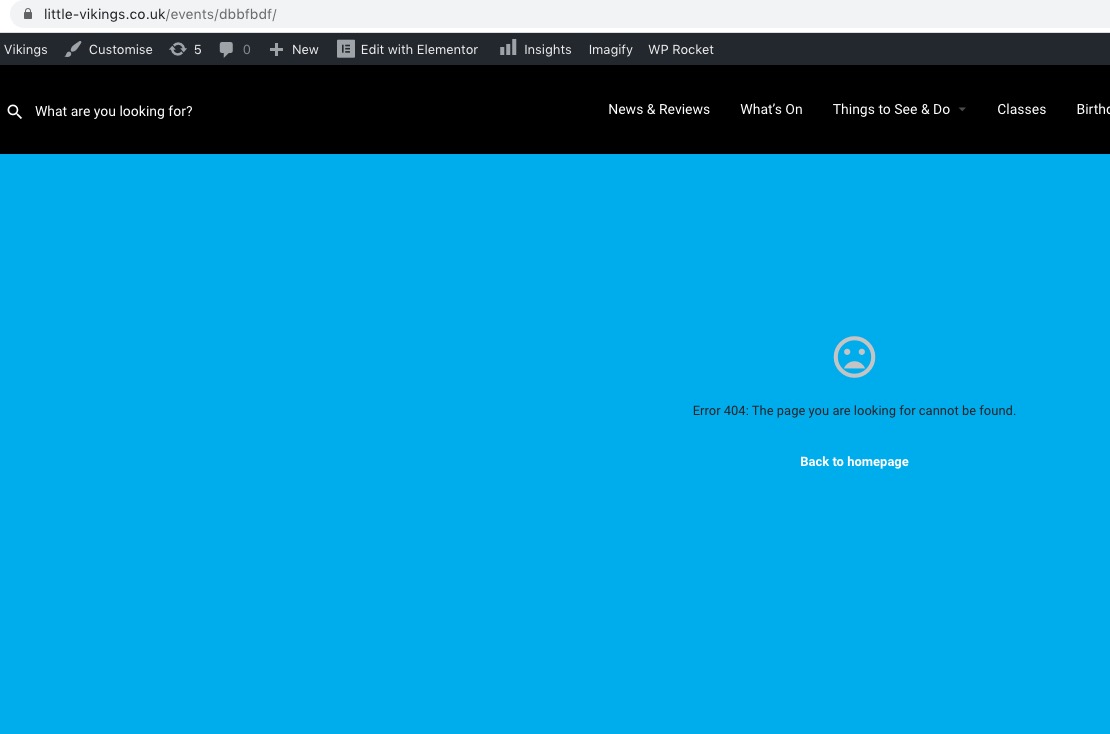
Also this link https://little-vikings.co.uk/events/dbbfbdf/ leads to 404:
Hey Ermin,
Yes this can be done, if the import / updates are been done through the evento on API. This way the importing will replace things from one web site to the other.
Hello,
Please add this to the shortcode:
ux_val=”3″
Customer completed payment of 300 for the job.