Customer completed payment of 100 for the job.
Archives: Replies
Replies for tickets on suppota
Reply to: tickets(158203)
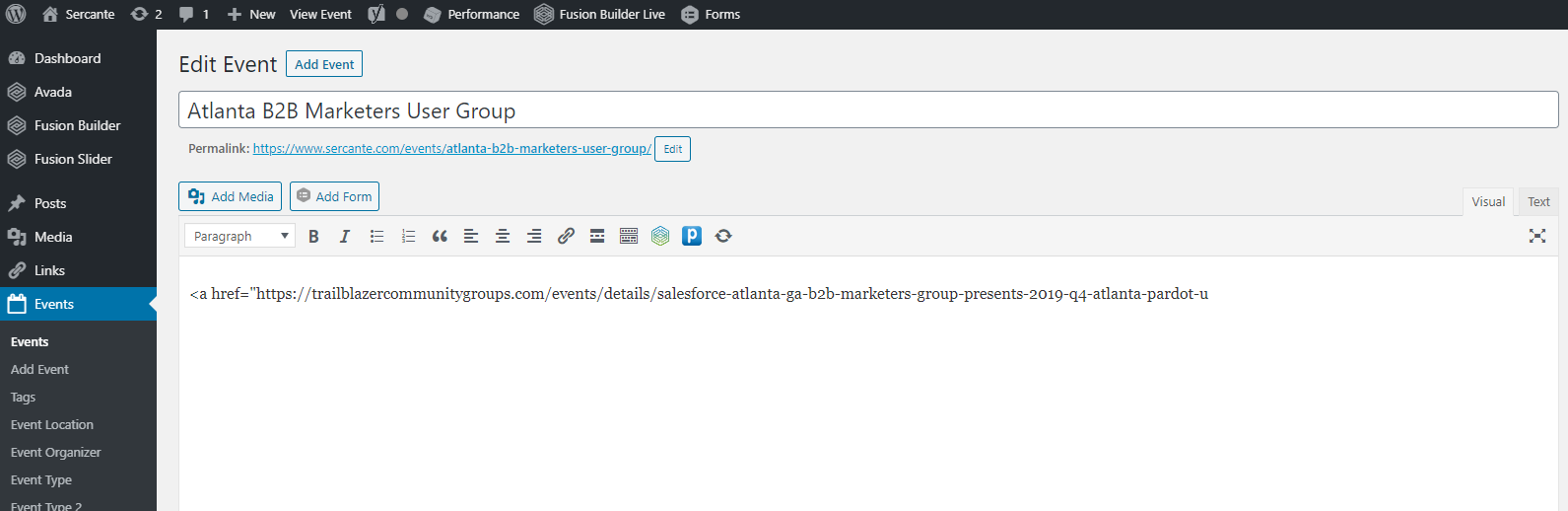
I have tried running the ICS import when ALL plugins (but EventON) were disabled, same result.
Reply to: tickets(158203)
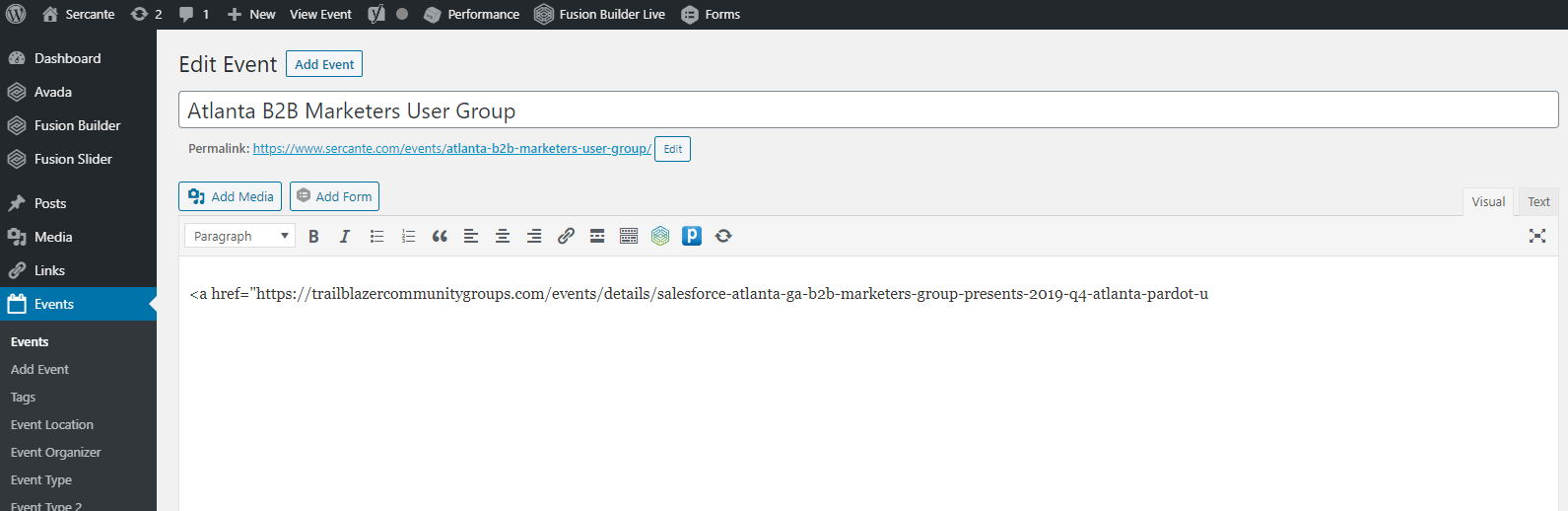
The description you are seeing in your screenshot looks like what I would have expected. I’ve attached a screenshot of what I’m seeing.
I’ve enabled WordPress debugging, the file is clean. I’ve checked the server’s PHP error log file, it is clean.
I made this page so that you can get phpinfo(): http://www.sercante.com/eventon.php
I’m using what I assume are the latest versions of EventOn and the plugin. 2.8.4 of the main plugin and 1.0.4 of the ICS importer.
Is there anything else I can do to help troubleshoot this?
Reply to: tickets(158267)
Same issue – followed the update procedure to the letter.
Reply to: tickets(157718)
Thanks, appreciate you
Reply to: tickets(157951)
Hello,
I have not had a response to this ticket that I sent 3 days ago.
Please help.
Justine
Reply to: tickets(158210)
Thanks Artem!
That was the issue 🙂
Reply to: tickets(158182)
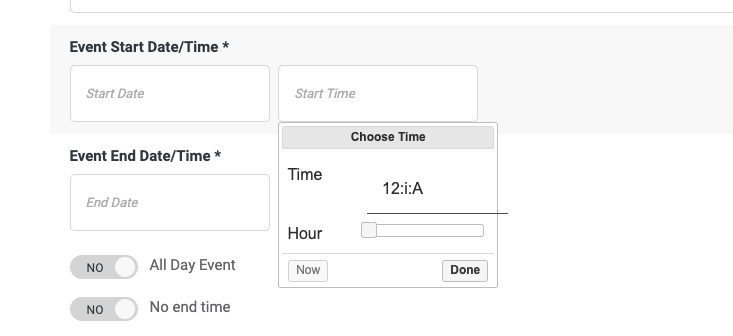
When you create the event after setting the time on the form, it just inputs the default date of Jan 1 1970 12:00 am. We know this is something to do with the time format that is passed into the backend when it creates its unable to understand that format given.
Any ideas on how we can fix this?
Reply to: tickets(158182)
Hi,
We just downloaded the plugin yesterday and we can see that Action User is running Version 2.1.17.
Here you can see the first screenshot is the FE form. The time when you click is showing an odd way to input time. I was expecting something similar to the way you input time when creating an event through the Back End.
Reply to: tickets(157648)
From what you’ve shown me, it looks like it’s working. Did everything look ok to you?