Could you drag and drop Main Event Details to the main area of Edit Page?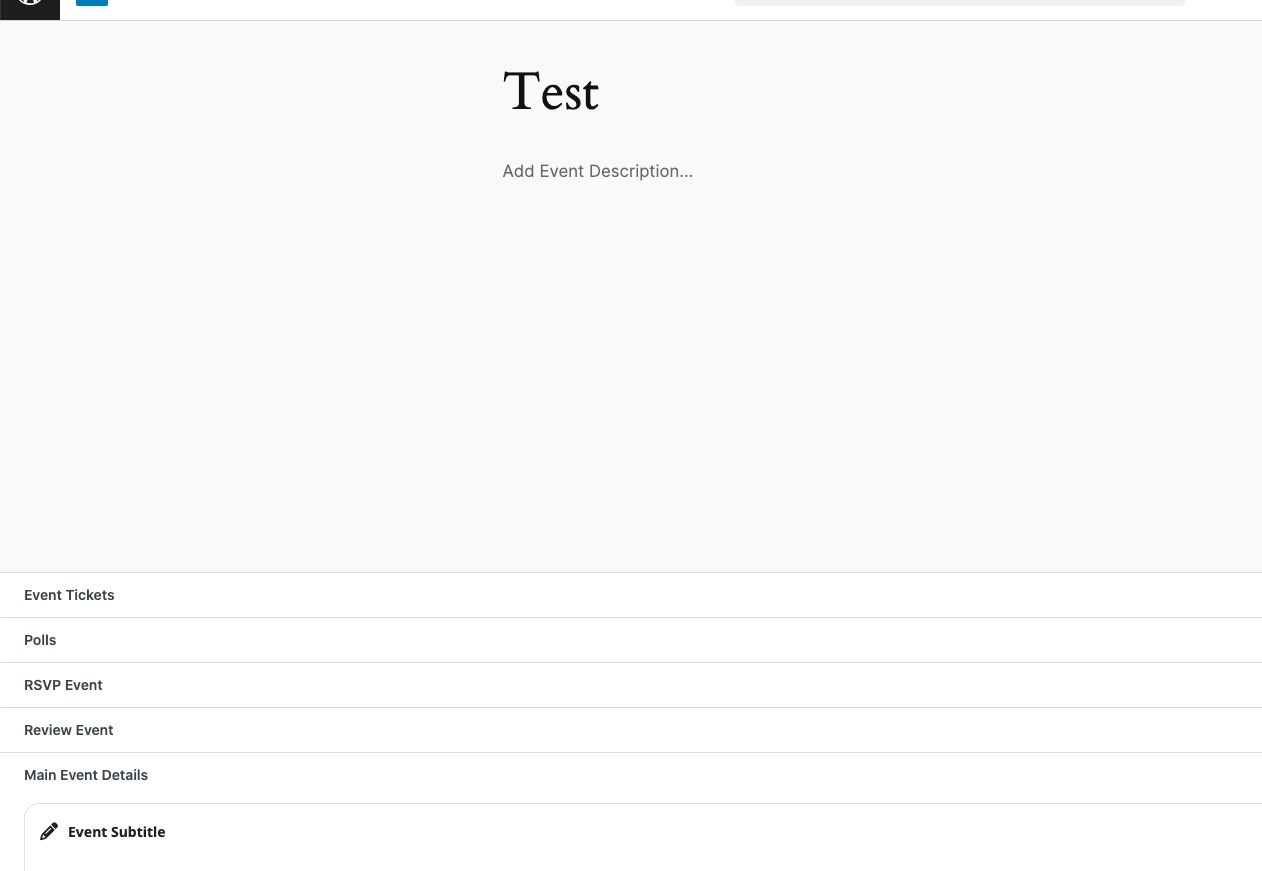
Refresh page and check again.
Replies for tickets on suppota
Could you drag and drop Main Event Details to the main area of Edit Page?
Refresh page and check again.
You can install
https://wordpress.org/plugins/advanced-cron-manager/
and execute jobs earlier manually.
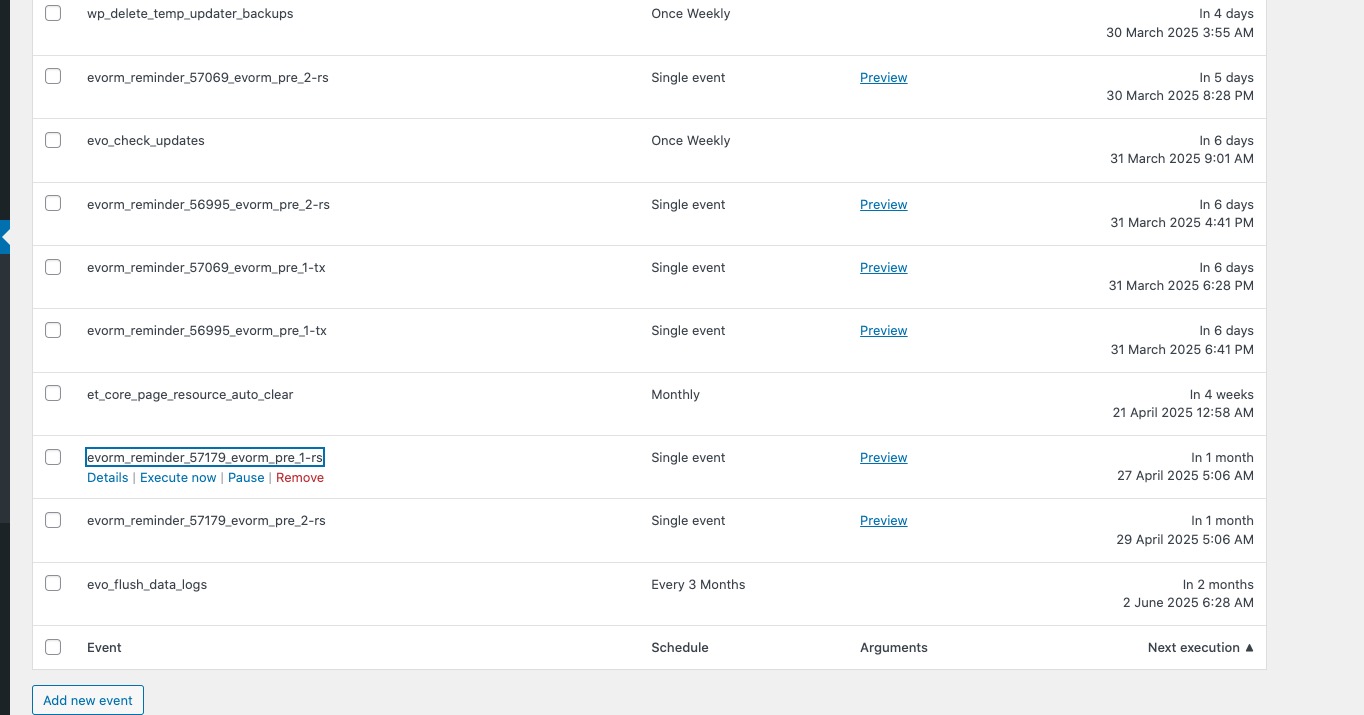
Please find jobs like these ones where numbers are event ids:
I follow all the steps, tested removing all the plugins, one by one, but the error persists.
Ashan,
The same on dev2:
https://dev2.myeventon.com/wp-admin/post.php?post=57251&action=edit
Hello,
Thank you for your messages, I am going to assign this ticket to Ashan and he will be able to take it from here and find you a solution. Please allow some time for him to get back to you, we greatly appreciate your patience and thank you for being a eventon customer! Also please disable any IP blocking on your site if there are any.
Lets try to analyze this.
So Prague DST start on March 30th which hasnt happen yet. So after this you will lose 1 hour.
Transition: 2:00 AM CET (UTC+1) → 3:00 AM CEST (UTC+2). Local time change.
So time to Sept 20 19:00 becomes 1 hour less.
So time till Sept 20 19:00 = 179…
this seems correct isnt it?
Okay, I just updated Eventon to 4.9.1. I am doing more tests now, I will let you know.
Is there an easier/faster way to test the email sending because the cron task seems to schedule the sending of emails at rounded times only (1:00 pm, 3:00 pm, etc.) whatever the start and end time of the event, so we can only test once per hour.
Interesting, we are using the latest PHP datetime function which takes the time value and converts it accrding to the PHP timezone DST database.
PHP does this conversion based on the time 9/20/2025 19:00 CEST
Please allow me to dig more into this and see if we can get this resorted with regards to DST.
The hour difference here is the day light saving time.