Hi Dave,
Thanks for the quick reply.
Because the tickets are not registering for EventON, I can’t provide the links to the 3 additional sales. However, I can contact the client to provide the details for those 3 tickets.
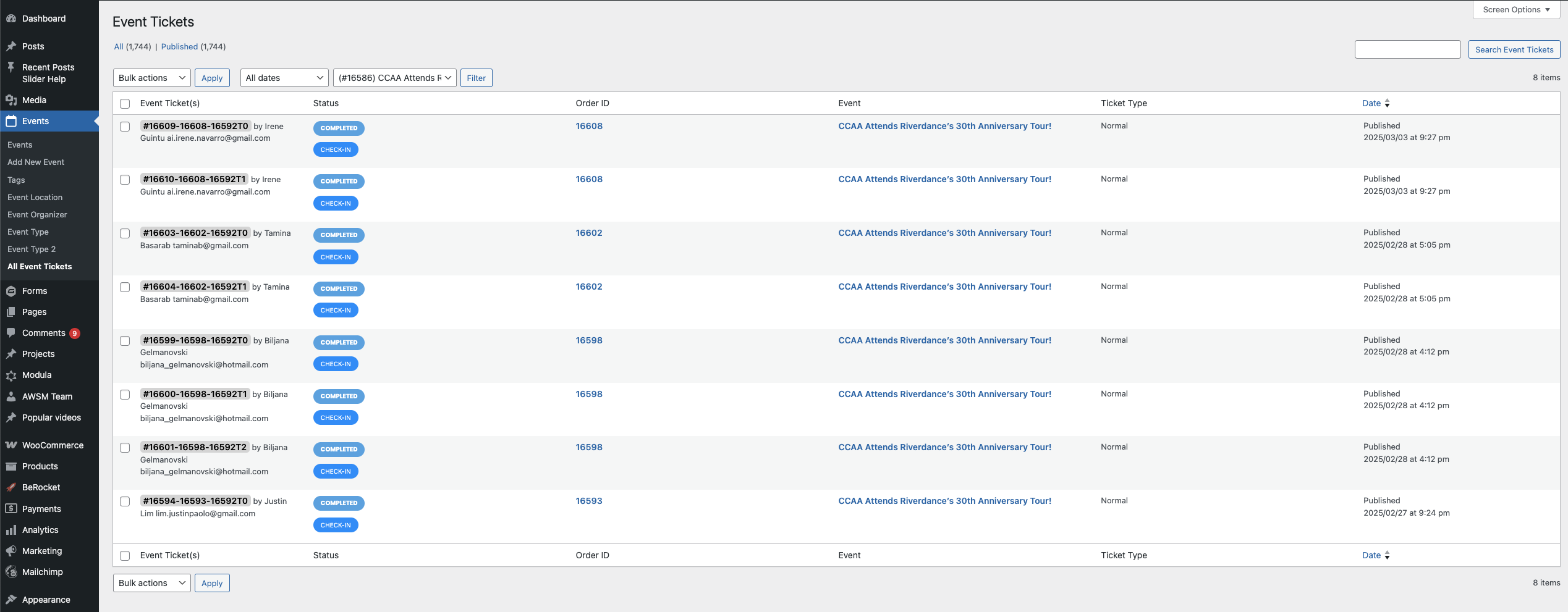
Does that make sense or should I still be able to find these tickets? Heres what I see for the Riverdance event: attached screenshot. (I see only 8 tickets here)
Thanks,
could you have a tab layout and using the event types
create event type A and event type B
then in tab A you could show only event type A events and in the second Tab you could show only event type B events
or use an accordian which would probable be a better user experience in a mobile
in myeventon>>>>settings
I have deactivated json data except for single event pages and thats seemed to remove that added info
how do we log in?- theres a pop up before viewing the page asking for username and password before the wp-admin login
see video below
could you provide links to the 3 additional sales so we can compare
I have a feeling they went through the google pay and not the checkout which is why its not showing up in eventon
they paid, but as it didn’t go through the checkout- it doesn’t register within eventon
would be easy to test the theory- make an event- make it 50 cents a ticket and buy via google pay- see if it registers within eventon
The issue is we have multiple events on the same date for different age group and we want to sort by Group A and Group . We want to have Group B show after Group A.
I updated Eventon but nothing changed. We still don’t receive the mails.
Thanks for the advice.
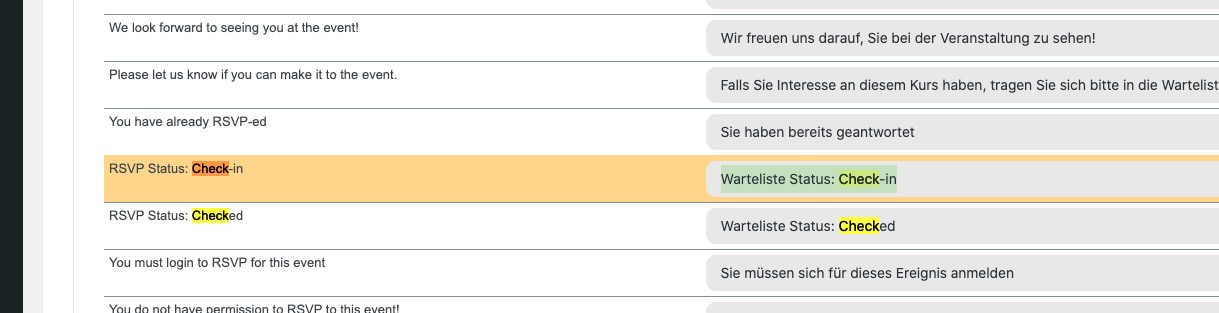
Please go to EventON > Language > ADDON: RSVP Events > find these and change them:
Their status is correct, the translation isn’t.
Ok, all EventON versions are current. Surprisingly, the seat map does appear now.
Perfect! I believe the the info in this guide fixed the issue:
https://docs.myeventon.com/documentations/how-to-debug-for-php-code-errors/
Could you update Seats add-on to 1.2.8? Then try re-saving Tickets Settings and also seats.
I made all the tests, and everything points to EventOn.
Try to play with the shortcode. I’ve done that, and is not rending correctly.
Our theme is the most basic theme that exists, Hello Theme.
We appretiate a solution please.