I have now reset my WP password so here are the details:
Login details:
mail: mcat-loe@online.no
password: GamlebyenNettsiden2020
Replies for tickets on suppota
I have now reset my WP password so here are the details:
Login details:
mail: mcat-loe@online.no
password: GamlebyenNettsiden2020
Hello,
Thank you for your messages, I am going to assign this ticket to Ashan and he will be able to take it from here and find you a solution. Please allow some time for him to get back to you, we greatly appreciate your patience and thank you for being a eventon customer!
Hello,
Unfortunately, creating the correct HTML code that will work across different email clients is quite difficult (read more https://www.smashingmagazine.com/2017/01/introduction-building-sending-html-email-for-web-developers/ > Building HTML Email Templates). WordPress’ default WYSIWYG editor doesn’t work in this case. However you can check https://docs.myeventon.com/documentations/customize-rsvp-emails/ and try customizing the template itself, but unfortunately, you cannot edit the text.
You can send us a customization job request by creating a new ticket in here and selecting Customization Request as the category.
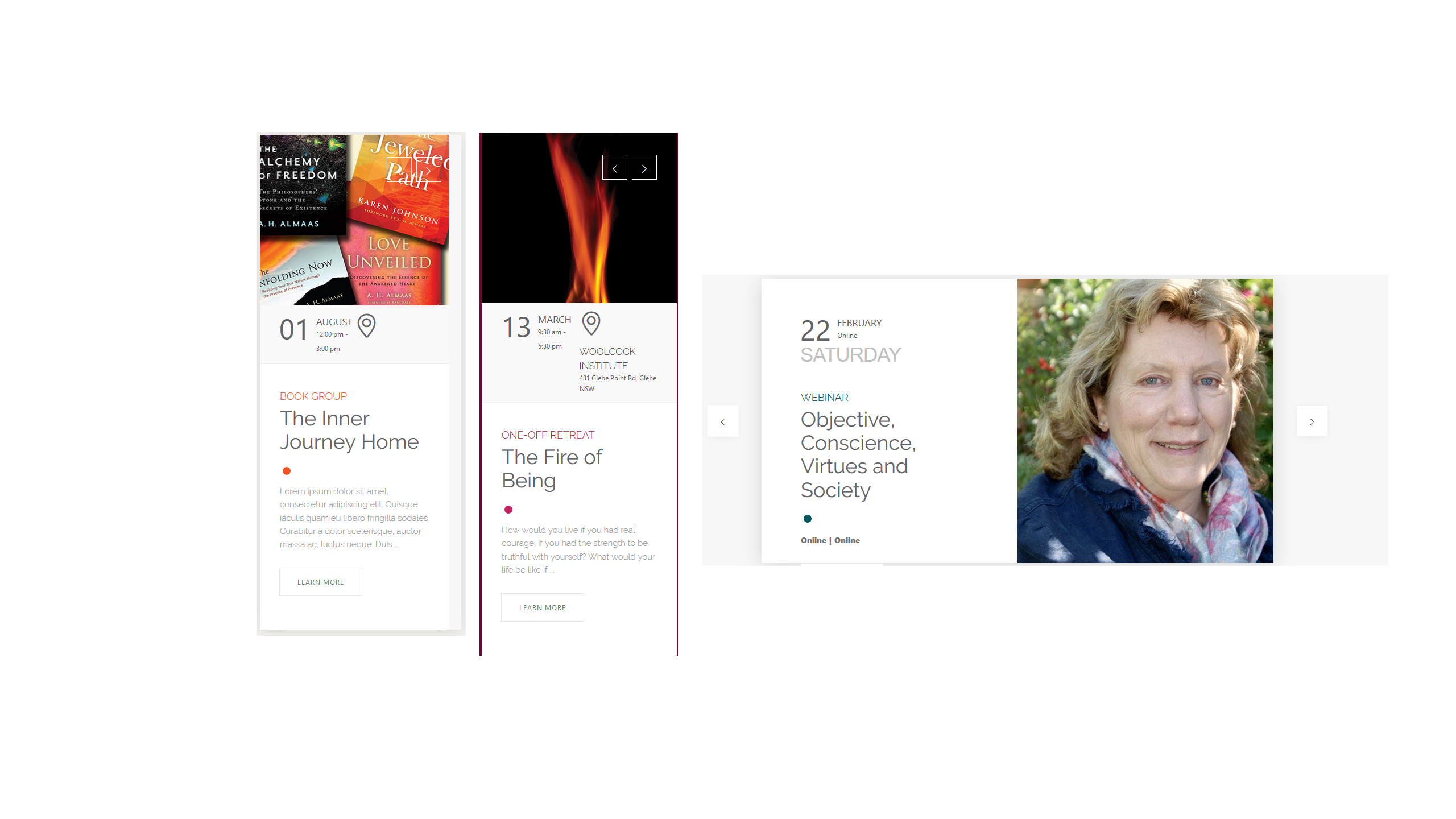
Attachment of image here to support Q2 above.
Hello,
I am sorry, the access information you have provided did not work for us. Please check them and post the correct login information as a private message, thank you!
Please also check for latest version of add-ons from here Your issue might be related to an older version you are running and we might have resolved this already in the newer version update. If you are on latest version of our software and the issue still persist please let us know.
Hello,
1. You can add images from Event Submission Form by enabling EventON > Action User > Allow event image upload to non logged-in visitors. However this is not recommended.
2. You can go to EventON > Action User > change User Capabilities for a specific User Role.
Hello,
If you go to wp-admin > Tools > Export, you can see that you can export Subscribers. So please try wp-admin > Tools > Import.
Unfortunately, EventON doesn’t yet have this functionality. However please create a new ticket and select Feature Request as category so others can vote to get it moved into development faster. OR You can send us a customization job request by creating a new ticket in here and selecting Customization Request as the category.
Hi 🙂
1: I would like it, if a logged in user, who has an invitation could RSVP when he looks at the event and not only RSVP using the buttons in the e-mail.
2: I cannot get the RSVP function to work AT ALL. When I click the button in the e-mail I am in fact directed to the event, at it appears as if my rsvp is registered. However, it is not.
3: If I have made an RSVP using the buttons on the event (not invited but open rsvp) I cannot change my answer.
I’m thinking it might be a Theme-issue even if it is unlightly given that I use AVADA.
I hope you can help.
Should You choose to look directly at our site, feel free to create events for testing purposes.