Basilis has accepted the job for 1
Archives: Replies
Replies for tickets on suppota
Reply to: tickets(157263)
Yes it is possible like this 🙂
Send your payment here:
https://paypal.me/Basilakis/40usd
And post me here your email and access to the web site so I can work on this 🙂
Reply to: tickets(157263)
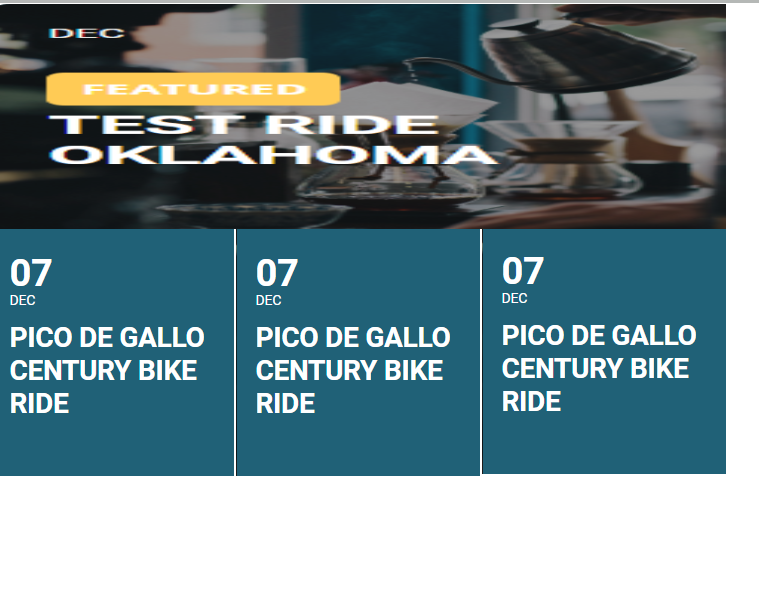
I also made a very rough picture of how it might look with the tile eventon, very rough and I’m not proud of it, but just to further illustrate what I’m thinking, that’s attached as well
Reply to: tickets(157263)
Hi,
Yes I am interested, and just to illustrate further so there’s no mistakes when you’re making it, I would like to be able to edit the featured event width and height to where the width would be able to fill the container it’s in, similar to how this image I attached is.
Reply to: tickets(157254)
I cannot really give you it because I am not logged-in as you. Could you check https://docs.myeventon.com/documentations/update-eventon/ > 2.0 Method #2: Manual Download from codecanyon. Just logged-in to CodeCanyon > go to Account > Downloads.
Reply to: tickets(157133)
No issues from my side: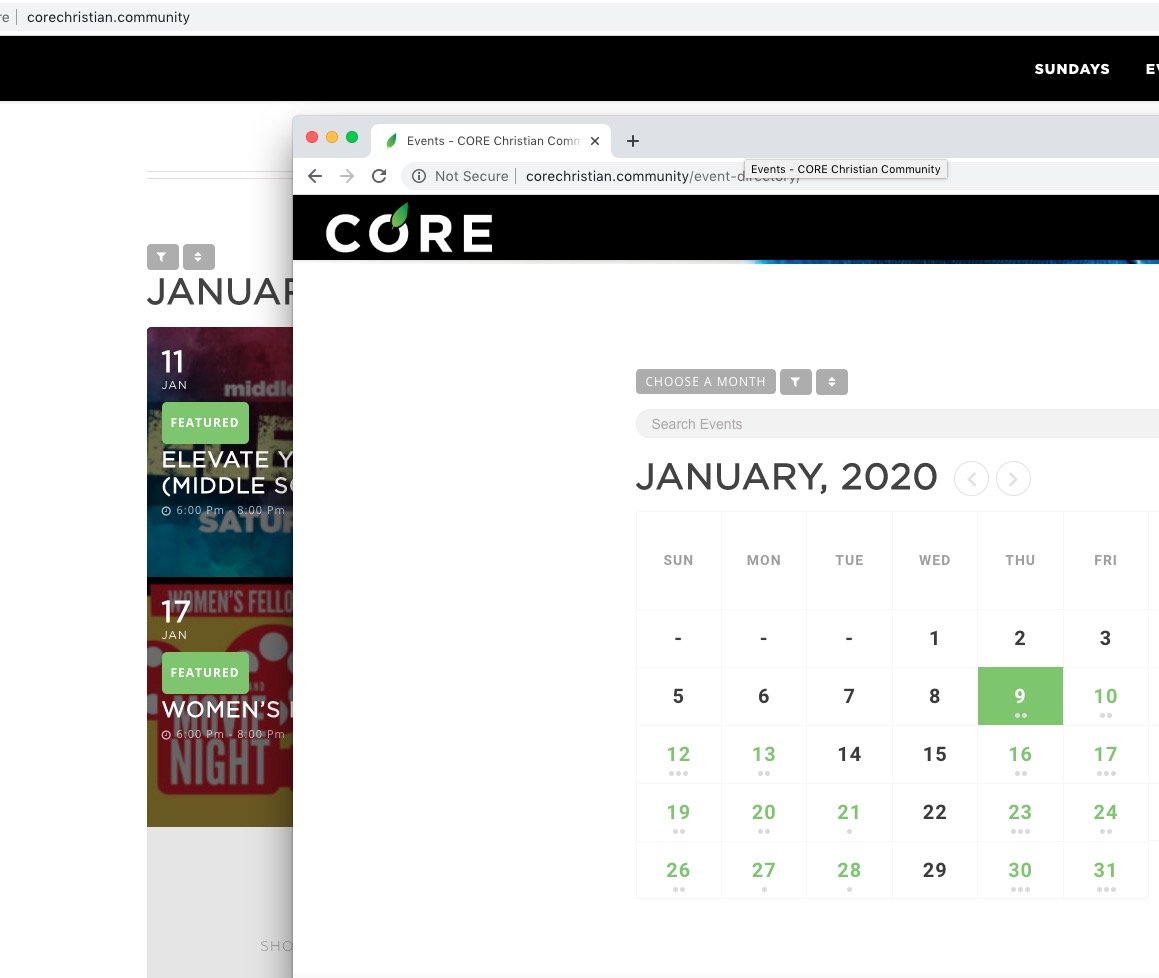
Could you make a video and send us? Could you also to load the calendar when not logged-in?
Reply to: tickets(157423)
Hello,
Please remove this from the shortcode:
ev_uxval=”3″
Reply to: tickets(157264)
We are glad your issue is resolved, if you have any further questions or concerns please create a new ticket.
If you have a moment, we would greatly appreciate if you could kindly leave us a review at codecanyon! from your account > downloads. Cheers!
Reply to: tickets(157414)
Hello,
Please update EventON to 2.8.4 and FullCal to 1.1.10. No issues on our test server: http://dev2.myeventon.com/20077-2/
Reply to: tickets(157413)
Hello,
Could you please update EventON to 2.8.4 and RSVP add-on to 2.6.7?
To update eventon to latest version: If you are unable to do autoupdate, you can go to codecanyon your account > download and get the latest eventon version as zip file. Then you can go to your website, deactivate old eventon, activate (Do not delete eventon settings & data when EventON is uninstalled) from eventon settings, delete old eventon, install new one and activate. This link will further explain the process it. Also you can follow us on twitter to get real-time announcements on updates!
To update eventon addons: You can download latest eventon addons from myeventon > my account. Then you can go to your website, deactivate old addon and install new one and activate then delete the old addon. This link will further explain the process. Also you can follow us on twitter to get real-time announcements on updates!