Have you managed to fix this issue? I no longer see this issue and the map works: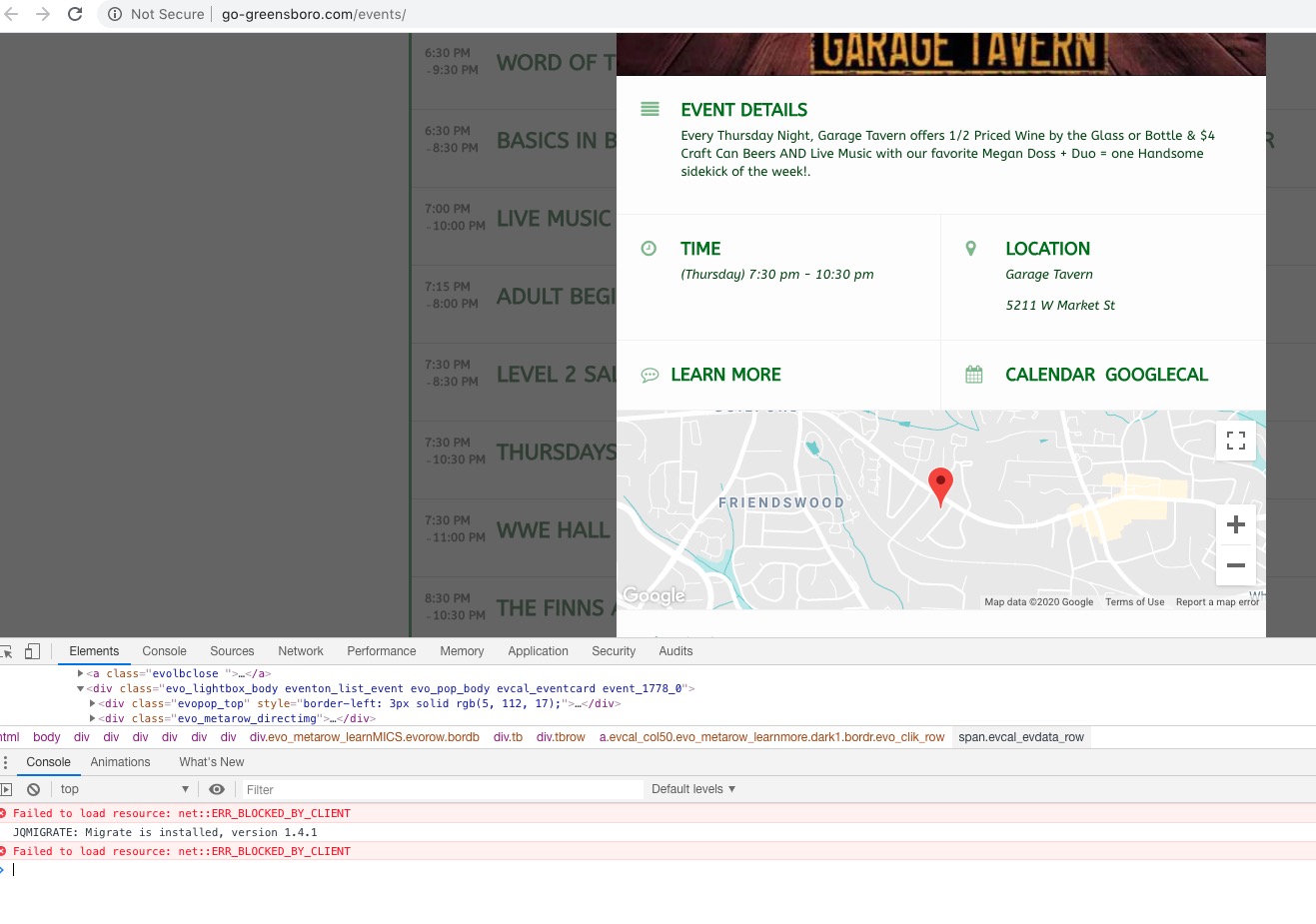
Archives: Replies
Replies for tickets on suppota
Reply to: tickets(156741)
I hae discovered the issue, does this only happen for yearlyview?
Reply to: tickets(157408)
Hello,
You can go to EventON > Download all eventON events. > ICS FORMAT > upload this file to your own calendar.
You can also send us a customization job request by creating a new ticket in here and selecting Customization Request as the category, maybe one of our developers can extend EventON to fully support what you need.
Reply to: tickets(156741)
Okay so I just cleared all the caches and then re-loaded this page:
https://www.streamingvideoalliance.org/calendar-test/
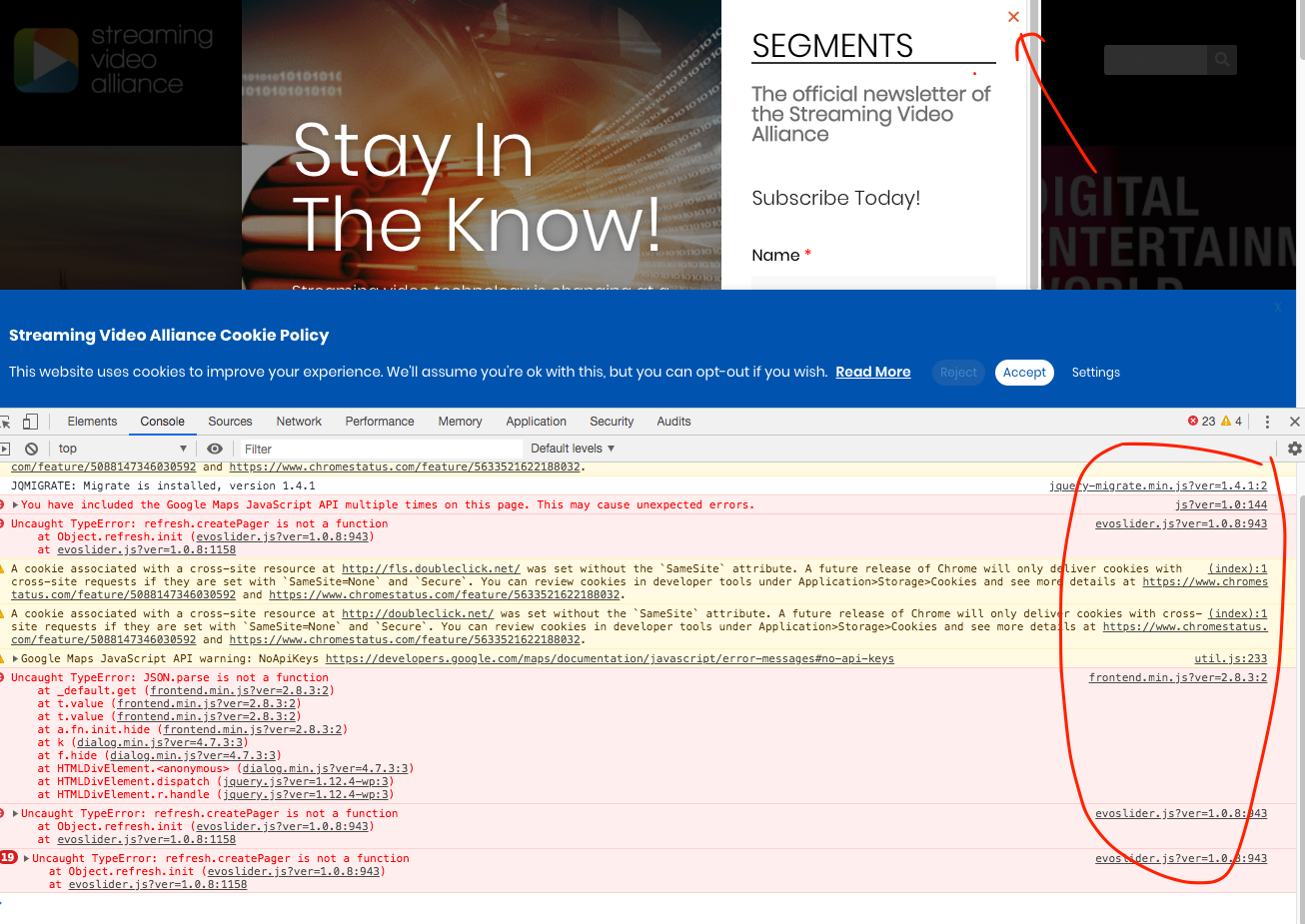
When I click on February 4 in the calendar, it pops up the events. When I click on an event, it still displays the event pop-up rather than sending to the user to the external link. I also see, when I inspect the element, that there are still .js errors that I think are related to your calendar plugin.
Reply to: tickets(156741)
Ok Jason I just uploaded latest versions please check now.
Reply to: tickets(156369)
Hello Shaan, would you mind sending me FTP access to eventON addons folder in your server? I see the cron jobs are created at wrong times. I am trying figure out why those could be.
I am wondering if the issue is caused by tiemzone settings in your site. I can not debug these without FTP access
Reply to: tickets(156741)
Sure. FTP details:
user: svideoalliance-eventon
pass: YB3ghnE6bdeDw6i
host: svideoalliance.sftp.wpengine.com
port: 2222
it’s SFTP
Also, I am using WP Rocket. i can exclude specific .js from minifcation, optimization, and CDN. I just need to know what those are if it’s required.
Reply to: tickets(157254)
Could you please give me a direct download link to the update? I cannot get in to codecanyon. I hired someone to build the site and cannot get in touch with them.
Reply to: tickets(156741)
JT I need the FTP access to eventON folder to debug this issue because I am seeing multiple js errors on your site which make the popup unable to hide.
Reply to: tickets(156701)
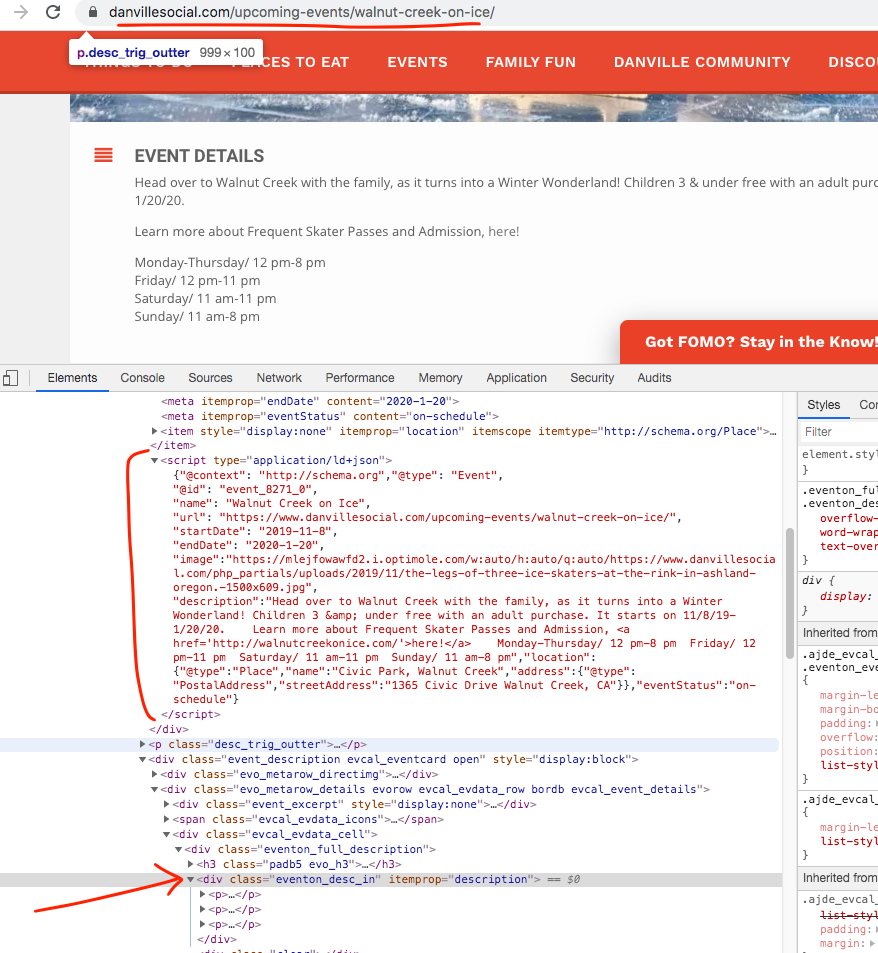
As you can see the description is properly in the event page under schema and JSON-LD