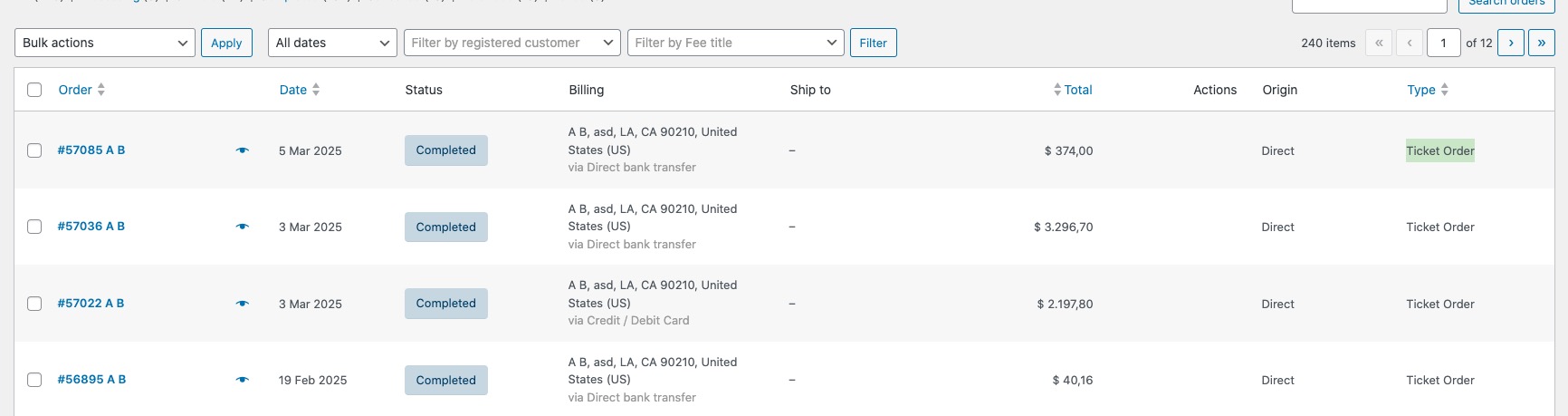
Please try making a test purchase and then go to wp-admin > WooCommerce > Orders:
Here each EventON’s order should have “Ticket Order”. The issue is that if you aren’t going to use WooCommerce’s default shortcodes, they should show “Non-Ticket Order”.
Hello,
I cannot find EventON plugin installed on your website:
https://les-berges.com/wp-admin/plugins.php
Could you check and let me know?
Hi Artem, we did not get answer to my ticket the last 7 days.
What we need is a solution to edit the price for all seats (more than 500) of an event at one place inclusive one variation..
To click every seat or row is a lot of work when opening opening a new event with a different price.
Do you have a solution or workaround?
We are open to use the JSON export, but there are no variantions in it to edit.
ok. could you check if it’s ok via this page : https://happyferme.fr/retraite-bien-etre
I did’t add shortcode, but it seems that it’s working .. just want to be sure
We use the Language Addon from EventOn in the settings (EventON > Language).
Unfortunately, the update process is always a little more complex here, but I can plan it around the tasks of our programmers. Nevertheless, I would like to know what the Check-In status is and what it is supposed to be for.
It fixes the saving issue, but not the front office issue. I wasn’t even worried about the saving issue because london and lisbon are in the same timezones. but front end still shows the wrong hour (april 8 00:59, instead of april 7 23:59)
I guess the above image never worked. here it is again.
Other issue with ICS, please update to latest tickets addon or subscriber addon those use add to calendar url which use the nonce verification, which fails for add to calendar links from old email confirmations. which was removed in new version — if that is the reason why you are getting those errors.
Hello Stuart, thank you for letting us know of this issue with fullCal we will get this resorted
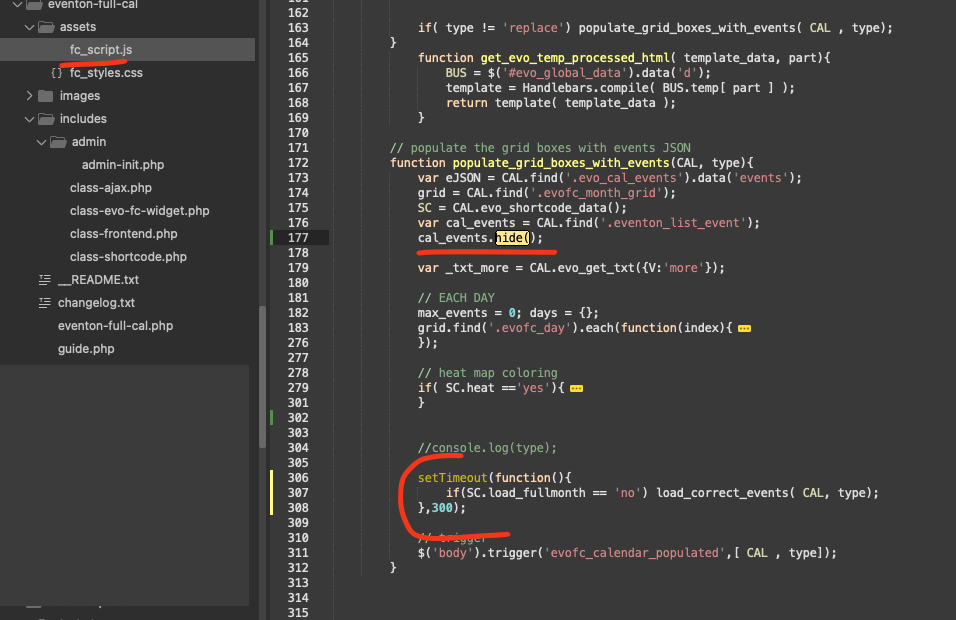
Here is a patch fix code to get the 1st day of month events loading for the moment while we work on the proper fix and several other updates to FullCal.
code: https://dev2.myeventon.com/codeshare/4dekcO7lTZKN
I think now is working
I delete this:
define( ‘WP_DEBUG_LOG’, true );
define( ‘WP_DEBUG_DISPLAY’, false );
and change this to that:
#define( ‘WP_CACHE’, false /* Modified by NitroPack */ );
define(‘WP_MEMORY_LIMIT’, ‘1024M’ );