Please do NOT update any other plugins other then EventOn Plugins as it can break the site.
Replies for tickets on suppota
Please do NOT update any other plugins other then EventOn Plugins as it can break the site.
Hello,
it’s ok you can ignore my previous answer. I can translate, I resolved the problem. Sorry. Just a question : I dont’ find where I can translate ” type your address to get directions” please ? It display when I choose to Generate Google Map from the address.
You can see it here : https://reseauprofessionnel.creaia.fr/event-directory/ > Mars Event.
Thanks.
Hello,
thanks I did this but the settings doesn’t want saved. I clicked to save more than ten times and everytime I checked the setting there is still L1 while I choose L2 and saved my choice. I’ve got the message “Settings Saved”and after everything is still L1. It makes me crazy.
I followed https://docs.myeventon.com/documentations/how-to-translate-calendar-front-end/
and https://docs.myeventon.com/documentations/setup-language-corresponding-events/
I added too the shortcode [add_eventon lang=”L2″ ] on my event page but it’s not working : it still in english (normal because my changements can’t be saved). So I erased this shortcode.
I just need to create L2 for french. I create an event named “test fr” with L2.
What’s wrong please ?
Thanks
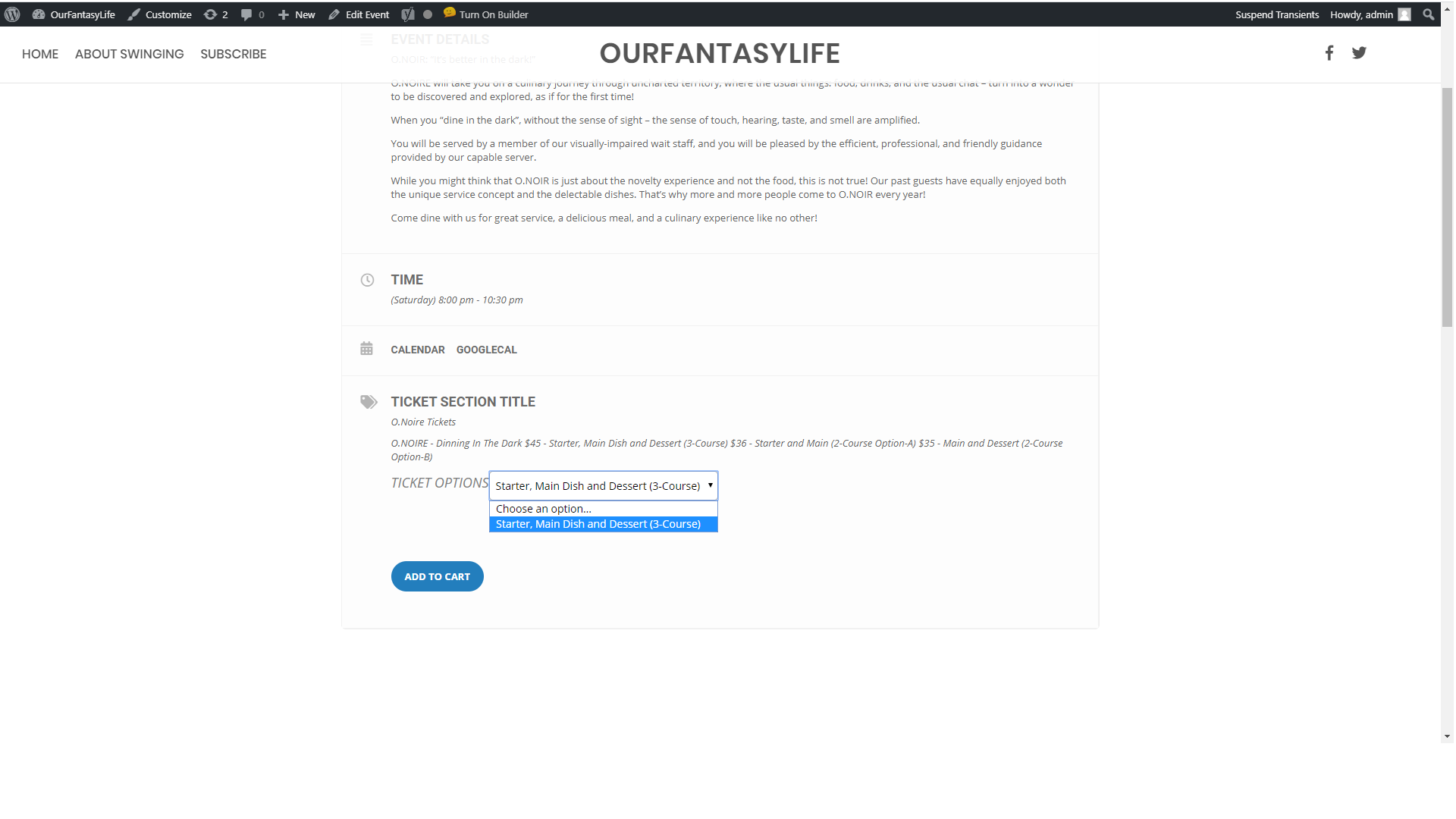
Attached 2nd image shows whats available in the drop down, only one item but variables have been created
Ashan,
This shortcode doesn’t work:
[add_eventon_el el_title=”Full Event List” el_type=”dr” start_range=”2020/01/01″ end_range=”2020/01/29″ etc_override=”yes” exp_so=”yes” accord=”yes” show_et_ft_img=”yes” ]
http://dev2.myeventon.com/20425-2/
The same with other shortcodes.
I remember that the shortcode from this page worked correctly on dev2 (Jan 20,2020 AT 5:42AM – Posted 2 Weeks Ago – #159057):
https://geeksociety.com.au/2019/12/18/whats-on-dec-18-24/
[add_eventon_el el_title=”Full Event List” el_type=”dr” start_range=”2019/12/18″ end_range=”2019/12/25″ etc_override=”yes” exp_so=”yes” accord=”yes” show_et_ft_img=”yes” ]
However it doesn’t work anymore: http://dev2.myeventon.com/20236-2/
Could you check?
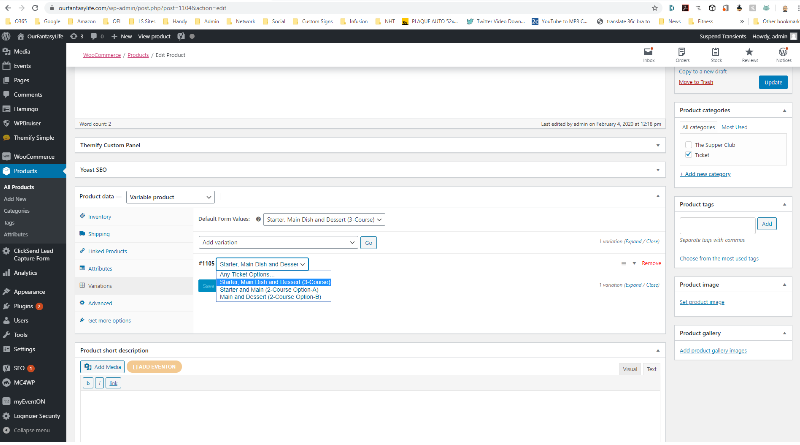
Yes, sorry, I’ve been testing different methods, that page appears to work, it’s what I did after the first test didn’t work. I may be able to use that but would like to understand the first issue, I’m sure i must have missed something.
See the other event “Dinning In The Dark”
https://ourfantasylife.com/events/dinning-in-the-dark/
Can you provide us with an email – in which we can add you as a User and you can have a login.
We would feel more comfortable going that route for IT Security purposes.
Thanks!
Sorry if the details were wrong, they are:
https://www.nbwn.co.uk/wp-admin/
nbwn000
20pDo-9911c (try 20pDo-9911c if first one doesn’t work – I can’t tell if they’re ones or ‘ls’)
Hello,
Please send us wp-admin access to your site as a private message for us to further assist your situation.
Hello,
No issues from my side:
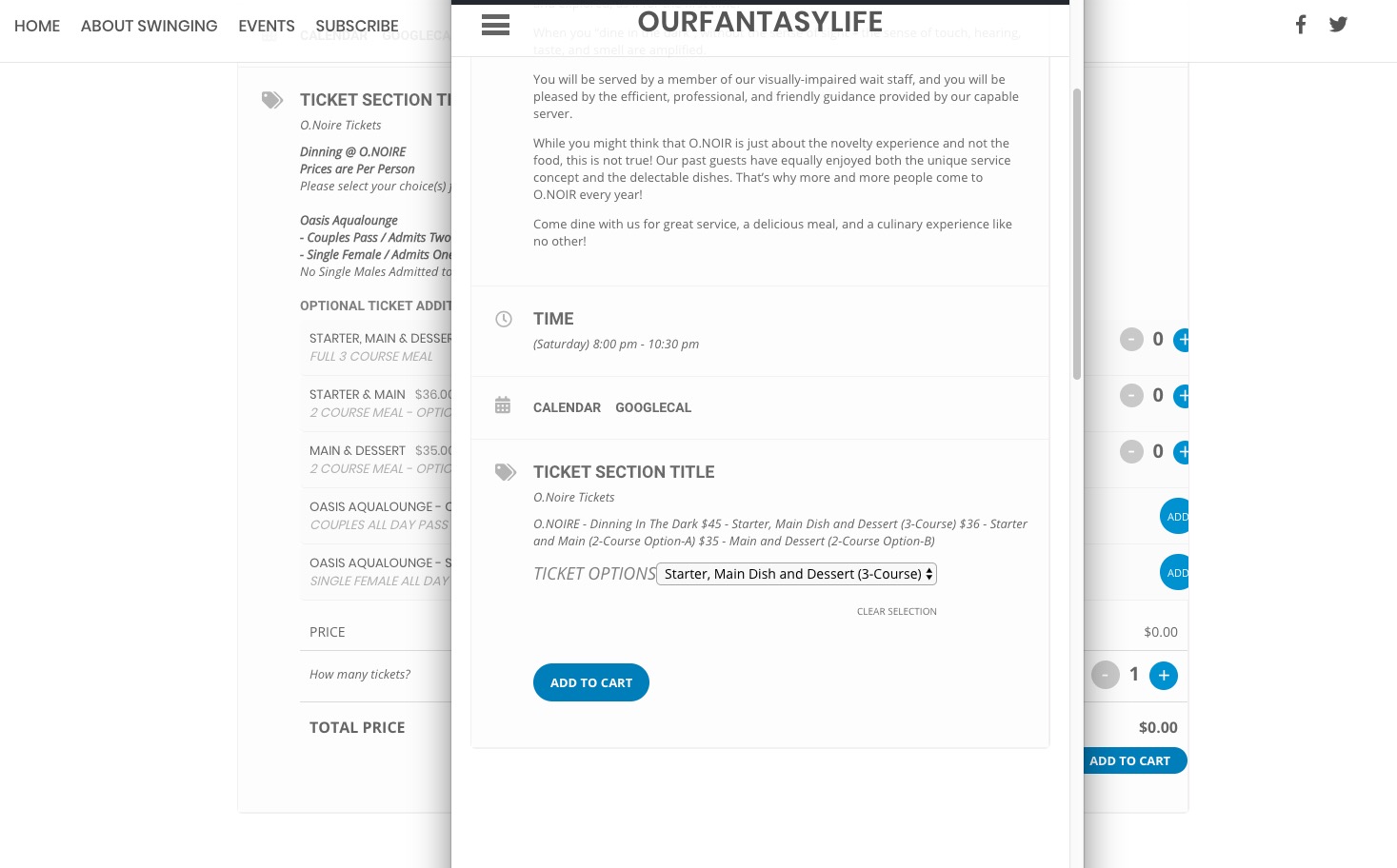
Could you send us a screenshot?