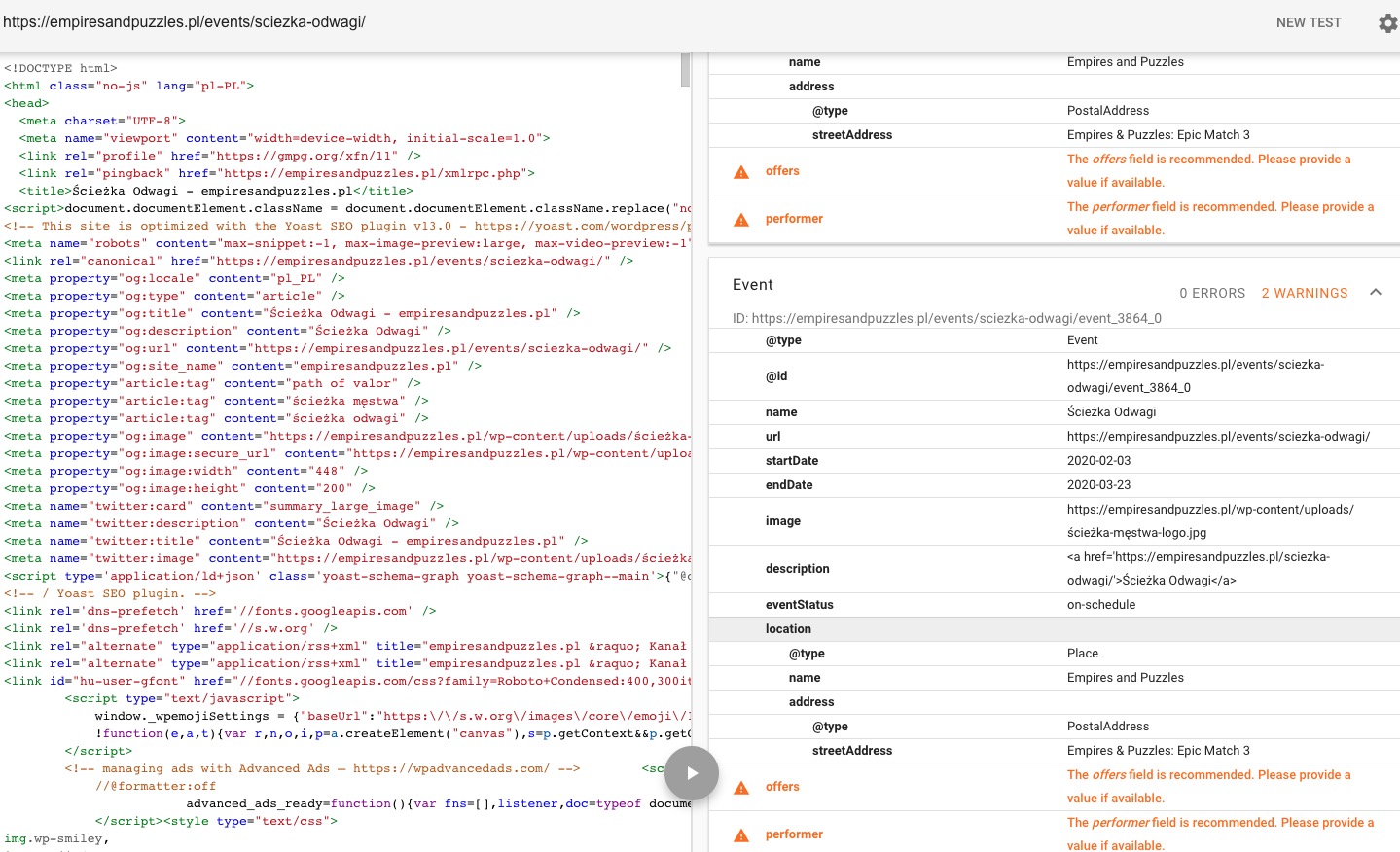
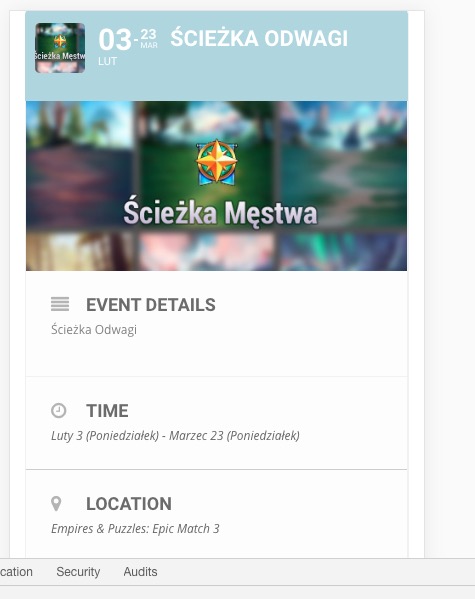
Hello,
Please add this CSS code to EventON > Styles (If you can’t see any change, EventON > turn off Write styles to header > save settings > turn on Write styles to header):
.evo_page_content.evo_se_sidarbar:before { content: “”; display: block; }
.evo_page_content.evo_se_sidarbar:after { content: “”; display: table; clear: both; }
Hello,
1. “Missing location field”
Could you send us a screenshot? From my side:
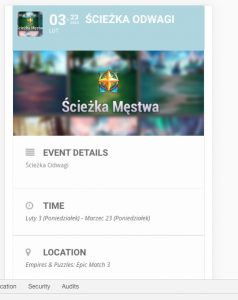
2. Your images are quite small. However please add this CSS code to EventON > Styles (If you can’t see any change, EventON > turn off Write styles to header > save settings > turn on Write styles to header):
.evo_metarow_directimg img { margin:0 auto !important; max-width: 100% !important; }
Hi Tony,
We have requested our CEO to review this and help do it if possible
Allow him some time please 🙂
We are glad your issue is resolved, if you have any further questions or concerns please create a new ticket.
If you have a moment, we would greatly appreciate if you could kindly leave us a review at codecanyon! from your account > downloads. Cheers!
Hi Rajiv,
can you please disable all plugins except ours and check again?
Also, change theme maybe WordPress default so we can be able to understand the error.
prem couture,
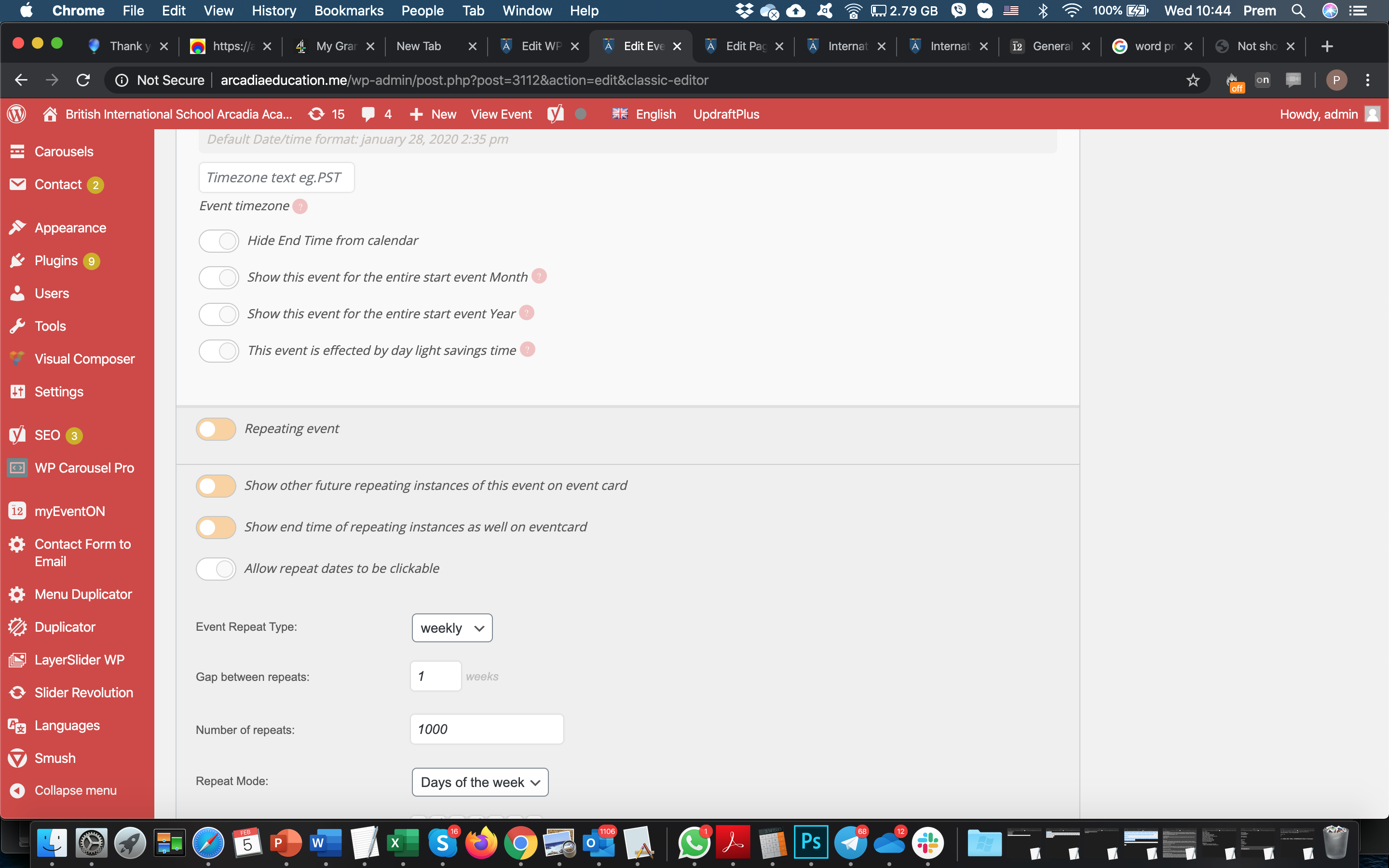
Please update EventON to 2.8.5 and Event Lists: Ext to 0.16. Please also lower the amount of repeats to 99 or lower: https://helpdesk.ashanjay.com/wp-content/uploads/2020/02/Screen-Shot-2020-02-05-at-10.44.52.png
Hi,
I do not know what this system is.
Please use default WordPress login so we can access.
Hello,
Did you register on https://www.myeventon.com/my-account/ > Register? Could you also send us you email address?
Hello,
Unfortunately, hide_empty_months=”yes” doesn’t work with add_eventon. Please replace add_eventon with add_eventon_list and add this to the shortcode:
number_of_months=”12″