Unfortunately I can only provide access tomorrow
Replies for tickets on suppota
Unfortunately I can only provide access tomorrow
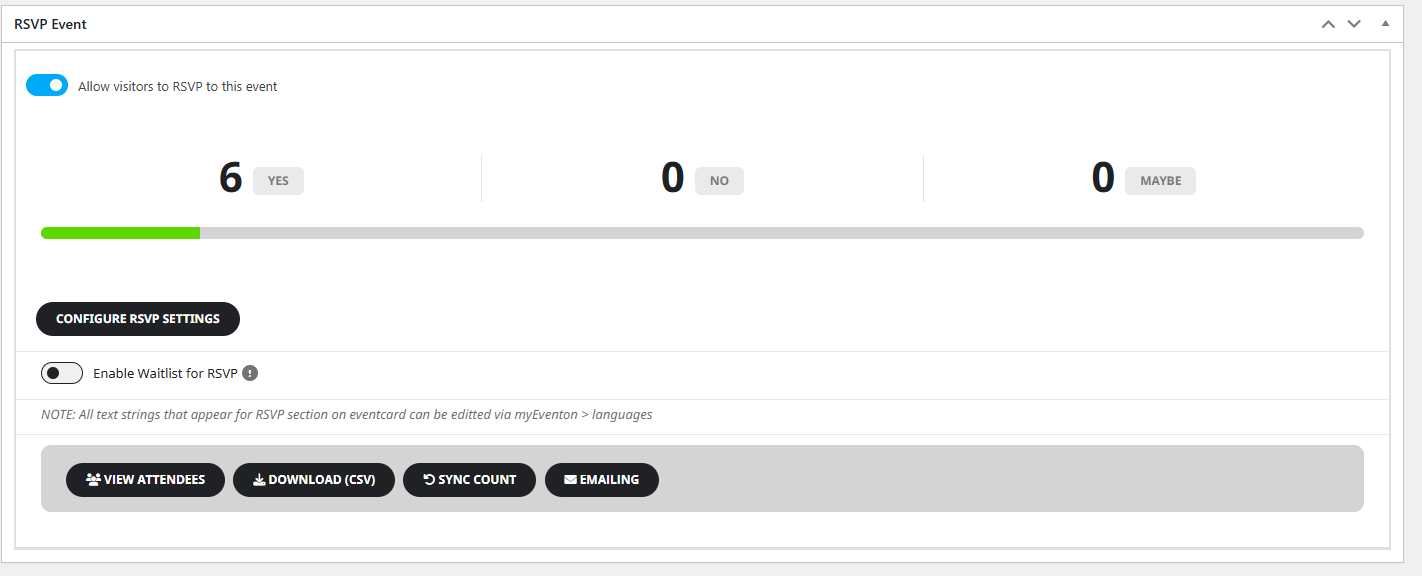
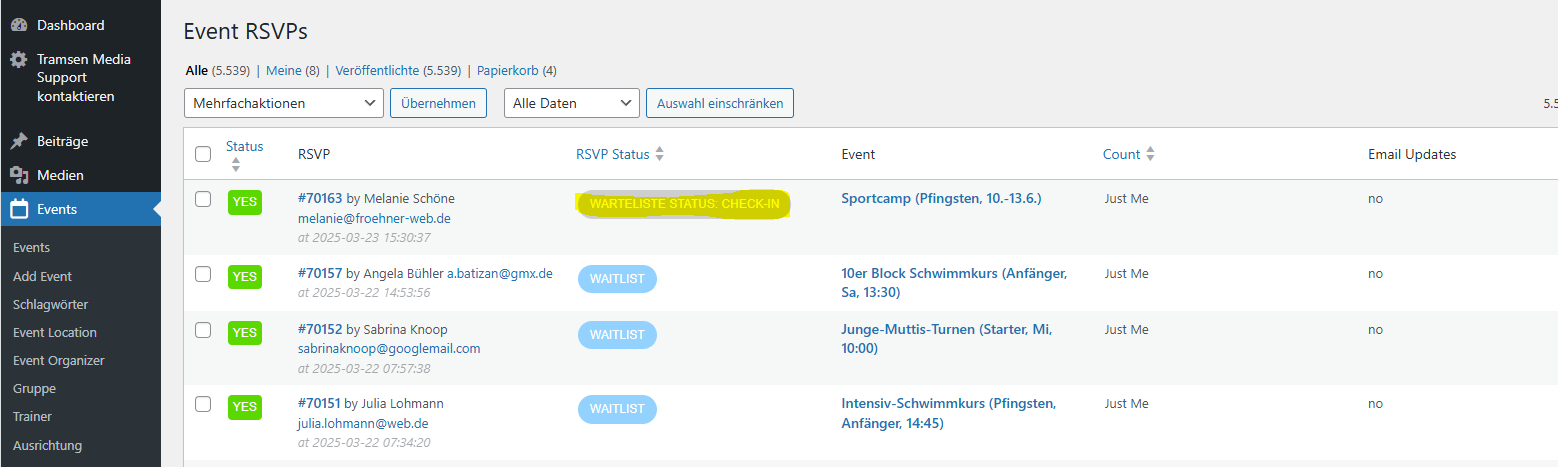
If I go to Events > All Events RVSPs I can check the RSVP Status (there is a column for this) – see screen_01.png
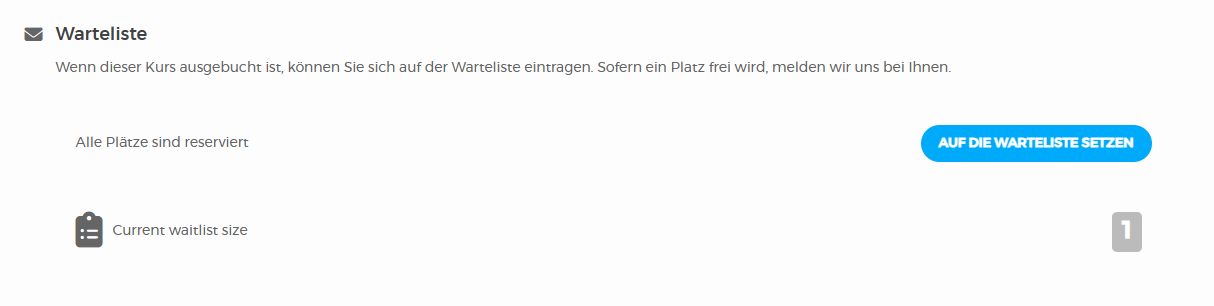
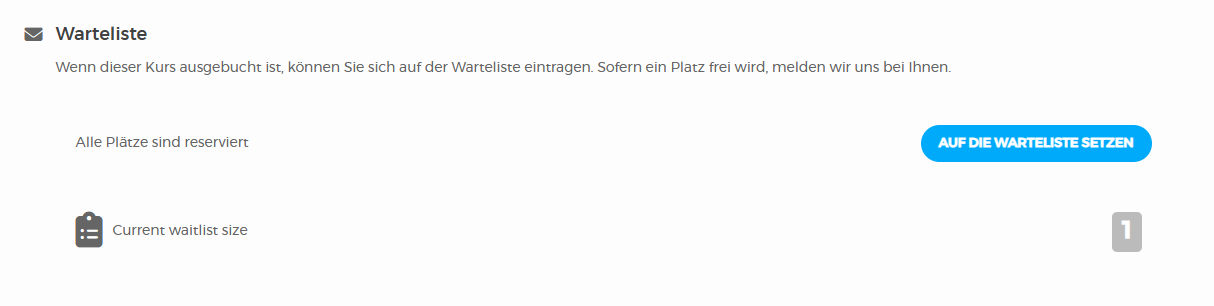
If I go to the event and then scroll to RSVP, the overview looks like screen_02.png.
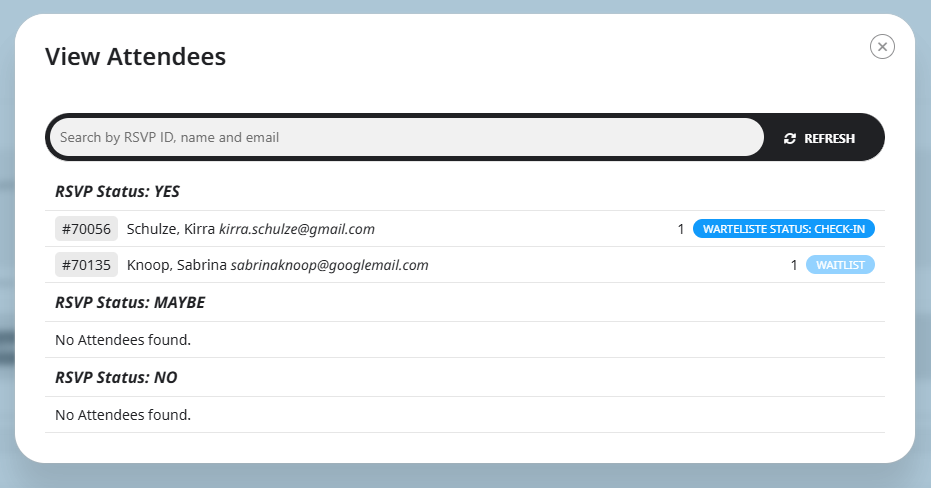
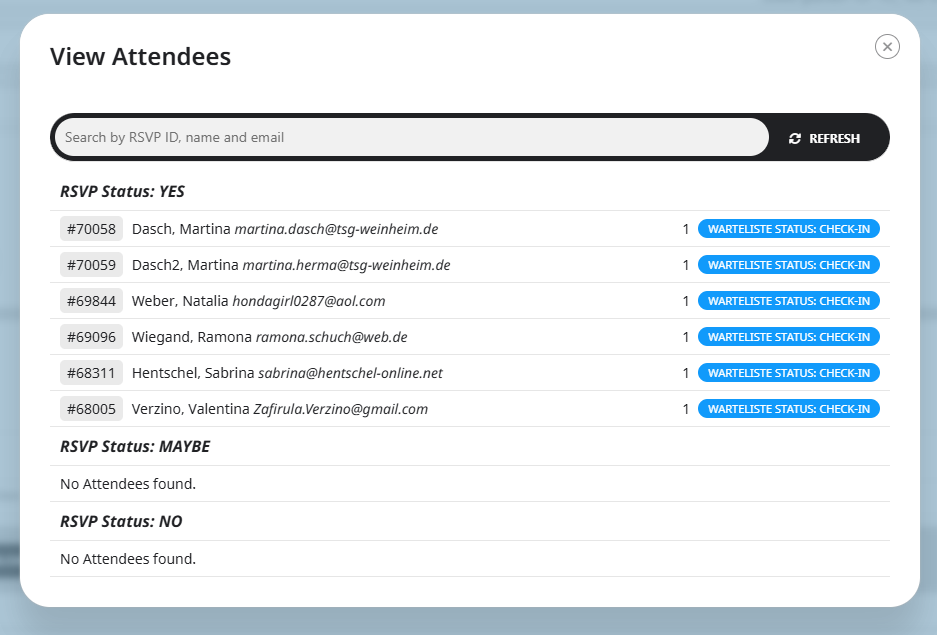
If I then click on “View Attendees”, the statuses are always different. screen_03.png and screen_04.png as an example. Number 4 shows one user on the waiting list, although there must be 2 (see screen_05.png).
Created this event with no issues:
https://www.yogainverness.co.uk/wp-admin/post.php?post=8313&action=edit
Could you open Developer Console and take a screenshot of any errors inside?
https://balsamiq.com/support/faqs/browser-console/#:~:text=To%20open%20the%20developer%20console,(on%20Windows%2FLinux).
Perfect! If you have any further questions or concerns please create a new ticket.
Ashan,
This is no possible with 4.9.1:
is getting removed after the settings refresh.
https://dev2.myeventon.com/wp-admin/admin.php?page=eventon#evcal_001b
The only way is to save the symbol. It seems there is an issue with the latest version of EventON.
Thank you for your messages, I am going to assign this ticket to Ashan and he will be able to take it from here and find you a solution. Please allow some time for him to get back to you, we greatly appreciate your patience and thank you for being a eventon customer!