Please try going to EventON > Scripts & Styling > turn off Write dynamic styles to header > save settings > turn on Write dynamic styles to header.
Archives: Replies
Replies for tickets on suppota
Reply to: tickets(382688)
Hello,
Please send us wp-admin access to your site as a private message for us to further assist your situation.
Reply to: tickets(382540)
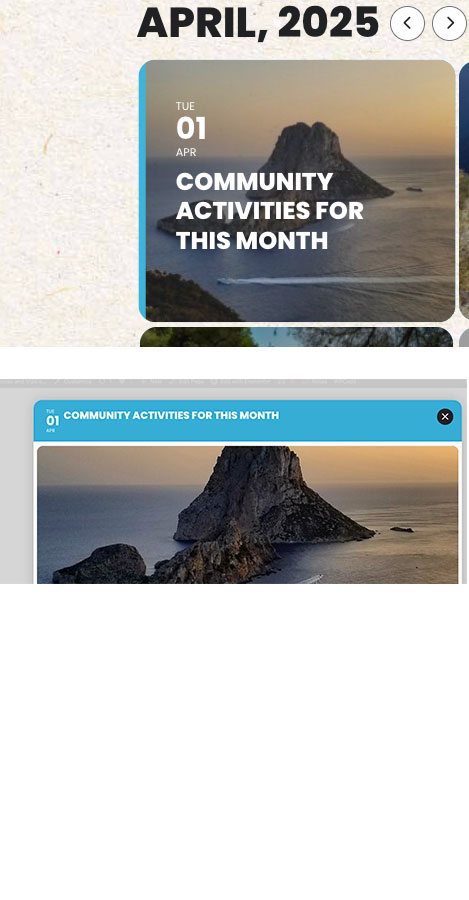
Thanks, that seems to have solved it.
I have one more question if that is ok?
If changed the colours in Settings > Appearance, but I’m still seeing some old colours.
- when you hover on an item
- On the card heading when you click on an item
As per the attached.
Any ideas where to change these?
Reply to: tickets(382162)
Comparing to your shortcode on our test site: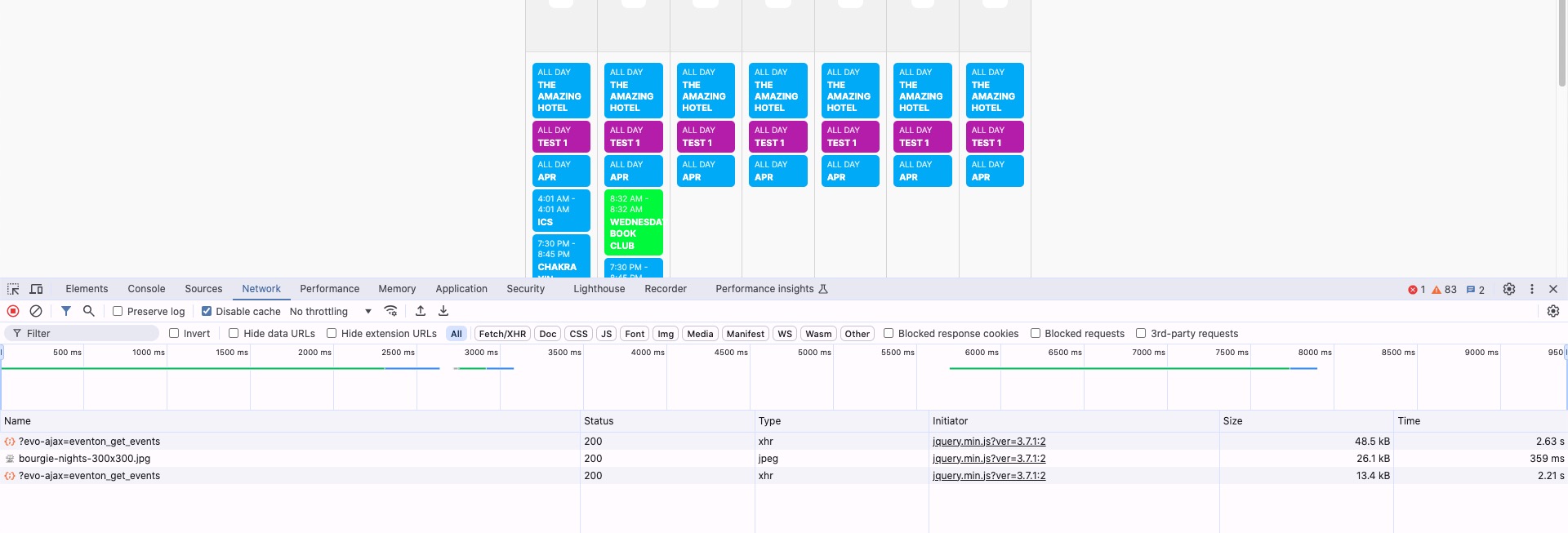
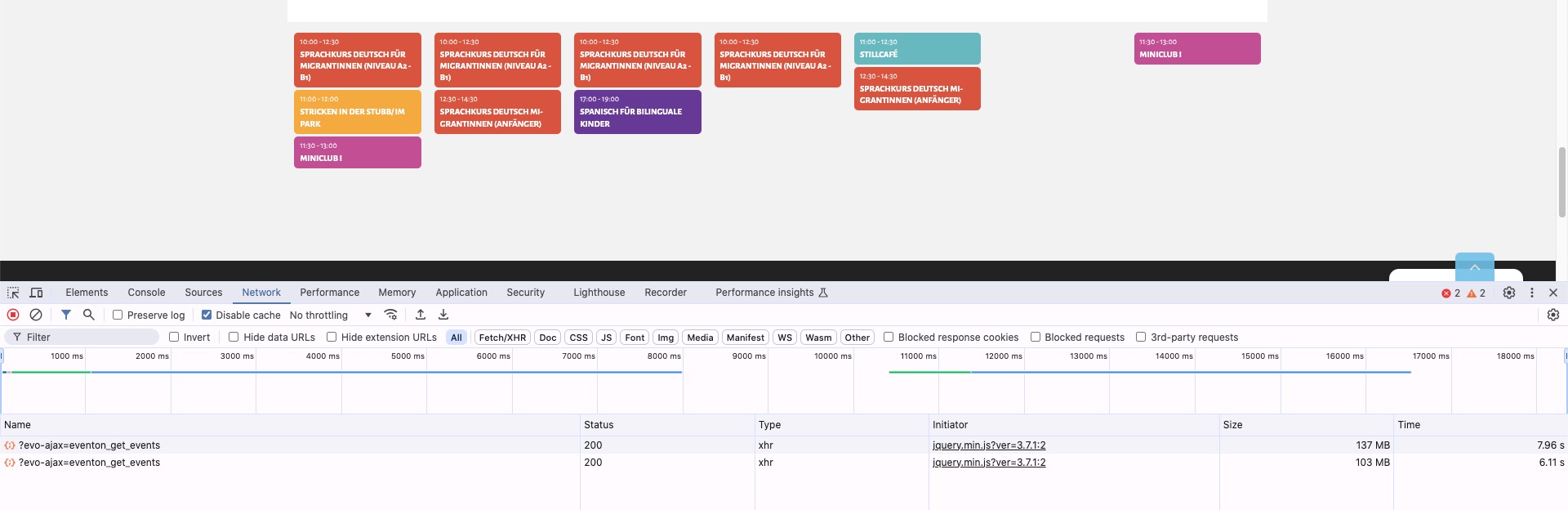
Requests from EventON on our site are much smaller in size.
Just for a test could you please try the instructions mentioned in this documentation?
Reply to: tickets(382540)
It seems that when you import events some of their IDs are already in use by other content on your website, so there is an issue with CSV Importer.
You can open it in Excel for example, and then change the whole column at once.
Reply to: tickets(382671)
Hello,
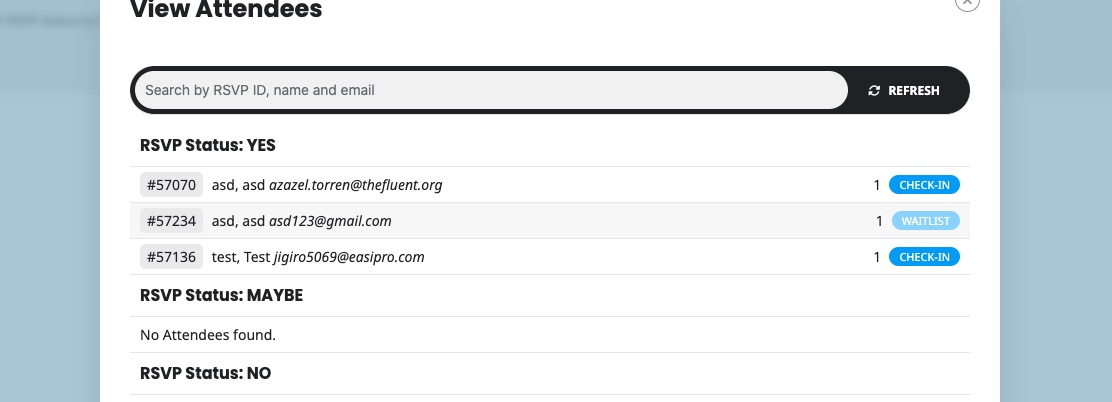
Where do you see the status? On my side it just says Waitlist:
 Please send us wp-admin access to your site as a private message for us to further assist your situation.
Reply to: tickets(382534)
Hi,
i am using this. But if i make refresh of administration site, so this symbol dissapear :/
So it is not good solution 🙂 Is some different symbol, which stay there? Gap or something.
Thank you.
Lukas
Reply to: tickets(382039)
Could you try manually clearing your browser cache? Also try clearing your site cache first if needed.
Reply to: tickets(382039)
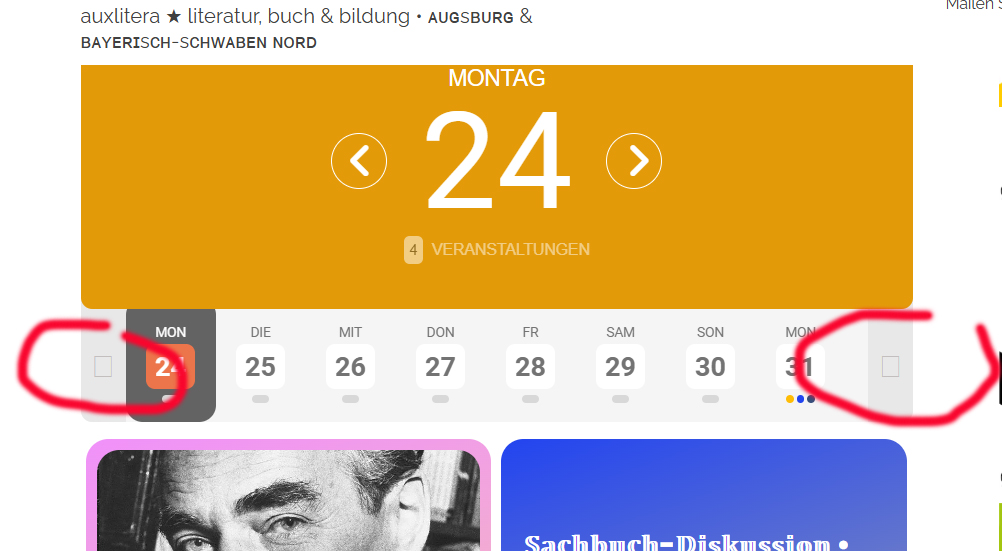
here we go
still looks like this
Reply to: tickets(382540)
Thanks Artem,
I’m not sure I really understand though. Would I need to change all Event IDs of the events that I wish to import for this to work?
Cheers
Tom