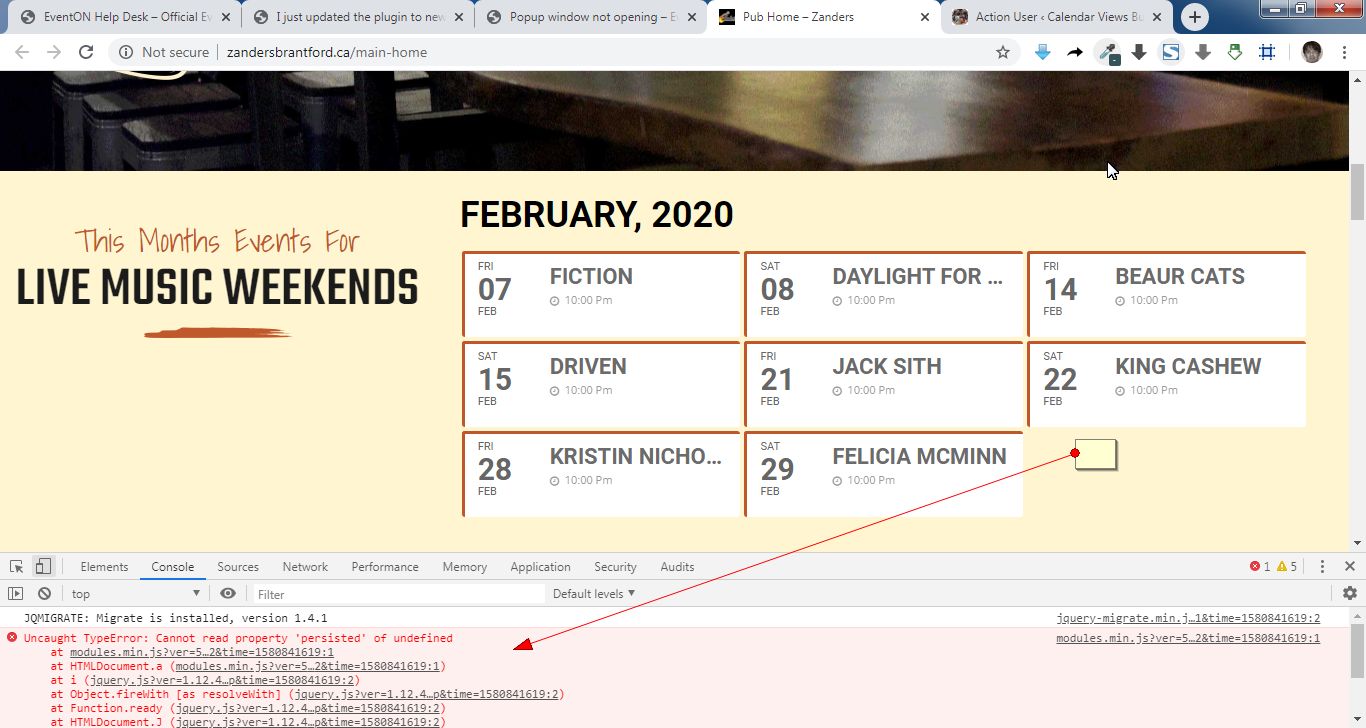
Hello,
It seems your website have javascript errors caused by other plugins/theme. You can find and resolve them by following this guide. Once these javascript errors are fixed, eventon scripts will be able to run properly and will resolve your issue.
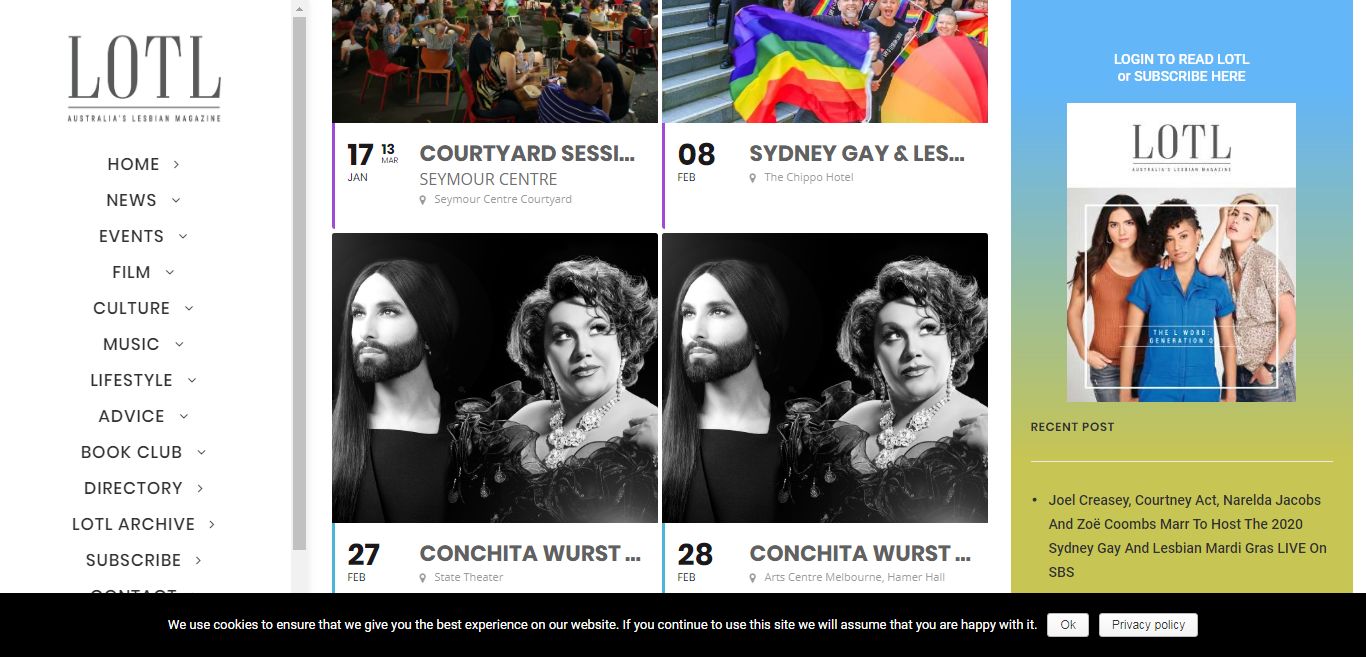
It looks normal on my end.
Can you show us what you are seeing please?
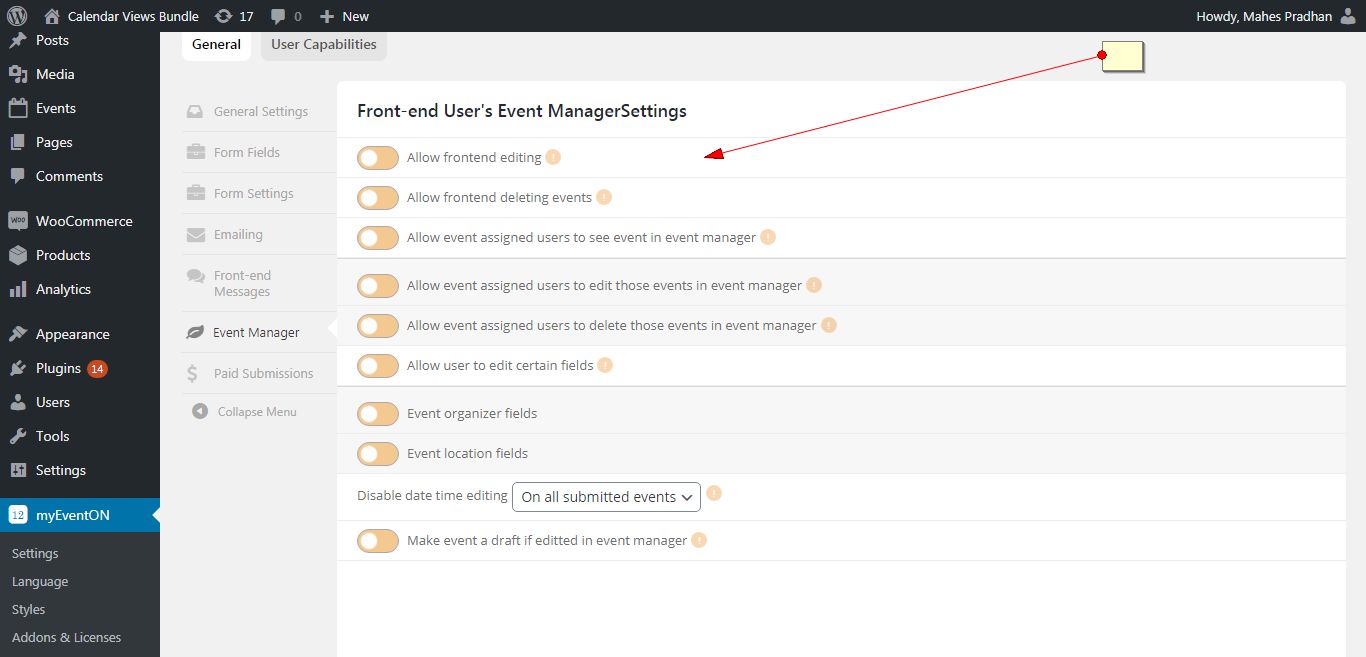
Hello,
Please go to myeventon>action user >event manager and make sure those options are enabled.
Ashish has accepted the job for 150
Can you share your website address too?
Okay, I got that fixed… resaved permalinks, strange. Thanks for your help-
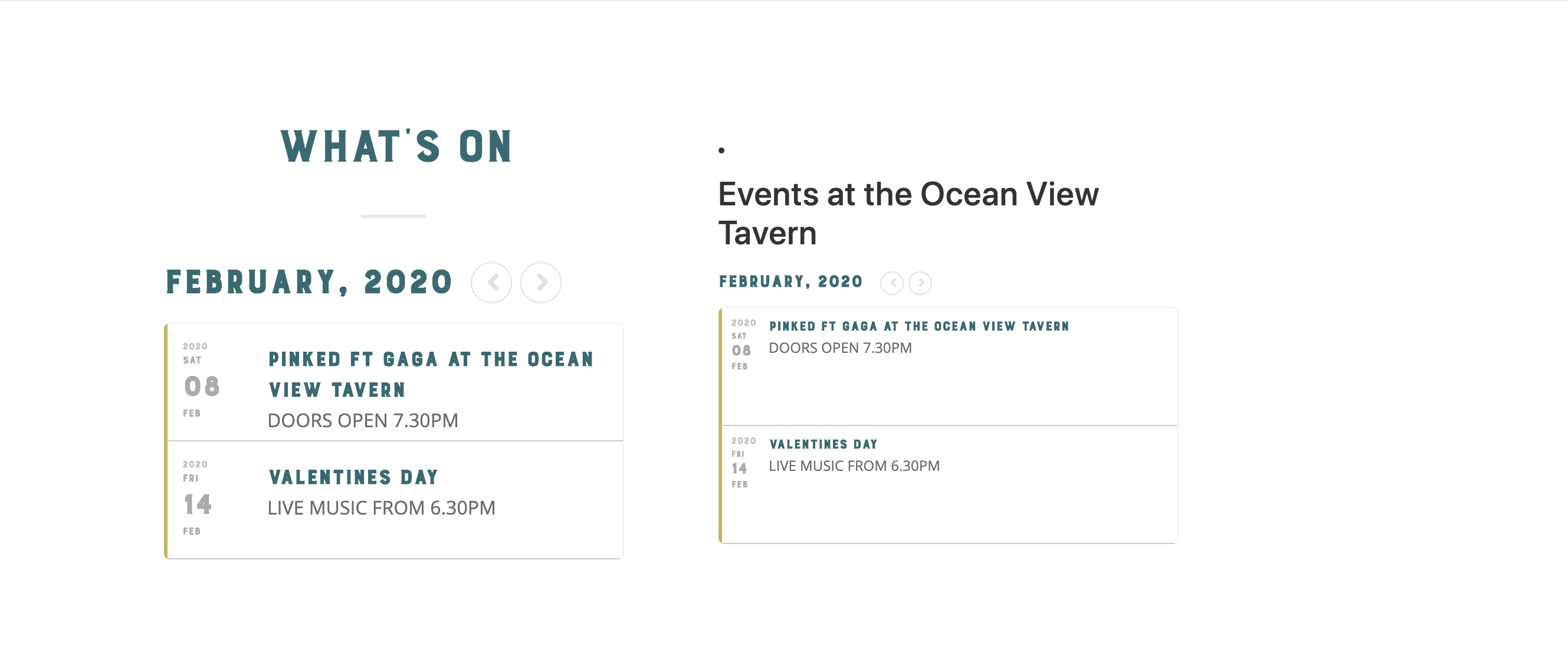
thats just showing the same thing.
Is there a way to show a calendar on the right rather than the same thing?
Ok, done. But the reason I was doing the update is still happening. You can see on my home page, https://northforkcreative.org, it says there are no Feb events, which is not the case.
And on the Events page itself, it is all messed up broken. April is showing up under February, and the other months are not working. https://northforkcreative.org/event-list/ Can you help?
Customer completed payment of 200 for the job.
I’m a novice at this, I can’t code so I’m learning as I go. I don’t understand your question 🙁
I was trying to create a dropdown of the the same item with options offered on the other test page. I thought I followed all the instructions per the guide:
http://docs.myeventon.com/documentations/set-variable-prices-tickets/
I created the item, I used the guide to create the variables, each has a unique SKU, price & is in stock. What have I done wrong ?
…and you have my login info, so I assume you’ve looked ?