Hi!
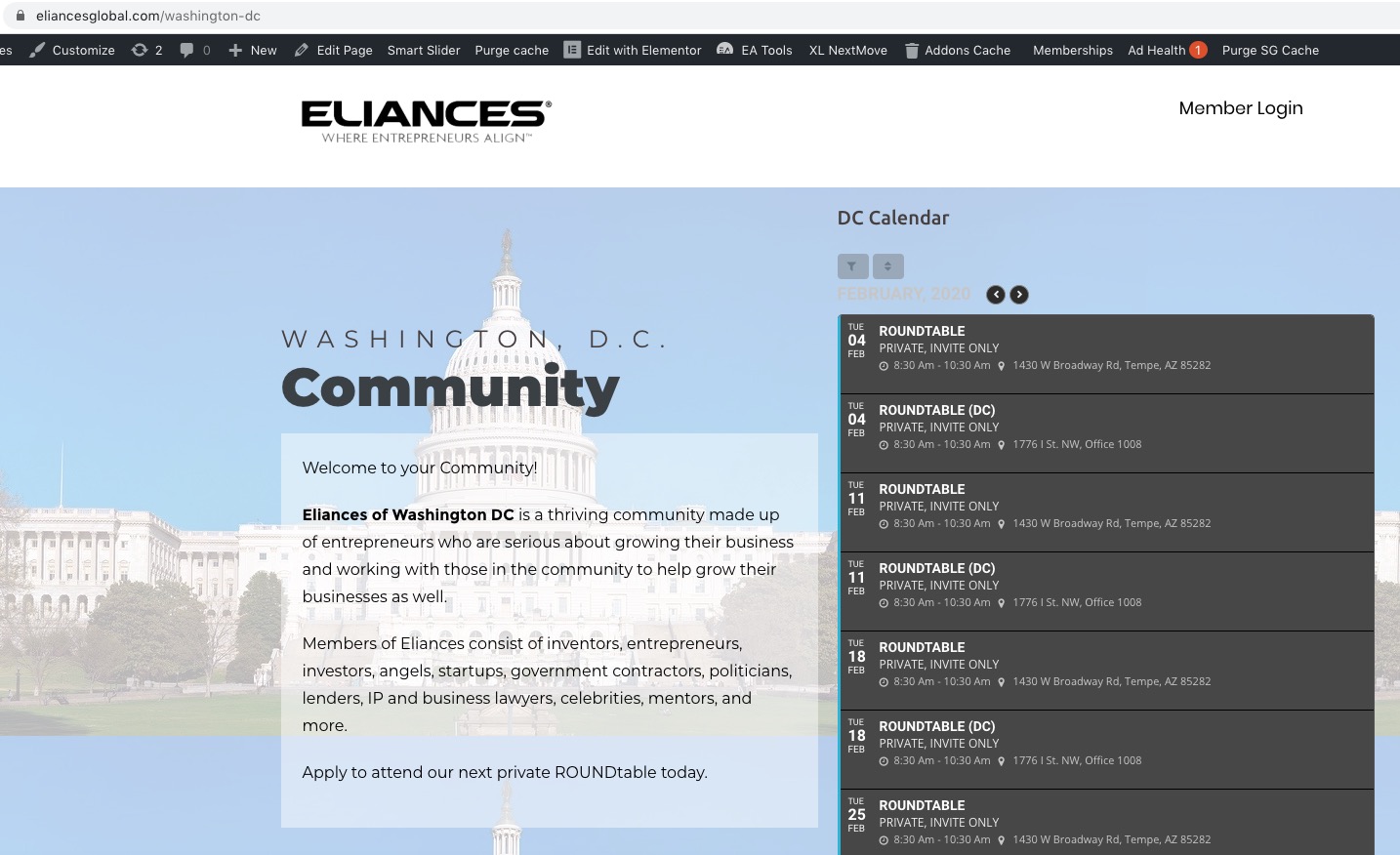
I also had this problem, and adding ux_val=”3″ fixed it for standard EventOn events.
But it is not working if you are using the “Event Slider” AddOn.
Do you have a fix for Event Slider as well?
You have the same issue on your own demo here:
http://addons.myeventon.com/event-slider/
Hello,
Booking add-on requires Tickets add-on. So you need to buy both of these plugins. However if you just want to accept registrations then please check this add-on instead: https://www.myeventon.com/addons/rsvp-events/. You don’t need to purchase anything else accept EventON and RSVP add-on. However please note that you cannot sell tickets with RSVP add-on.
Try on http://dev.myeventon.com/wp-admin/
Unfortunately, no. It seems that the only possible solution is to open events as Single Event Page by adding this to the shortcode:
ux_val=”4a”
Or this
ux_val=”4″
Hello,
Please check for latest version of this software from hereYour issue might be related to an older version you are running and we might have resolved this already in the newer version update. If you are on latest version of our software and the issue still persist please let us know.
Unfortunately, I cannot login because of “An Authentication Code has been sent to the email address associated with your account. Look for an email with “Login Authentication Code” in the subject line.”. Could you check?
Could you send me a screenshot of this part:
Could you also try a different machine or a device to create an event?
but the real event I posted yesterday wasn’t emailed to anyone,
Could you send me a link to this event?
Could you please try the instructions mentioned in this documentation to make sure your issue is indeed coming from eventon.