Please check these instructions:
To update eventon to latest version: If you are unable to do autoupdate, you can go to codecanyon your account > download and get the latest eventon version as zip file. Then you can go to your website, deactivate old eventon, activate (Do not delete eventon settings & data when EventON is uninstalled) from eventon settings, delete old eventon, install new one and activate. This link will further explain the process it. Also you can follow us on twitter to get real-time announcements on updates!
To update eventon addons: You can download latest eventon addons from myeventon > my account. Then you can go to your website, deactivate old addon and install new one and activate then delete the old addon. This link will further explain the process. Also you can follow us on twitter to get real-time announcements on updates!
Hello,
Please go to EventON > disable “Auto move events to trash when the event date is past”.
Hello,
I cannot find this order id under smk921@gmail.com. Do you have a different email we can check?
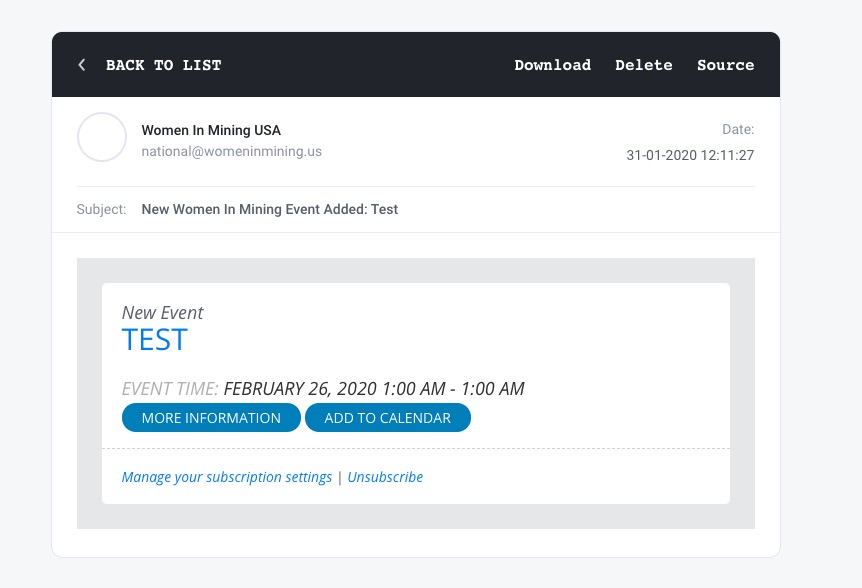
Even with this email I still was able to receive a notification email:
https://www.womeninmining.us/wp-admin/post.php?post=11565&action=edit
Have you tried emails from this (or any different from yours) website: https://temp-mail.org/en/?
Hello,
I cannot find any purchases under this email: jhebert@gcommercesolutions.com
Could you send us your Order ID?
Also is this for the main plugin or one of our add-ons? If add-ons please check https://docs.myeventon.com/documentations/how-to-deactivate-eventon-addon-licenses/
Hello,
Please go to EventON > EventCard > Feature image display style > select Direct Image.
Event Lists: Ext shows events from different months so when the event runs from July to August you can see it twice. Please add this to the shortcode:
hide_mult_occur=”yes”
Ashan,
https://artsandhealthhub.org/wp-admin/post.php?post=667&action=edit RSVP statistics says 21 but I count only 17 + 1 with NO + 2 on the waiting list.
Hello,
If you go to Edit Event > RSVP > View Attendees (first button under “NOTE: All text strings that appear for RSVP section on eventcard can be editted via myEventon > languages”) you can see that there are 17 attendees with 2 on the waiting list. So please don’t worry about the additional people.
But it seems that there is an issue with Event Capacity.
Thank you for your messages, I am going to assign this ticket to Ashan and he will be able to take it from here and find you a solution. Please allow some time for him to get back to you, we greatly appreciate your patience and thank you for being a eventon customer! Also please disable any IP blocking on your site if there are any.
Please send us FTP access to your site so our main developer can check this.
Hello,
Please add this to the shortcode:
ux_val=”4″
Or this one:
ux_val=”4a”
In addition, I paid for a customization and the work WAS NOT FINISHED…
Thank you for your messages, I am going to assign this ticket to Ashish and he will be able to take it from here and find you a solution. Please allow some time for him to get back to you, we greatly appreciate your patience and thank you for being a eventon customer!