Hello,
Please go to EventON > Time Settings > enable Allow universal event time format on eventCard > for Year use Y, a for PM/AM and so on.
Replies for tickets on suppota
Hello,
Please go to EventON > Time Settings > enable Allow universal event time format on eventCard > for Year use Y, a for PM/AM and so on.
plz login here
https://break-a-leg.jp/wp-login.php
Hi Ashish
Thanks, we are here.
WP Admin
eventon_master
(wZ*KXVl20F8JI#QNDNFitRr
FTP
Host
sv7088.xserver.jp
User name
eventon@break-a-leg.jp
PW
MdkeRak9dKa
Best
Please add this CSS code to EventON > Styles (If you can’t see any change, EventON > turn off Write styles to header > save settings > turn on Write styles to header):
.evosub_subscriber_btn .fa { font-family: evo_FontAwesome !important }
Hello,
The problem is in Lazy Loading functionality from the theme or a third-party plugin:
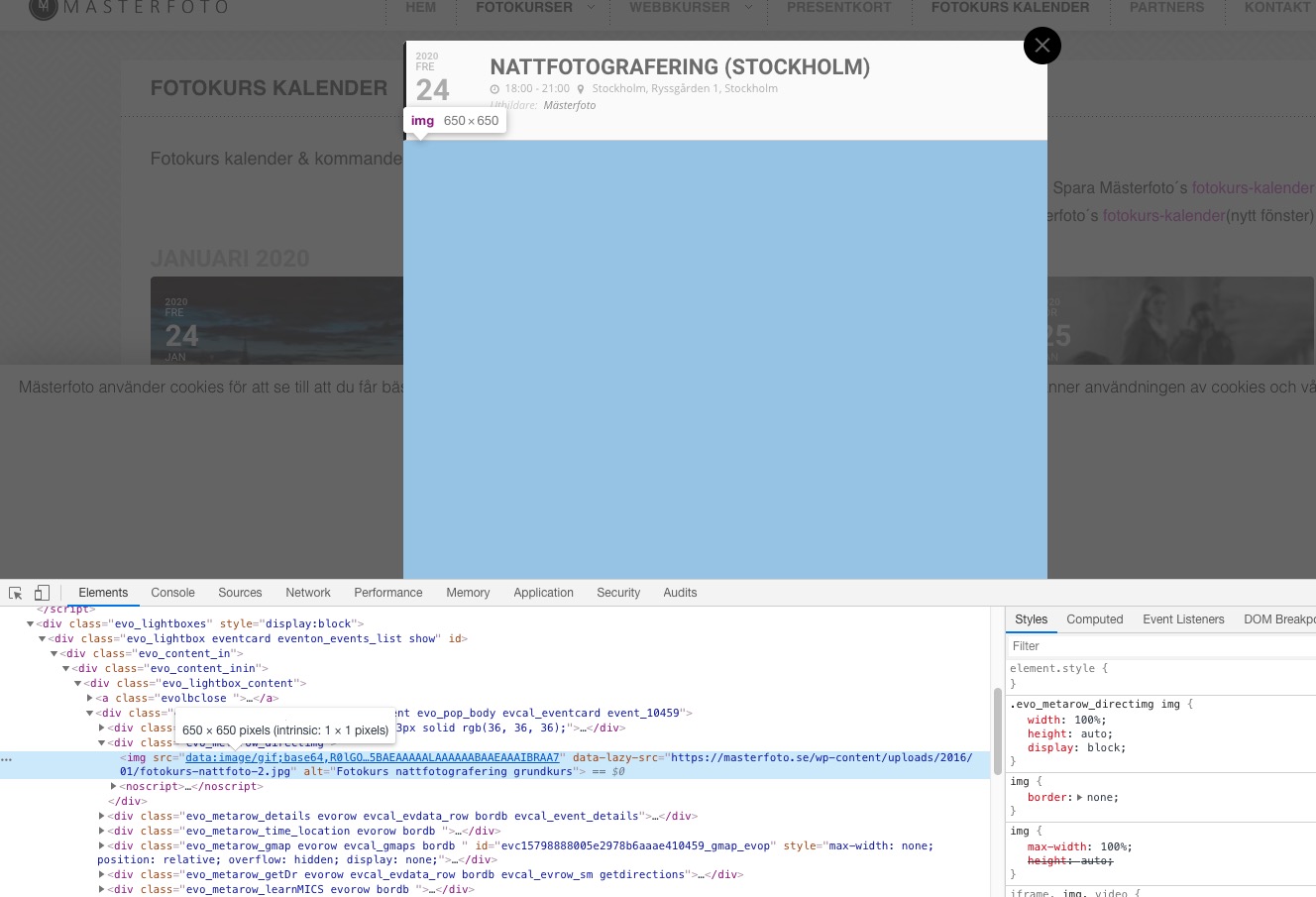
Could you please try the instructions mentioned in this documentation?
Ashan,
Please check Jan 23,2020 AT 1:16AM – Posted 3 Hours Ago – #159642
Thank you for your messages, I am going to assign this ticket to Ashan and he will be able to take it from here and find you a solution. Please allow some time for him to get back to you, we greatly appreciate your patience and thank you for being a eventon customer! Also please disable any IP blocking on your site if there are any.
Hi, thanks for your reply.
I still see it as a listing, not a calendar.
What I would like to get is a calendar style with every day of the month, like this image: https://imgur.com/H27tba2
On the other hand, the listing, I would like you to see the style of this example https://imgur.com/cEk7UeX
thanks
We are glad your issue is resolved, if you have any further questions or concerns please create a new ticket.
If you have a moment, we would greatly appreciate if you could kindly leave us a review at codecanyon! from your account > downloads. Cheers!
Please use this widget https://docs.myeventon.com/documentations/use-eventon-shortcode-executor-widget/ with this shortcode:
[add_eventon_list number_of_months=”3″ hide_empty_months=”yes” hide_month_headers=”yes” ]