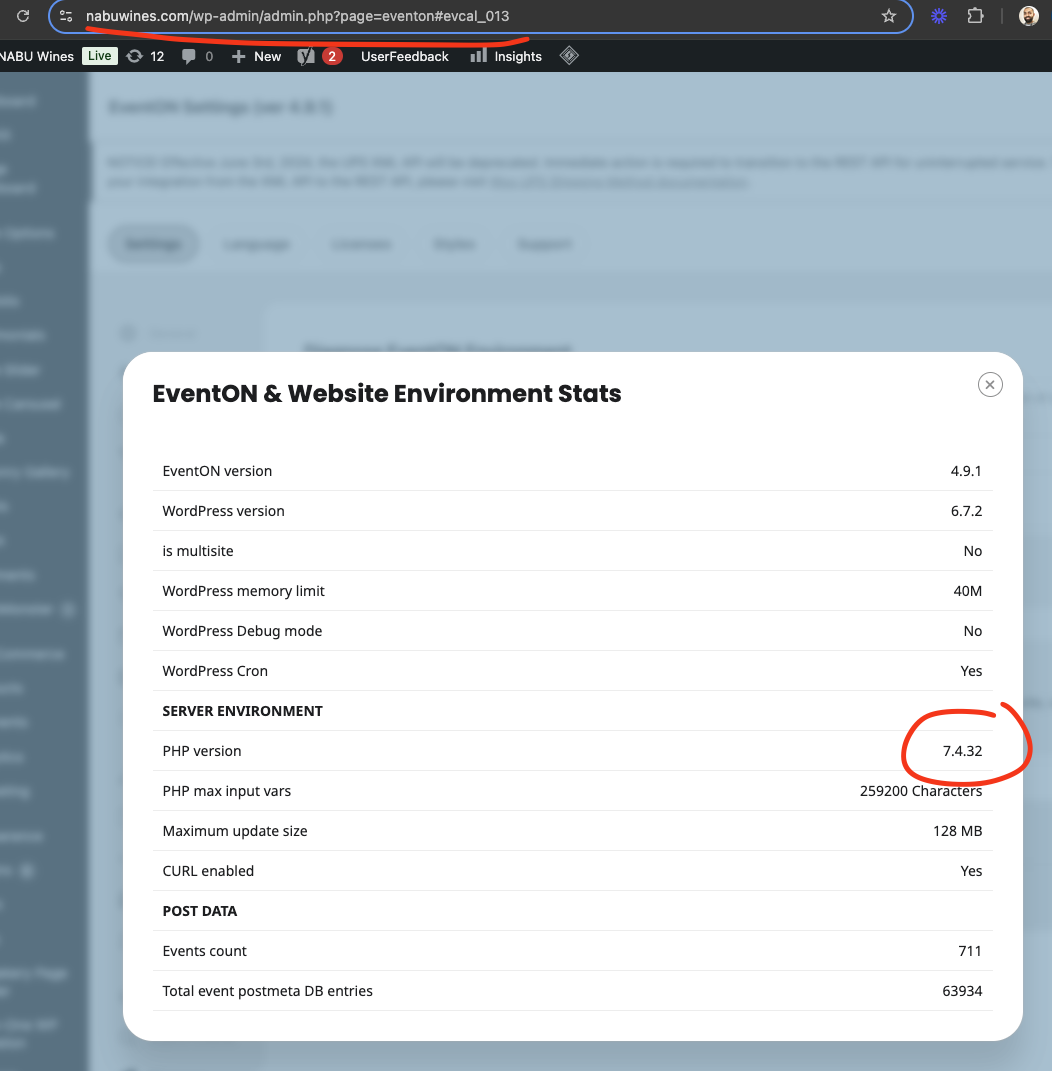
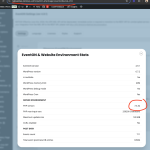
I think the cause of most of these issues have to be the old php version.
According to the official PHP support timeline, PHP 7.4 received active support until November 28, 2021, and security support until November 28, 2022. After that date, it no longer receives updates or security fixes from the PHP development team, effectively making it deprecated and unsupported.
Any chance you can update the php version to 8.2? lot of these errors you are getting are caused by this.
Hello Greg thank you so much for using EventON!
Let us see how we can resolve your issues 😉
Thank you letting us know! Ashan will check this as soon as possible.
Thank you for letting us know of this we have recognized this and will probably release an update to eventON with this fix and several other issue we have recognized.
Hello,
The shortcode you need to use:
[add_eventon_list number_of_months=”12″ hide_empty_months=”yes” show_year=”yes” tiles=”yes” tile_bg=”1″ tile_style=”1″ tile_count=”3″]
Just in case if quotes are wrong:
https://pastebin.com/KmsX4uRN
Now in order to change the background, please go to EventON > Appearance > EventTop > Background Color. If you don’t see any change, EventON > Scripts & Styling > turn off Write dynamic styles to header > save settings > turn on Write dynamic styles to header.
We are glad your issue is resolved, if you have any further questions or concerns please create a new ticket.
It seems that some of HTML tags are also affecting EventON. Can you remove them and only leave text and images?
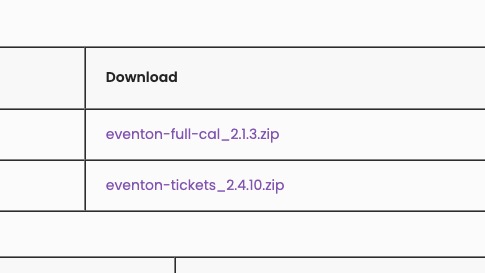
The invoice is for add-ons only. You can download them by clicking on one of these two links:
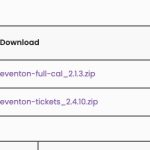
But in order to work they also require the main EventON plugin you can find and purchase on CodeCanyon here:
https://codecanyon.net/item/eventon-wordpress-event-calendar-plugin/1211017
After the purchase you can download it from https://codecanyon.net/downloads
Just make sure to download “Installable WordPress file only”, so it was easier to install.
Next go to your WordPress installation > Plugins > Add New Plugin.
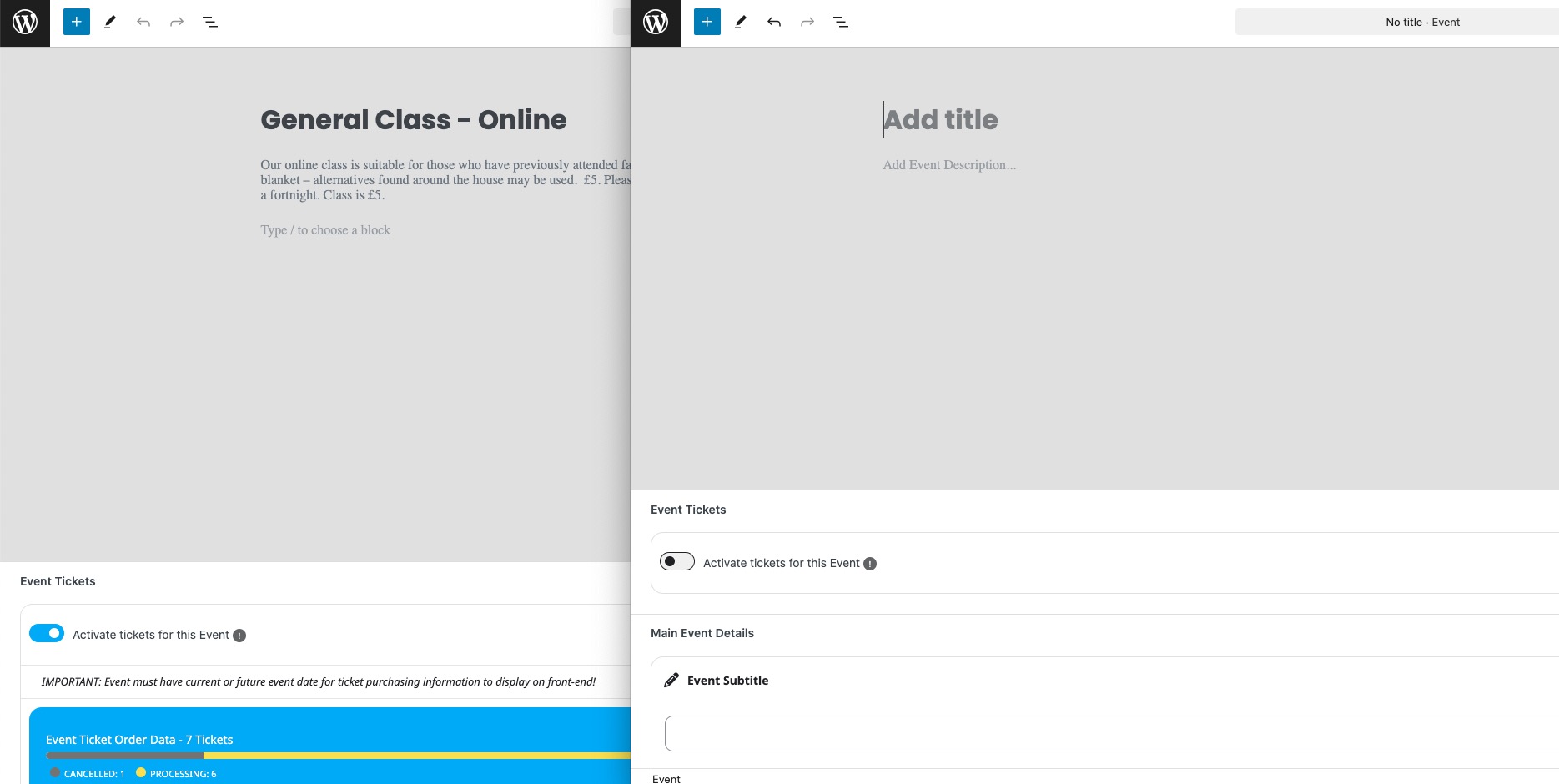
Could you try manually clearing your browser cache? Seem to be working on my side (Add New and Edit Event):