I am going to assign this ticket to Ashan, since it’s strange that your shortcode doesn’t have any Event Type classes.
Archives: Replies
Replies for tickets on suppota
Reply to: tickets(157946)
Thank you very much for sharing your solution with us! If you have more questions please create a new ticket.
Reply to: tickets(160283)
Hello,
It seems that you’ve managed to solve this:
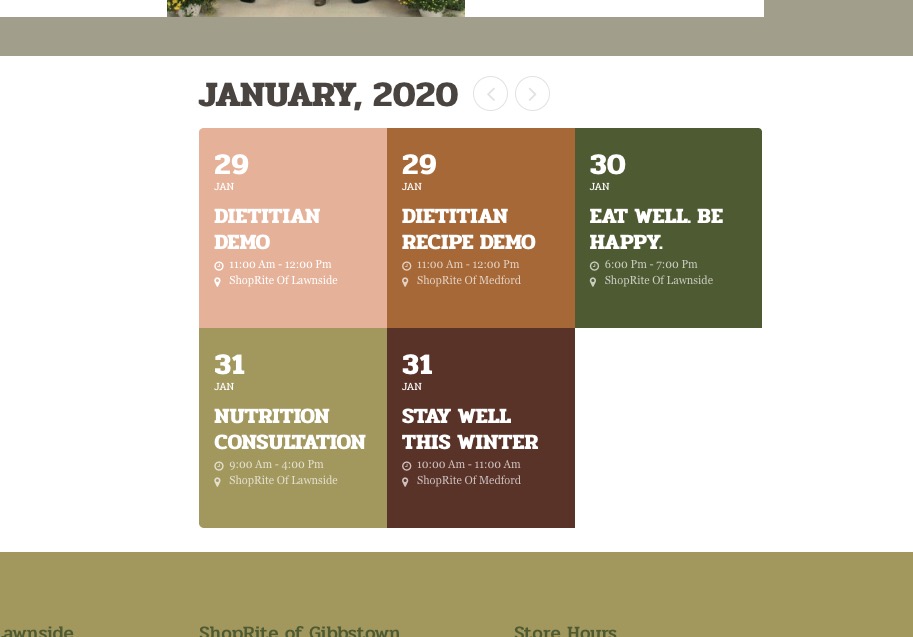
Could you let us know if you still need our help?
Just in case this is where you can add the location and date/time info to EventTop from: https://docs.myeventon.com/documentations/how-to-show-various-information-in-eventtop/
Reply to: tickets(159993)
Reply to: tickets(159993)
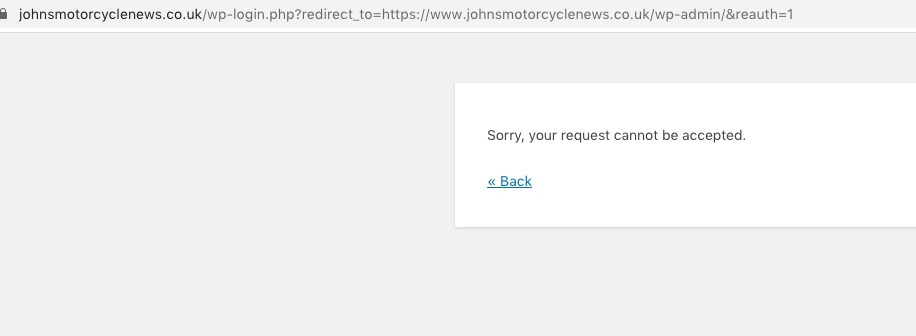
Unfortunately, I cannot login:
Sorry, your request cannot be accepted.
Could you try following this guide: https://docs.myeventon.com/documentations/single-events-page-not-working-404-error/? Please also check if EventON > Events Paging > Select Events Page Template is Default EventON Template.
Reply to: tickets(160184)
I thought maybe Ashan would like to check InfiniteWP on your WordPress installation. But if this is not possible lets wait for his response on this topic.
Reply to: tickets(160026)
I selected Events in EventON > Events Paging > Select Events Page so now the shortcode is working. I also added show_et_ft_img=”yes” so now you can see images. Please check and let me know.
Reply to: tickets(160249)
Reply to: tickets(159758)
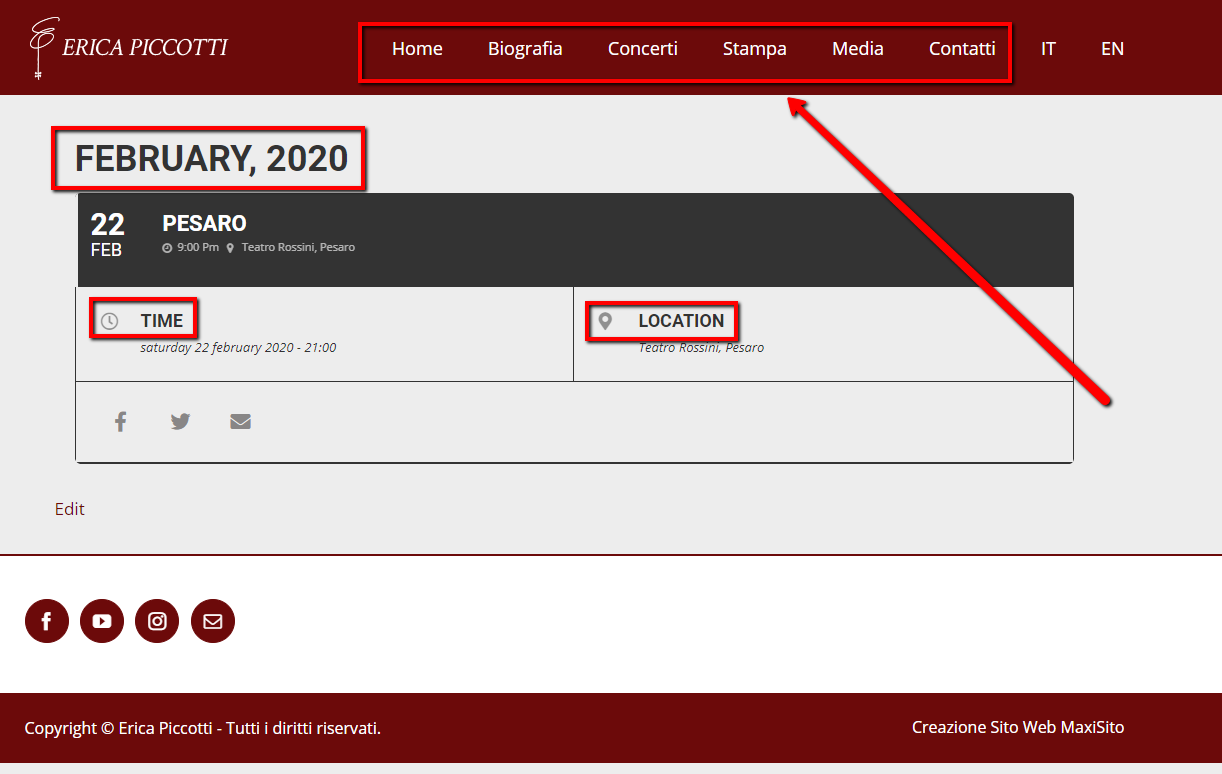
Thank You we have set all but there is a problem with the menu language.
If I go to the HP in ENGLISH: https://ericapiccotti.com/en/
in I click on the ENENT “PESARO” to get details https://ericapiccotti.com/concerti/pesaro-2/var/ri-0.l-L2/
The menu remain in ITALIAN
is there a solution or a workaround to fix this problem?
Reply to: tickets(160042)
Thanks! That certainly made it better. I even set the hight to 600px to get more in there. But the crux of the matter is that we feature paintings for art classes on the calendar and some paintings are in portrait format i.e. higher. Even at 600px high, those images get cropped. Before, the calendar was adjusting automatically.
Do you have a snippet that would make it fluid and work with Hight: 100%?
Many thanks!